
Festival ideas
How to create a Holi photo status for WhatsApp
Make a colourful Holi photo status with a clear greeting, a personal photo and a format that looks good on a phone screen.
FROM THE COLLECTION
Find a design for your greeting
Start with a vertical Holi layout for status sharing. Leave space around your photo and greeting so phone controls do not cover the important details.
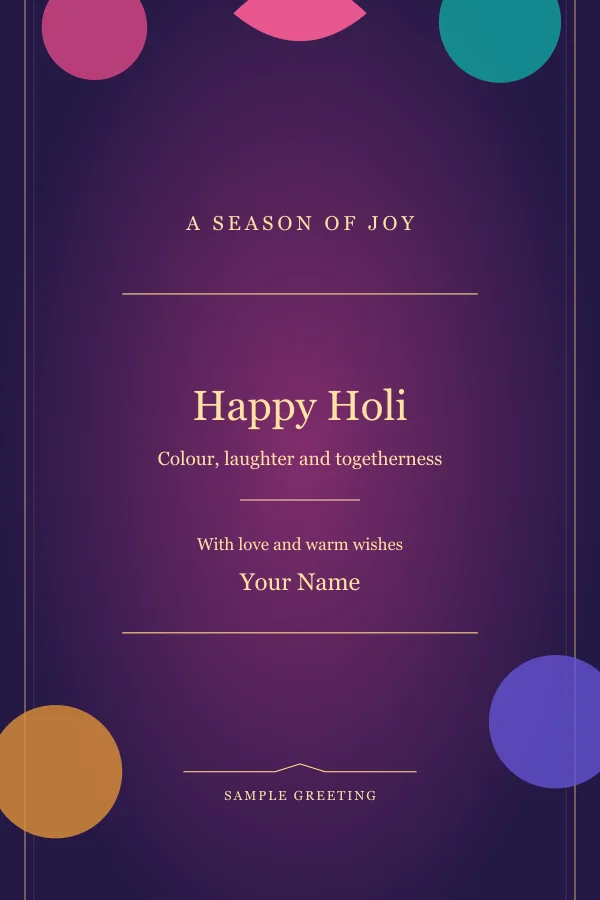
Holi wishes sample
Explore these templates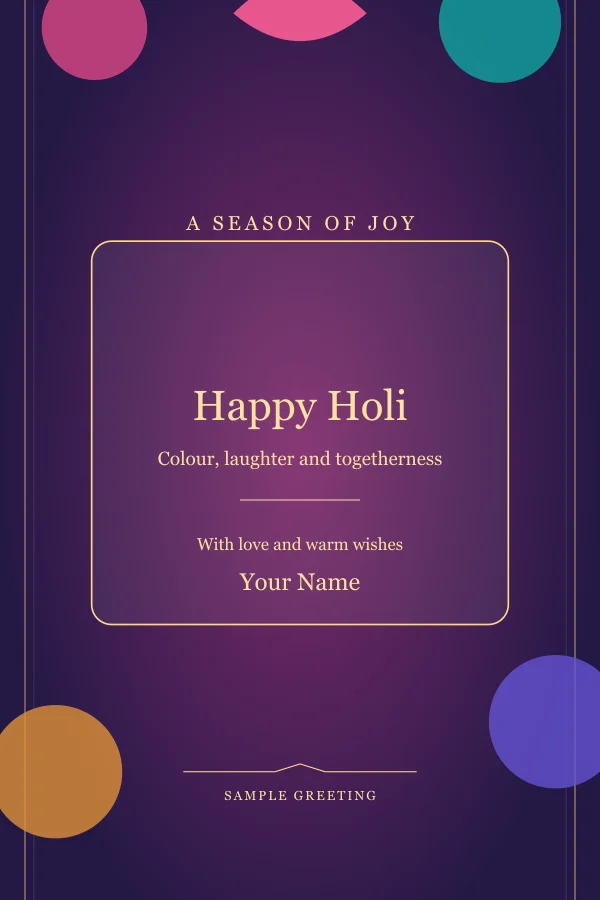
Holi status sample
Explore these templates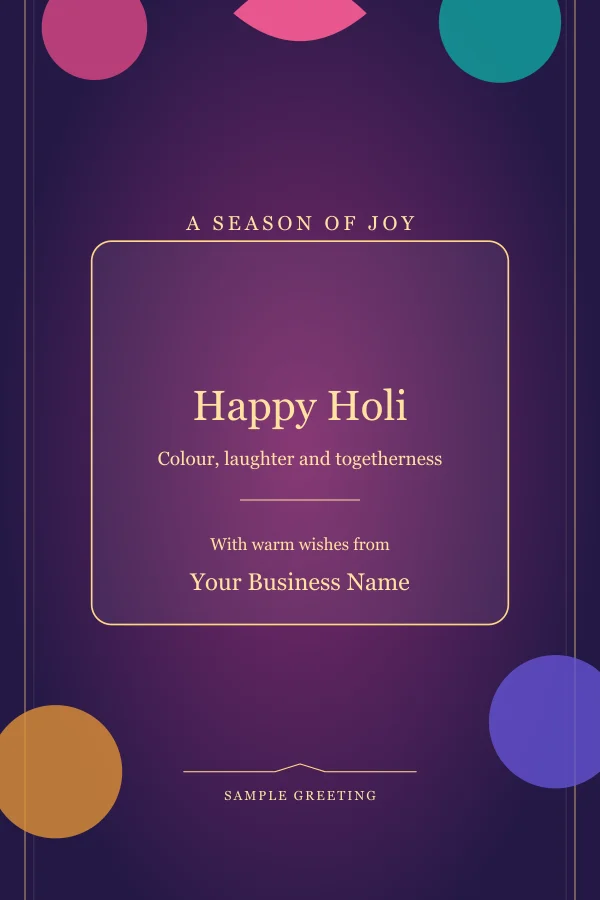
Holi business posters sample
Explore these templatesChoose a vertical design
WhatsApp Status and Instagram Stories are viewed vertically, so begin with a template designed for that shape. A vertical layout gives your photo, greeting and name room to breathe.
Avoid placing important words too close to the top or bottom where app controls can cover them.
Continue with Make a Holi photo status.
Use a clear personal photo
Pick a well-lit image with faces that are not tightly cropped. A simple background makes it easier for the festive colours and greeting to remain visible.
Preview the status at phone size and check that the photo still feels natural after cropping.
Continue with Choose a short Holi greeting.
Keep the wish short
A short Holi greeting and your name are often enough. Put longer personal messages in the chat that accompanies your status rather than shrinking the text.
Download the finished design and view it once before posting it to your status.