✦  BROWSE THE COLLECTION  ✦

500+ Luxury Wedding Designs

Ganesh Theme · Royal Blue · Maroon Gold · Floral · And Many More

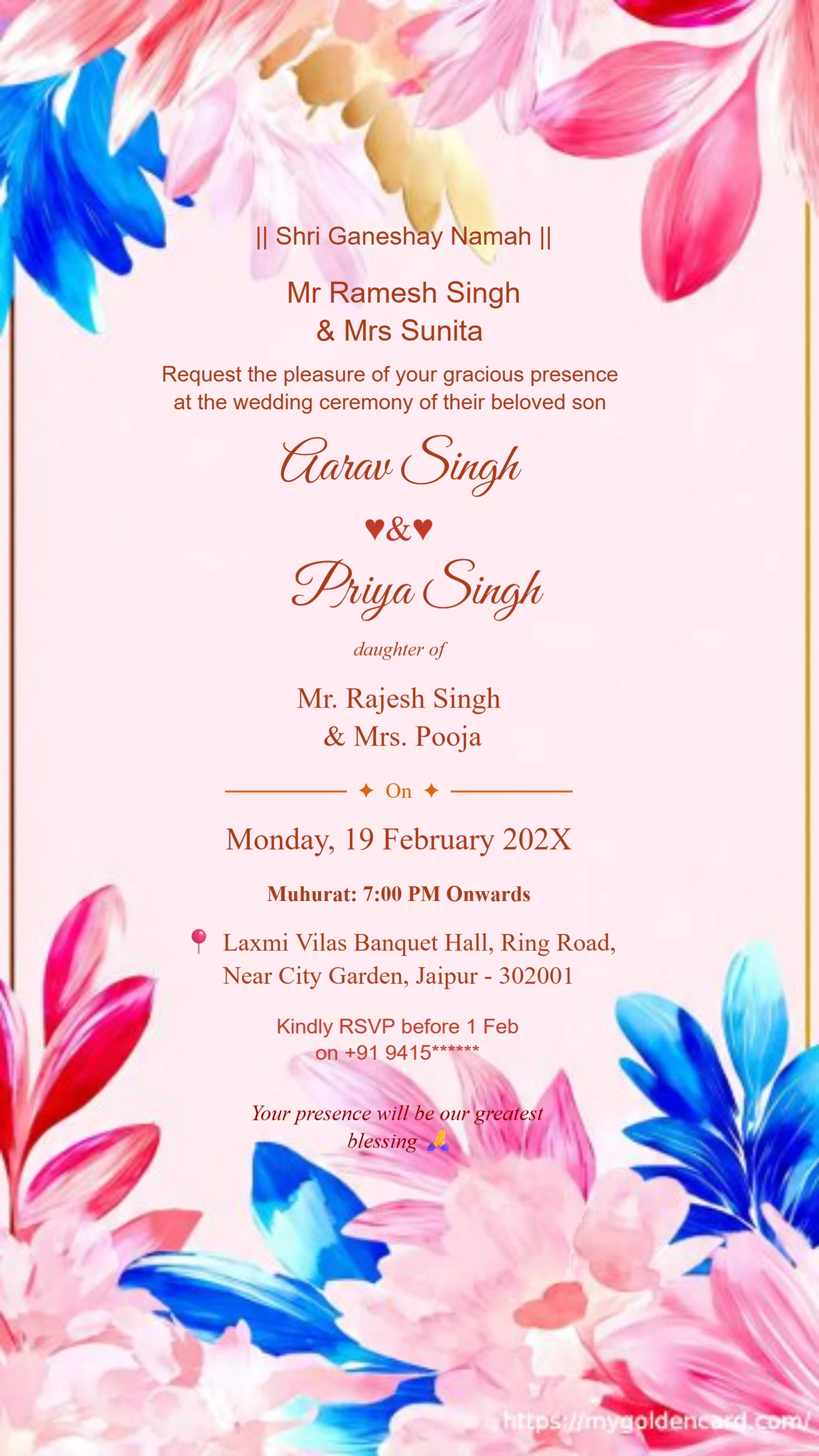
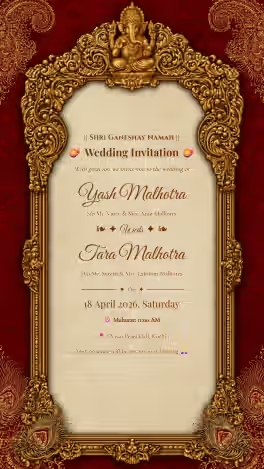
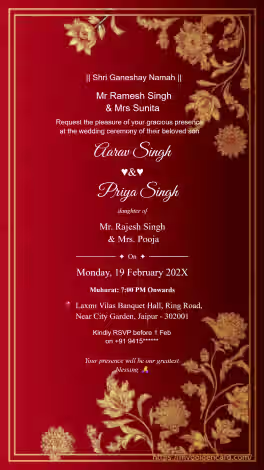
Shri Ganeshaya Namah Hindu wedding invitation card with Ganesh design#1071
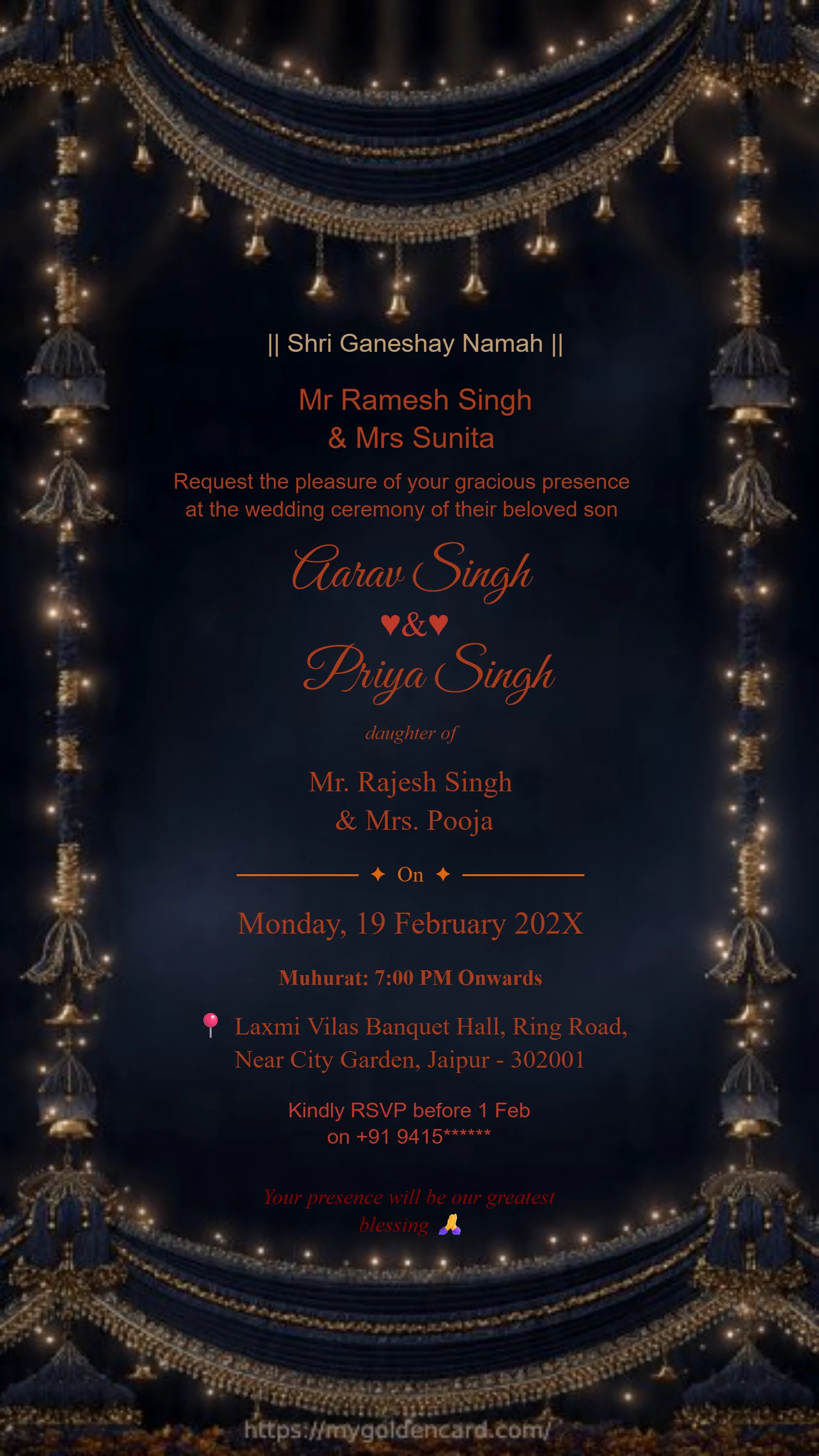
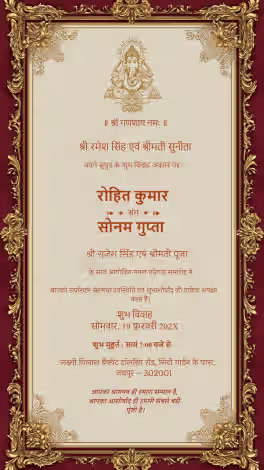
Luxury Ganesh theme Hindu wedding invitation card#1097
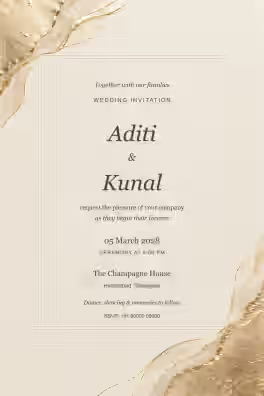
Minimal style Ganesh Hindu wedding invitation card#1005
Indian Wedding Card Gold 17#1105
Premium Indian Hindu Wedding Invitation Card 2#1112
Traditional Hindu Wedding Card 15#1119
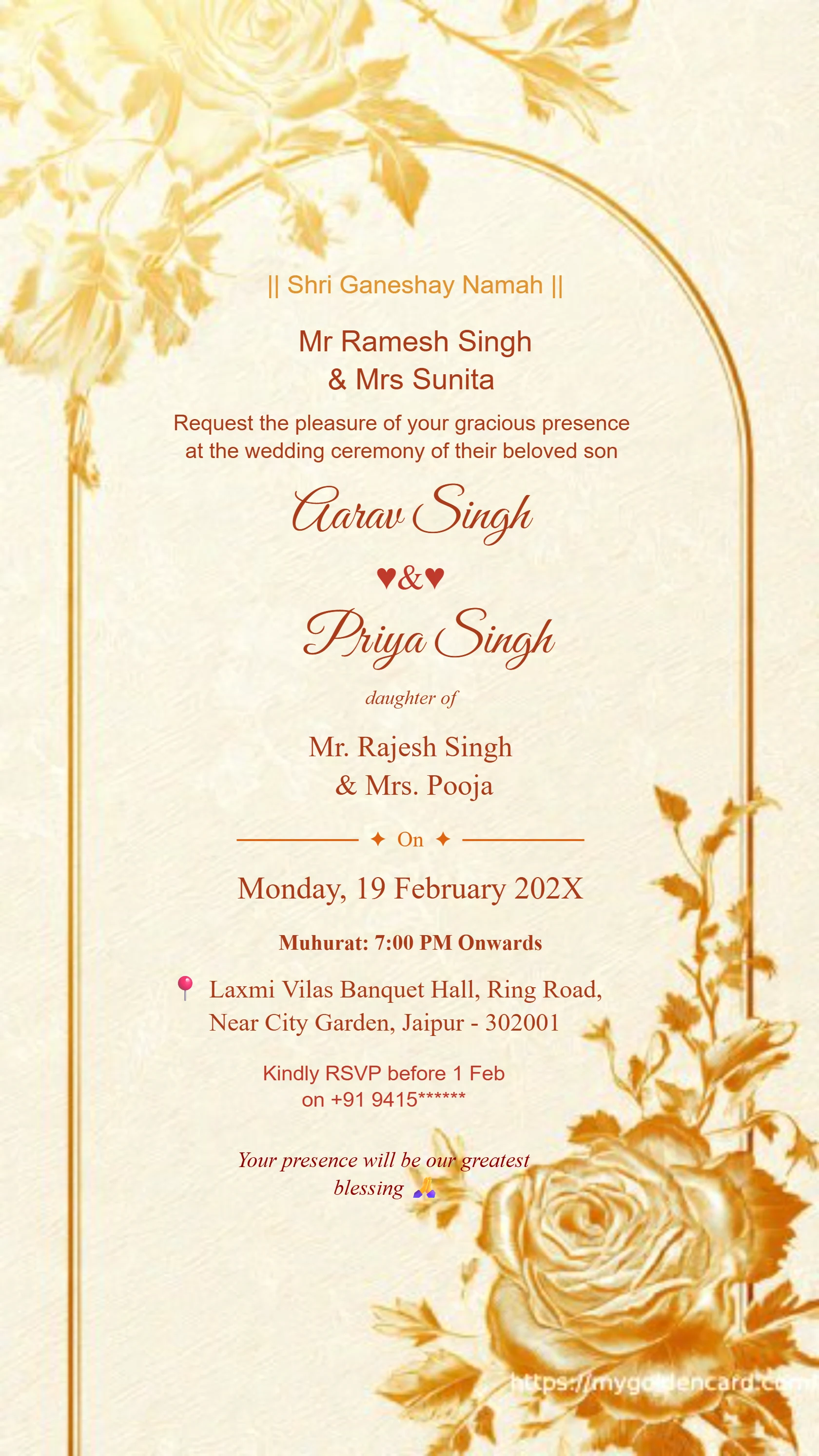
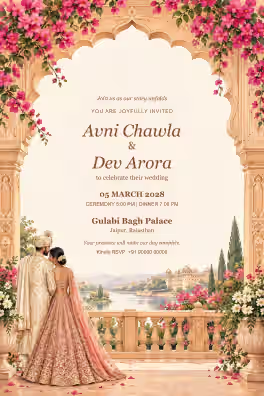
Sunset gold Ganesh Hindu wedding invitation card with floral arch#1125
Premium Hindu Wedding Invitation Card 6#1130
Traditional Indian Wedding Invitation Card in Royal Blue & Gold#2007
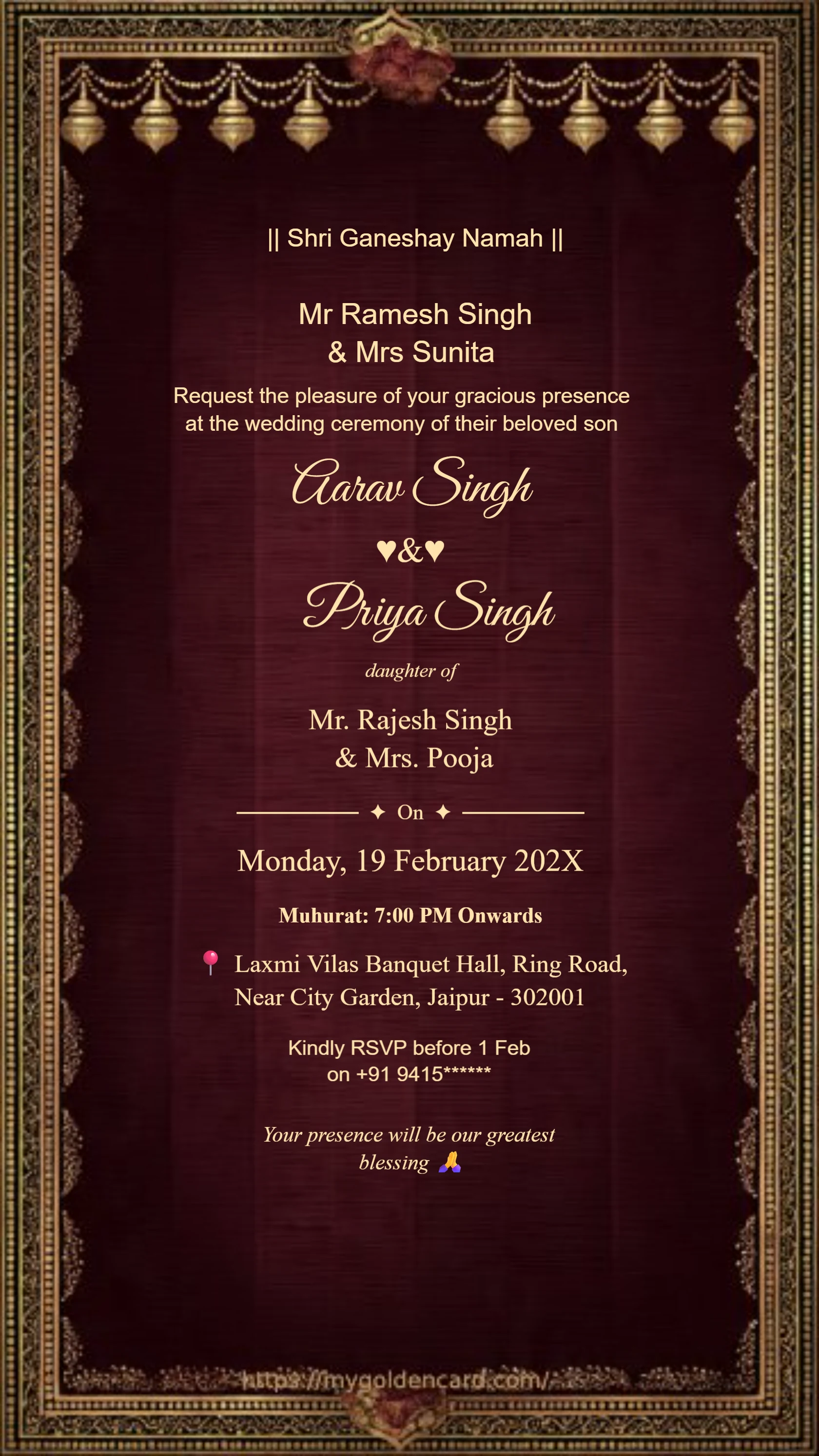
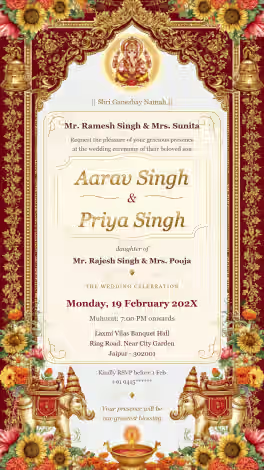
Royal maroon velvet Ganesh wedding invitation card with elephant motif#2011
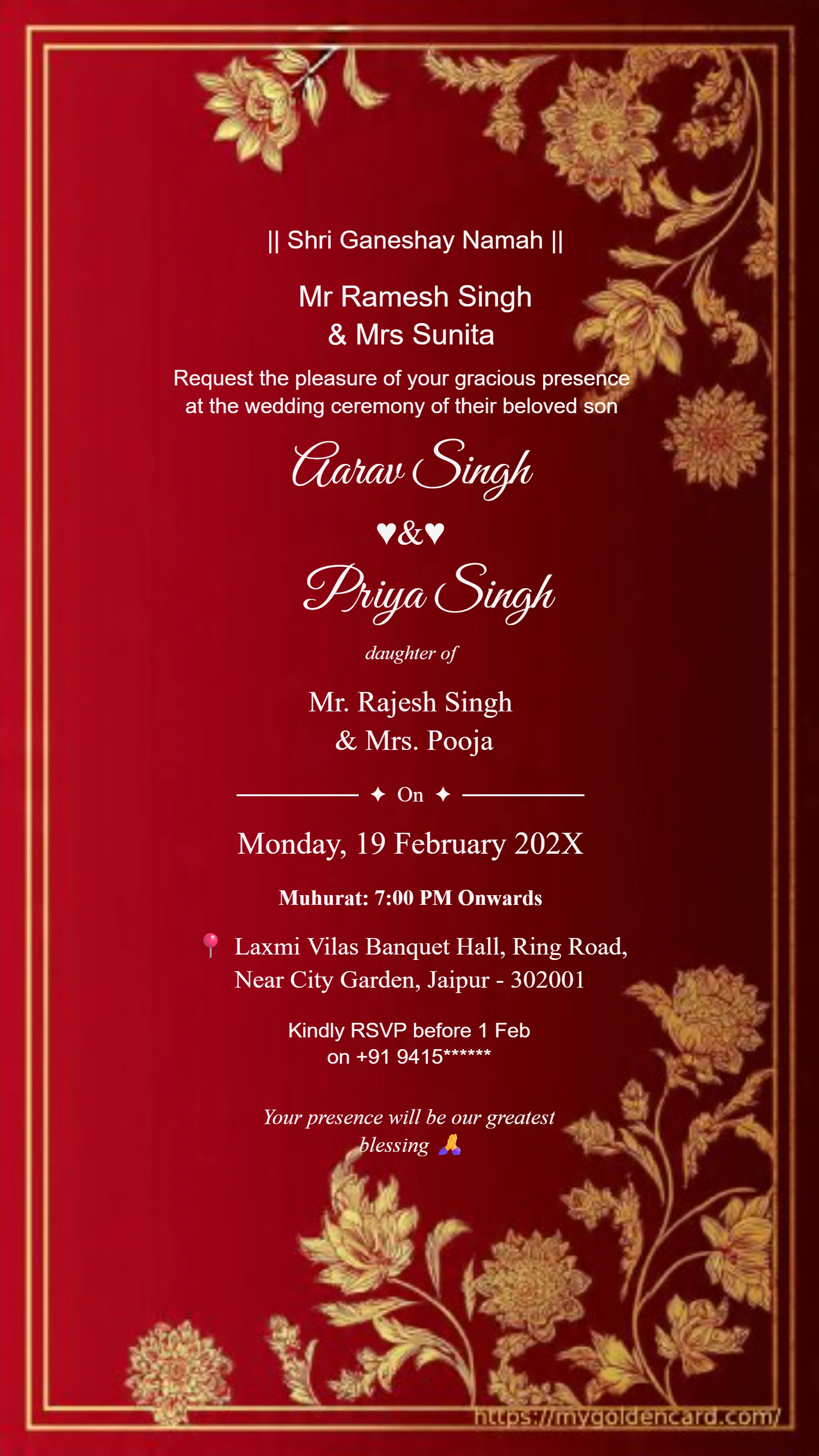
Luxury Wedding Invitation Floral Gold Frame#3003
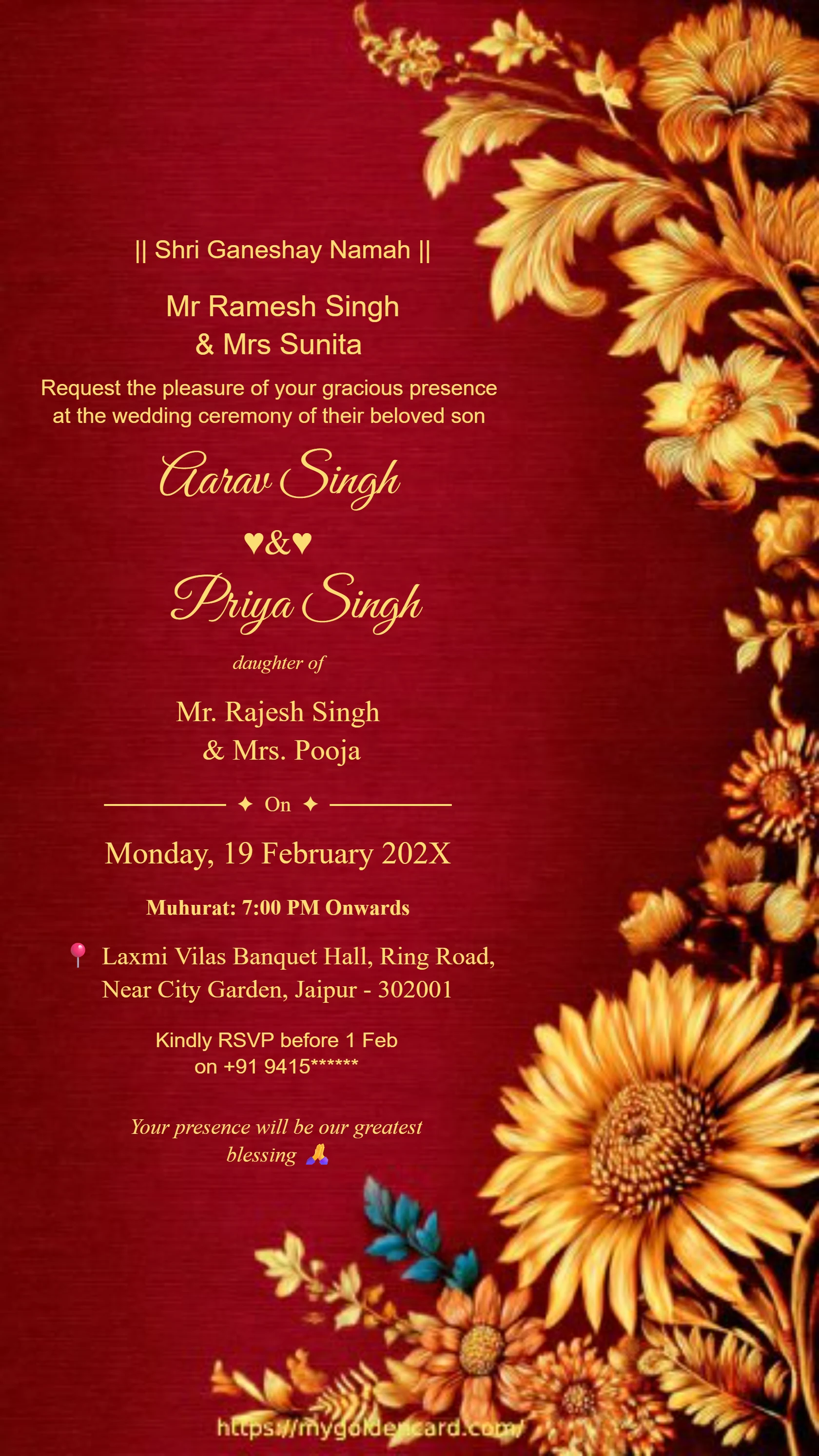
Luxury Maroon Gold Wedding Card Design#3008
Shri Ganeshaya Namah Hindu wedding invitation card with Ganesh design#1071
Luxury Ganesh theme Hindu wedding invitation card#1097
Minimal style Ganesh Hindu wedding invitation card#1005
Indian Wedding Card Gold 17#1105
Premium Indian Hindu Wedding Invitation Card 2#1112
Traditional Hindu Wedding Card 15#1119
Sunset gold Ganesh Hindu wedding invitation card with floral arch#1125
Premium Hindu Wedding Invitation Card 6#1130
Traditional Indian Wedding Invitation Card in Royal Blue & Gold#2007
Royal maroon velvet Ganesh wedding invitation card with elephant motif#2011
Luxury Wedding Invitation Floral Gold Frame#3003
Luxury Maroon Gold Wedding Card Design#3008
Royal Hindu wedding invitation card featuring Lord Ganesha#1006
Divine Ganesh themed Hindu wedding invitation card#1096
Ganesh Lord Wedding Card 13#1102
Modern Ganesh Wedding Invitation 12#1108
Royal Ganesha Invitation Card 14#1116
Ivory gold Ganesh Hindu wedding invitation card with elephant motif#1122
Floral gold Ganesh Hindu wedding invitation card with elephant motif#1127
Royal maroon and gold wedding invitation#2001
Classic Hindu Wedding Invitation Card Golden Royal Theme#2009
Purple ivory floral luxury wedding invitation card#2014
Royal Wedding Card Design Maroon Background#3005
Premium Hindu Wedding Card Golden Border#3011
Royal Hindu wedding invitation card featuring Lord Ganesha#1006
Divine Ganesh themed Hindu wedding invitation card#1096
Ganesh Lord Wedding Card 13#1102
Modern Ganesh Wedding Invitation 12#1108
Royal Ganesha Invitation Card 14#1116
Ivory gold Ganesh Hindu wedding invitation card with elephant motif#1122
Floral gold Ganesh Hindu wedding invitation card with elephant motif#1127
Royal maroon and gold wedding invitation#2001
Classic Hindu Wedding Invitation Card Golden Royal Theme#2009
Purple ivory floral luxury wedding invitation card#2014
Royal Wedding Card Design Maroon Background#3005
Premium Hindu Wedding Card Golden Border#3011
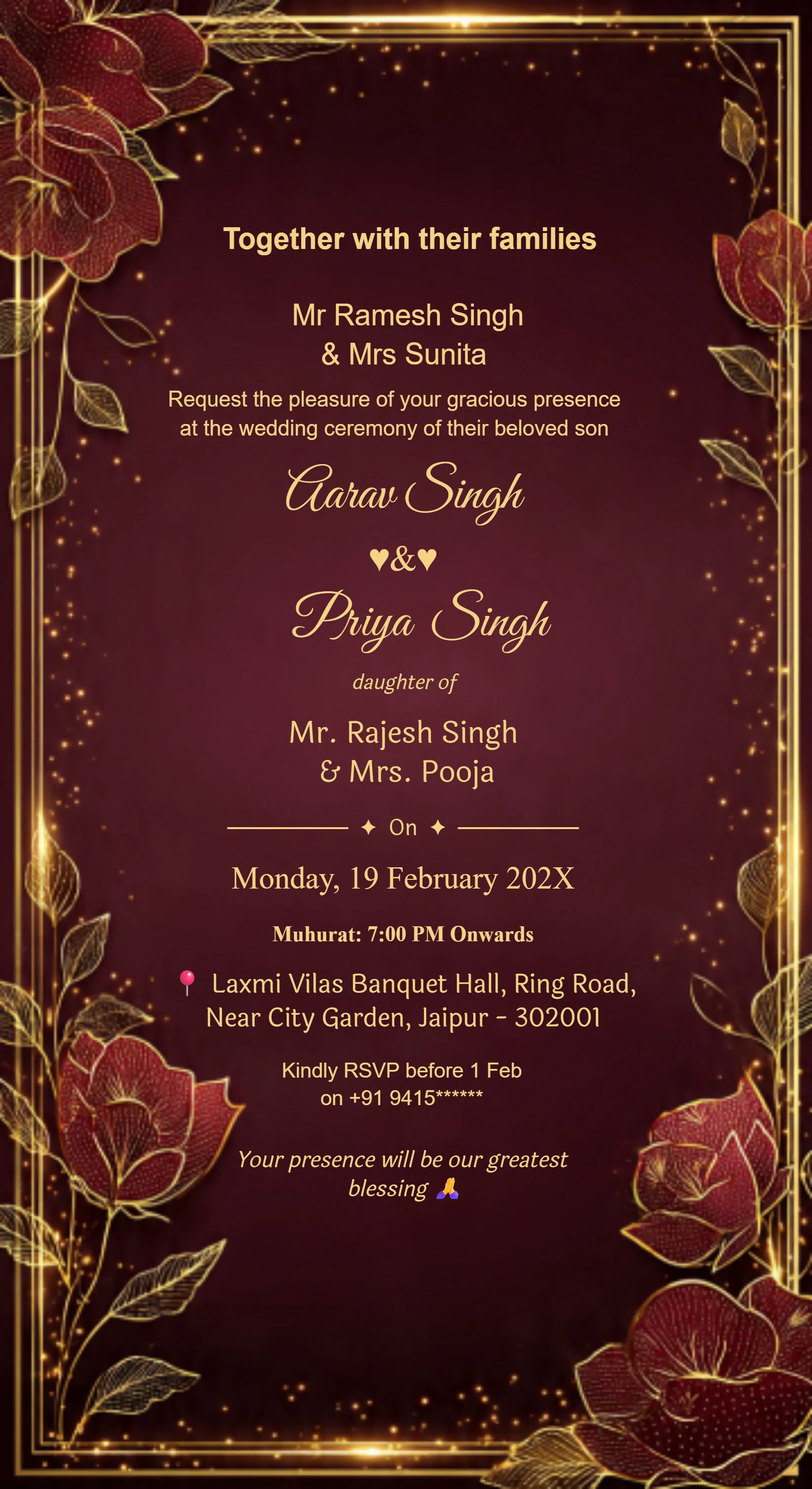
Royal Maroon Gold Wedding Invitation Card

#3001

Wedding Invitation Golden Floral Border

#3002

Luxury Wedding Invitation Floral Gold Frame

#3003

Classic Wedding Card Luxury Gold Design

#3014

Traditional Wedding Invitation Card

#3004

Royal Wedding Card Design Maroon Background

#3005

Marriage Invitation Gold Foil Style

#3006

Premium Wedding Invitation Template India

#3007

YOUR INVITATION, MADE SIMPLE

A readable card and a personal message for your guests

Create a wedding invitation card online, download it using an available option, and attach the finished file in WhatsApp. Add a personal greeting, repeat the essential date and venue in the message, and include a map link separately. Test the attachment before sending it to guests.

Follow the steps ↓
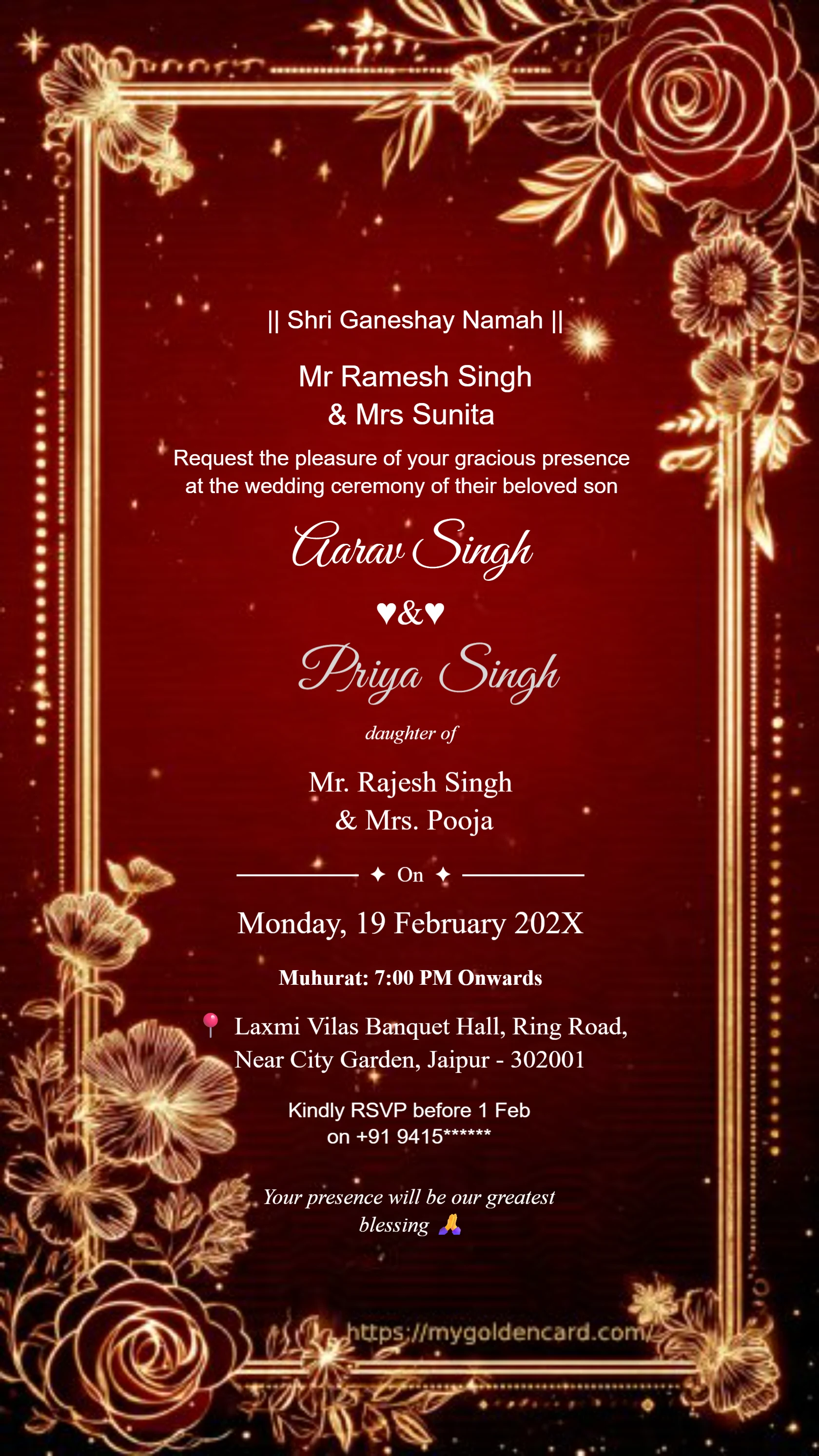
Royal Maroon Gold Wedding Invitation Card
Design inspiration from the My Golden Card collection.

Prepare and share your WhatsApp invitation

  1. Choose a phone-friendly card

    Select a layout with a clear reading order: names, event, date, time, venue, and RSVP. Avoid squeezing several long ceremony schedules onto a single small image.

  2. Write a short accompanying message

    Address the guest by name, explain which event they are invited to, and ask for a reply by your RSVP date. Place the venue map link in the message so it can be opened easily.

  3. Export and test the attachment

    Download the completed invitation and send it to a trusted contact. Check the received file for blurry text or cropping. If image sharing reduces clarity, check whether your app offers sending the original file as a document.

  4. Send and track responses

    Send the invitation to the intended guests and keep a private record of replies. If a detail changes, send an explicit correction with the revised file; an old attachment will not update itself.

Examples to make your own

Replace every bracketed placeholder with your details before sending.

A warm personal message

Hi [guest name], we are delighted to invite you to our wedding on [date] at [venue]. Our card is attached with the details. Please reply by [date] if you can join us. With love, [names].

Reception-only invitation

Dear [guest name], please join [names] for our wedding reception on [date] at [time], [venue]. The invitation is attached. RSVP to [contact]. Directions: [map link].

✦  QUICK ANSWERS  ✦

Frequently Asked Questions

Everything you need to know about creating your perfect wedding invitation

Include a personal greeting, the event name and date, an RSVP request, and a venue map link. Make sure the message and attached invitation contain the same details.

Messaging apps may compress images. Compare the received image with the original download. If your app offers it, try sending the original as a document and check the result with a test recipient.

Repeat the essential date, venue, and RSVP information in text. This makes the information easier to find and helps guests who have difficulty reading text inside an image.