
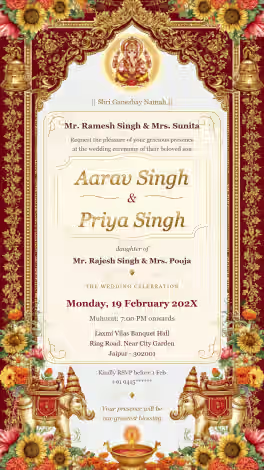
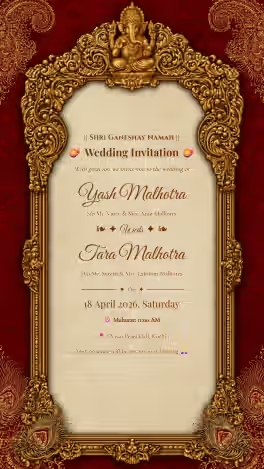
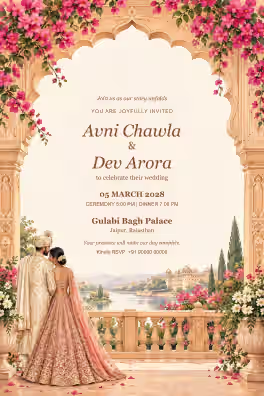
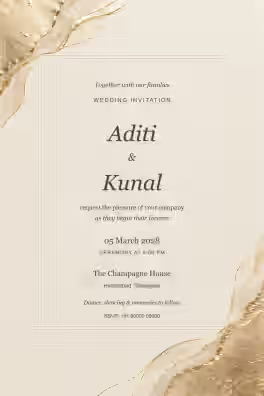
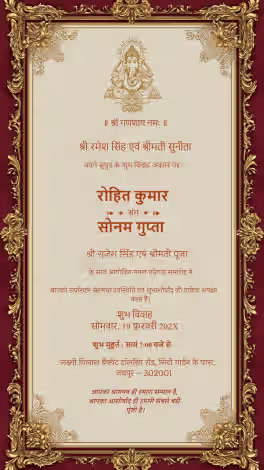
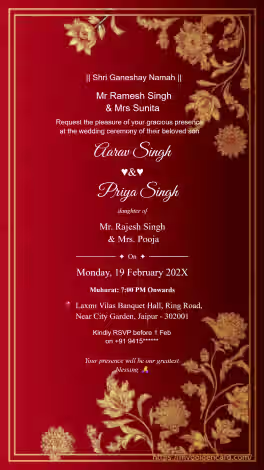
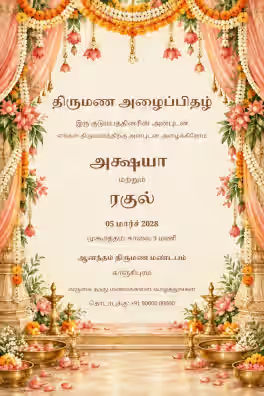
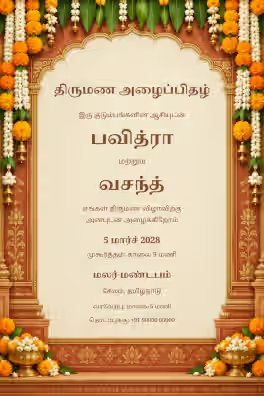
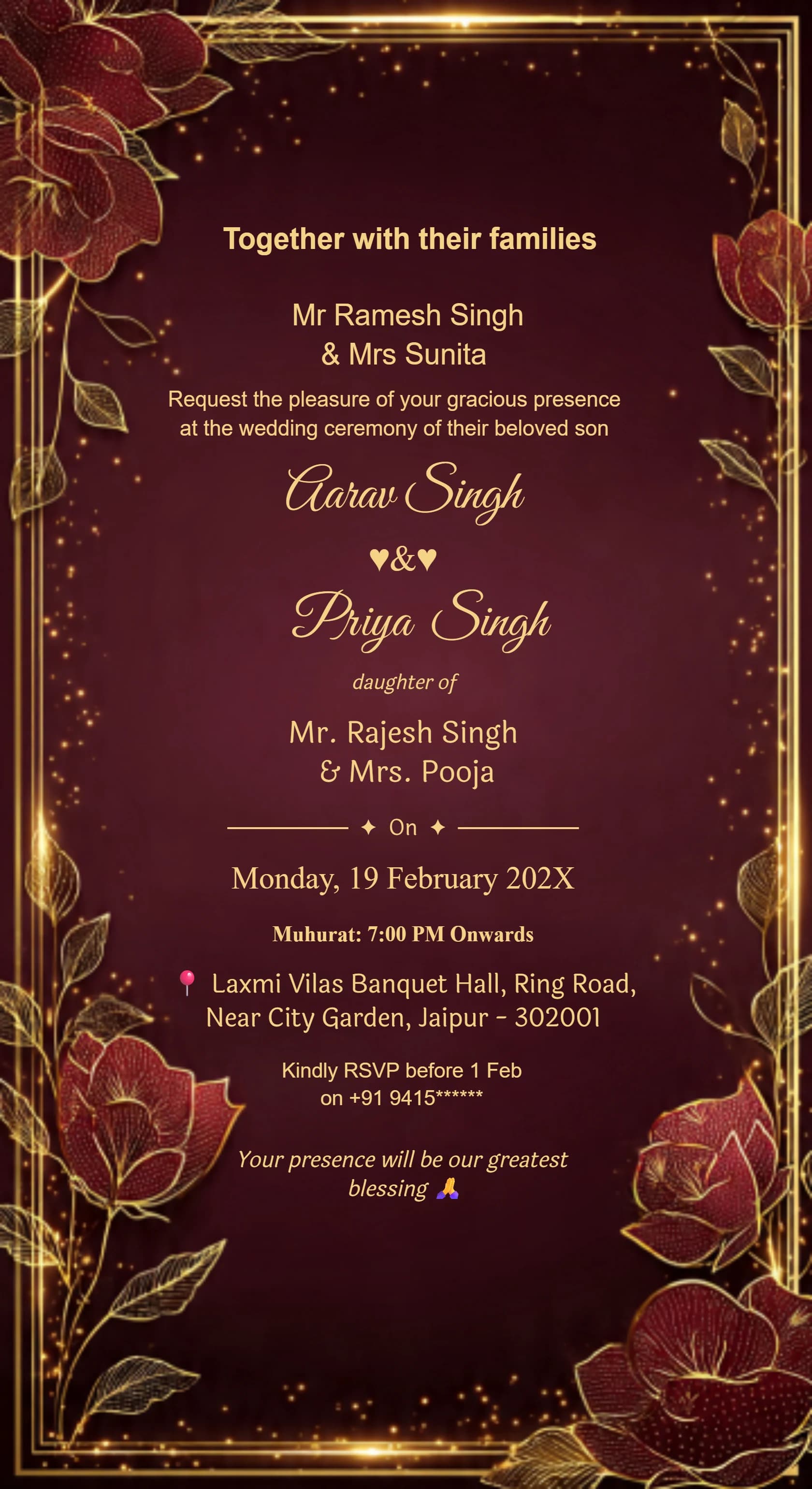
Card #3001
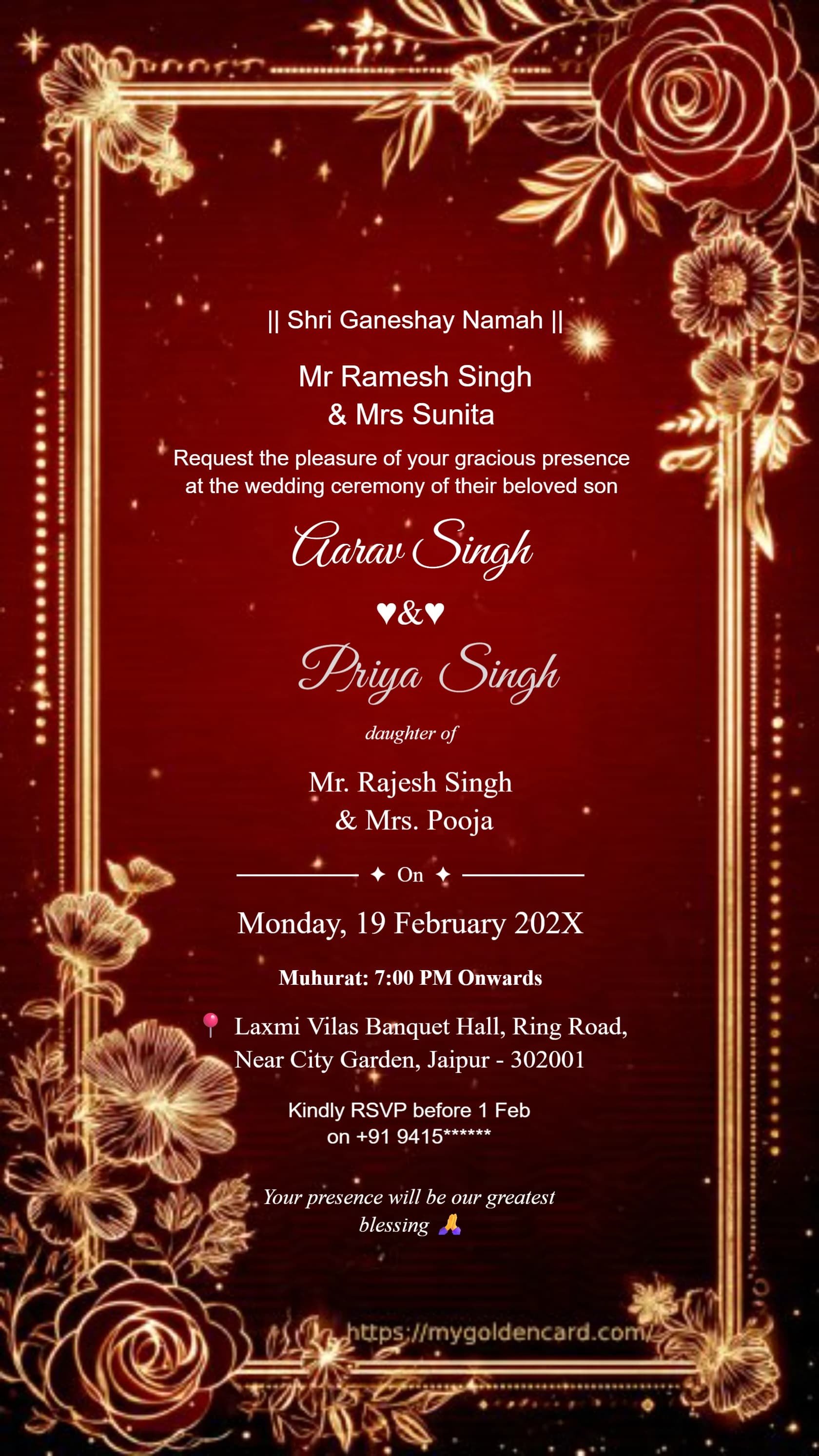
Card #3002
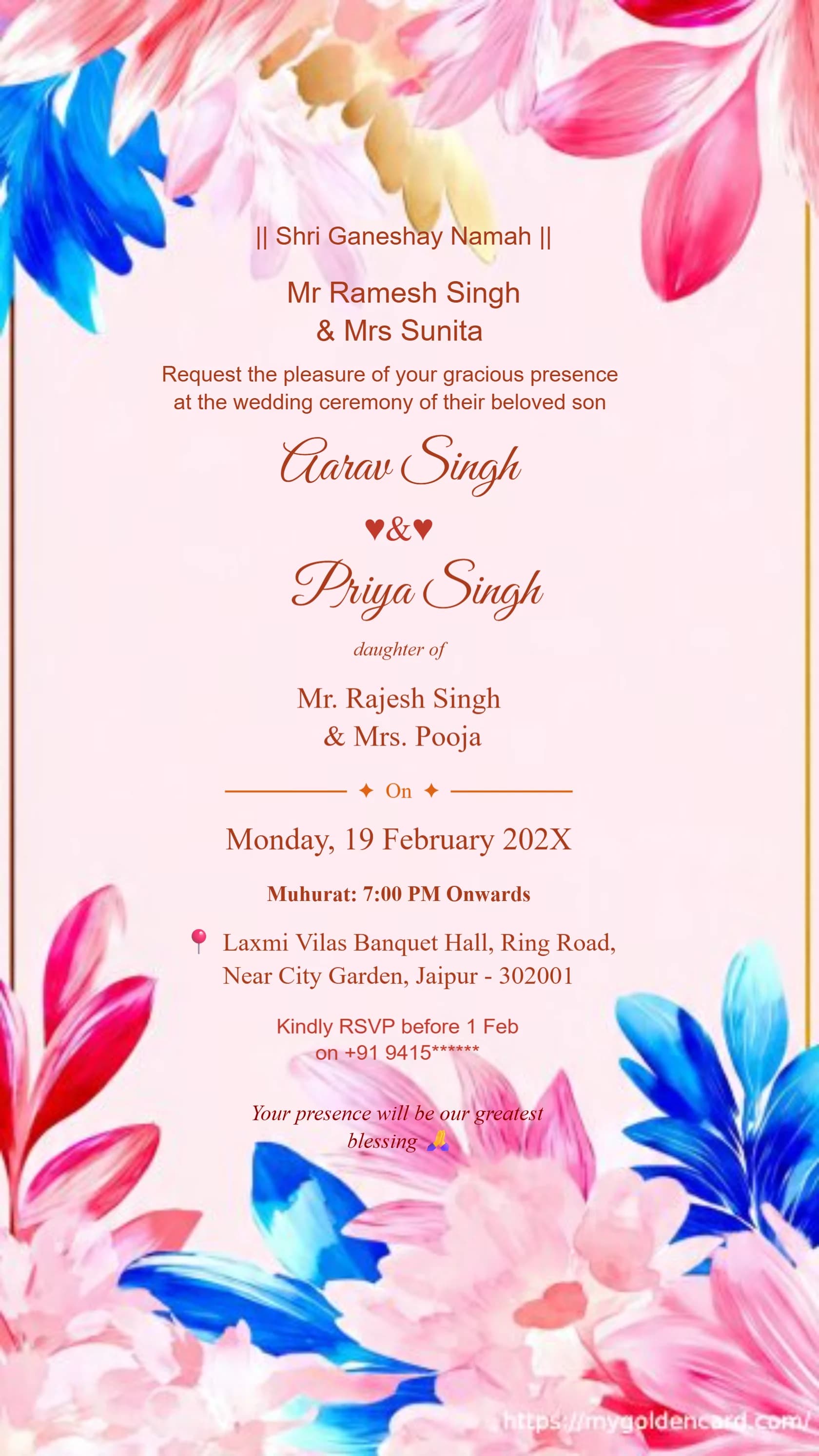
Card #3003
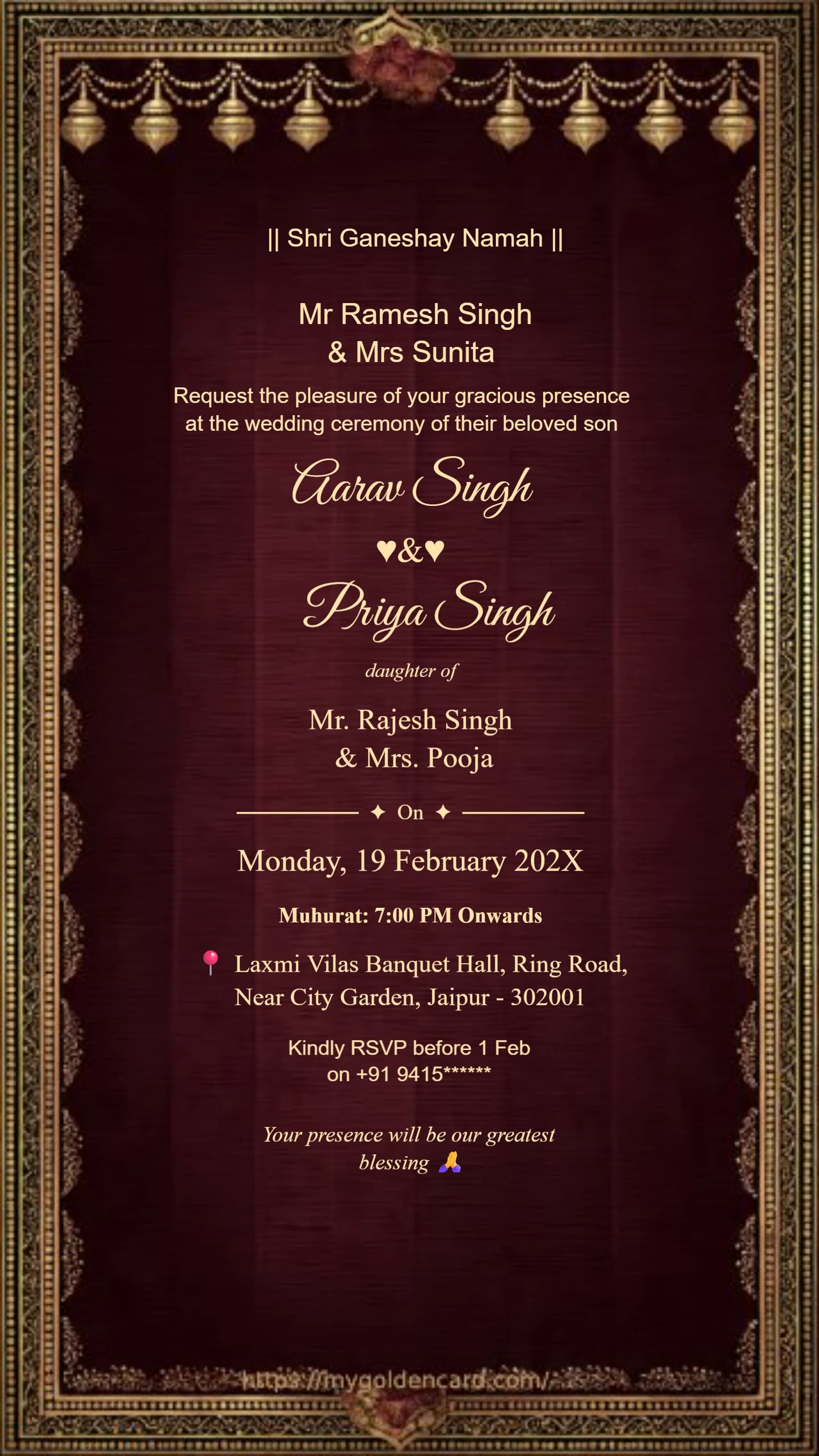
Card #3004
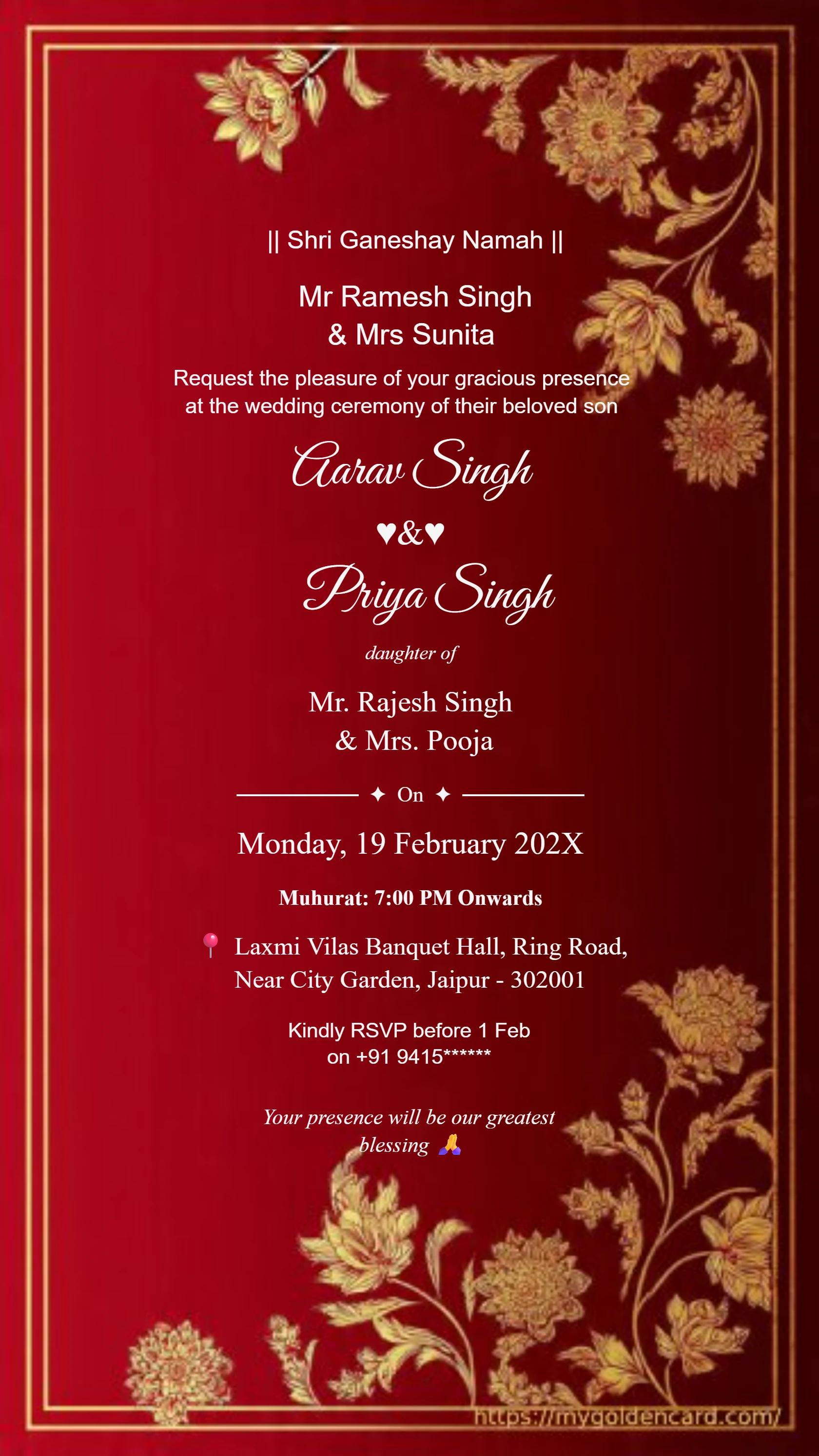
Card #3005
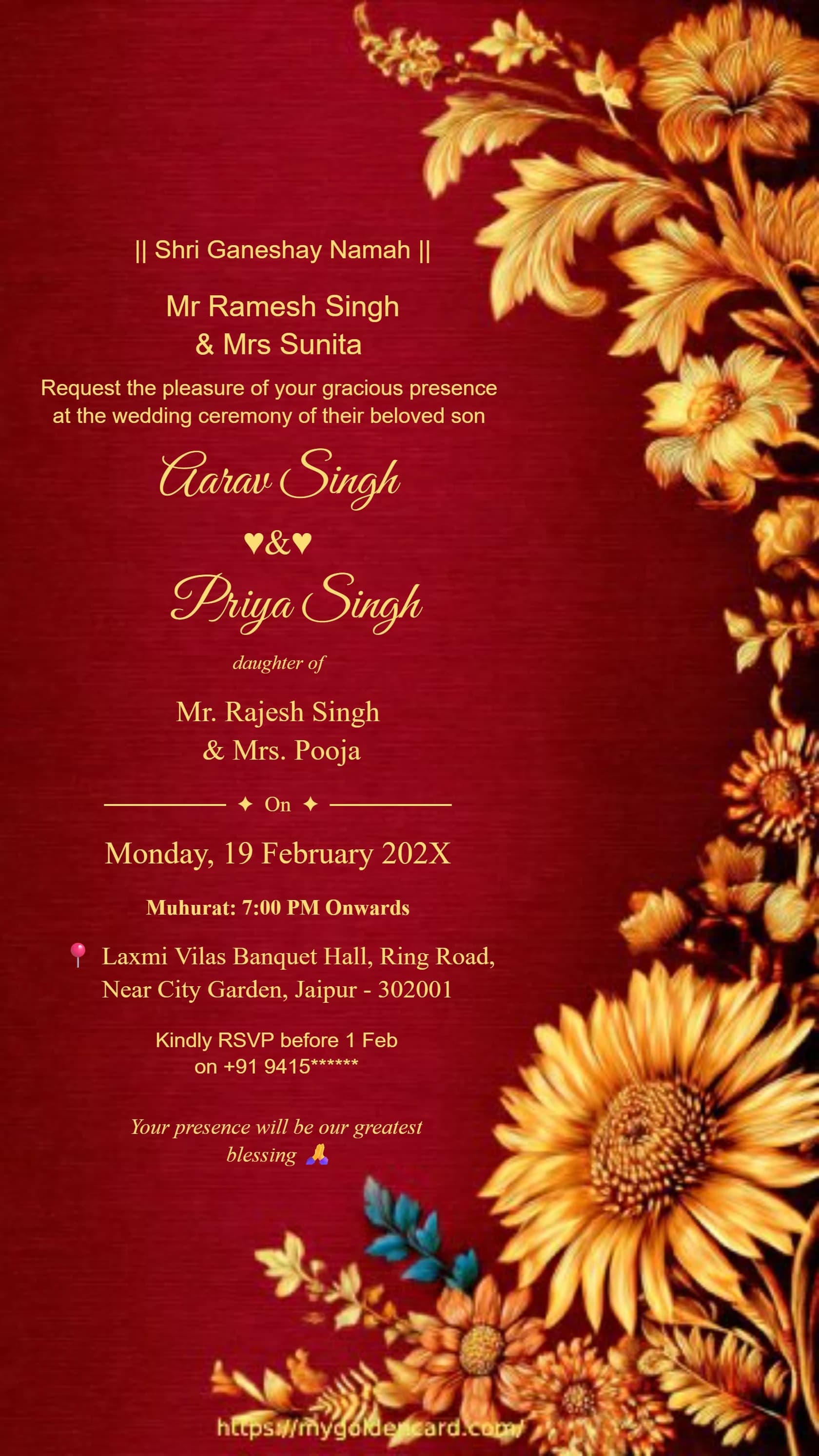
Card #3010
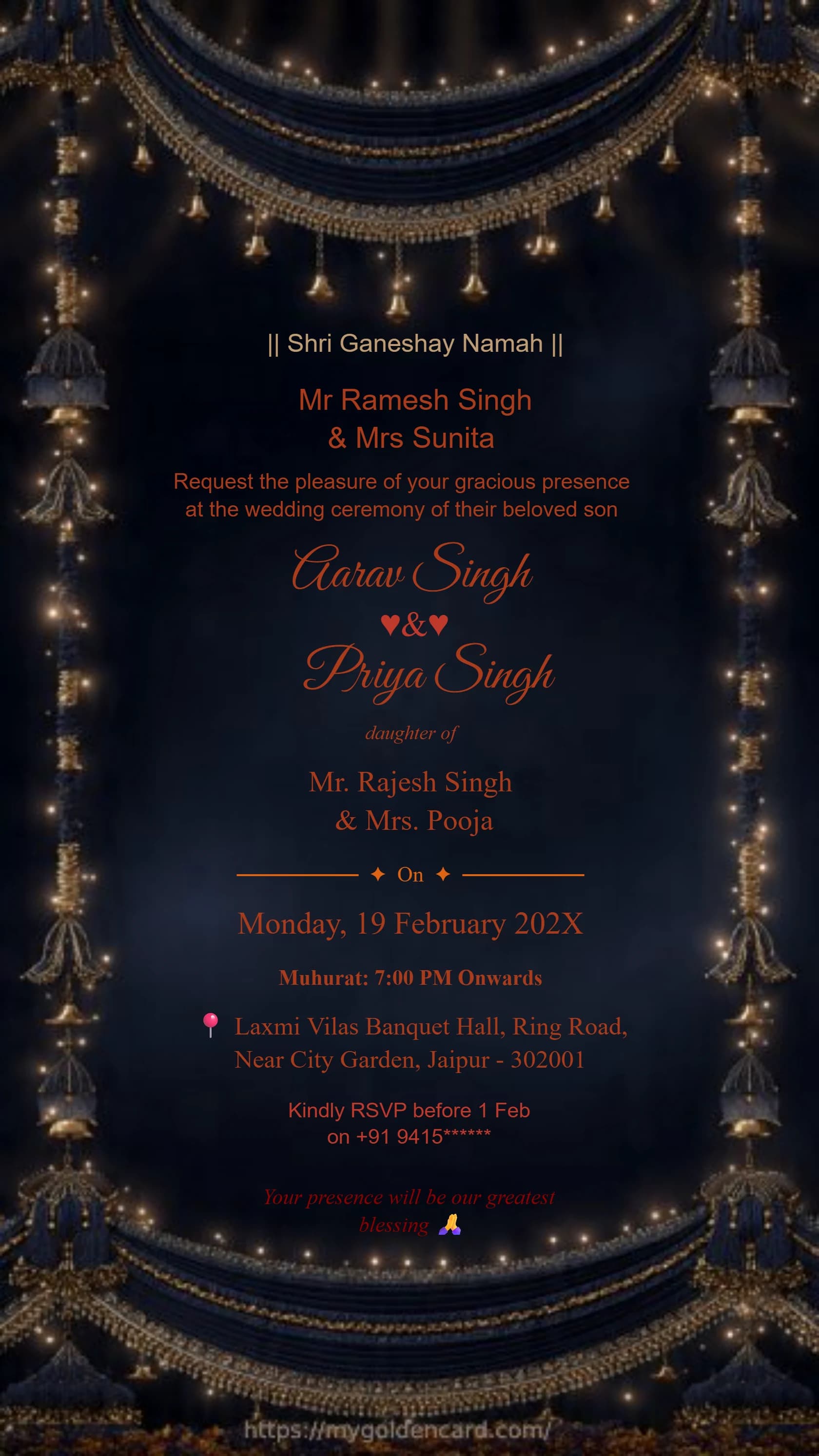
Card #3012
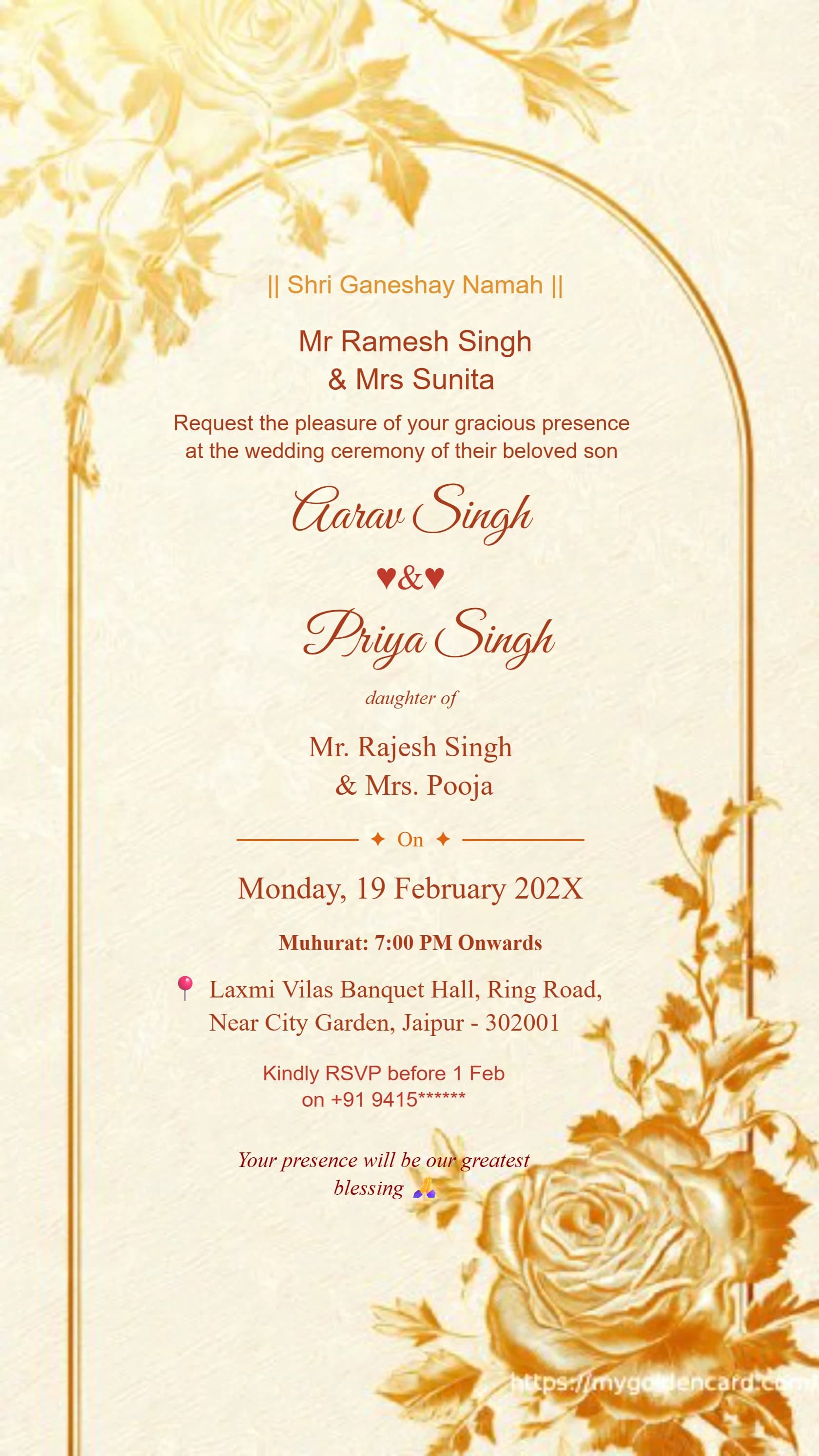
Card #3013

Start creating a digital wedding invitation online. Explore templates, personalize your wording, and check available download and premium options.
✦ BROWSE THE COLLECTION ✦
Ganesh Theme · Royal Blue · Maroon Gold · Floral · And Many More
Card #3001
Card #3002
Card #3003
Card #3004
Card #3005
Card #3010
Card #3012
Card #3013
YOUR INVITATION, MADE SIMPLE
You can start designing a digital wedding invitation with My Golden Card's online templates and editor. Free editing does not mean every template, collection, or download option is free: review the access and plan details shown for your chosen design. A clear digital invitation can be shared as a file with a personal message.
Follow the steps ↓Look through the visible templates and open a design you like. If a collection asks you to sign in or choose a plan, review that requirement before spending time on the layout.
Replace sample text with the couple's names, event date, time, venue, and RSVP information. Keep the message concise enough to read on a phone.
Before finalizing, inspect the download controls and any price or access prompt. Choose the option that meets your sharing needs and budget; do not assume a premium option is included for free.
Open the downloaded invitation and check text clarity and cropping. Send a test message before distributing the card to your guest list.
Replace every bracketed placeholder with your details before sending.
[Name] & [Name] are getting married! Join us on [date] at [time], [venue, address]. Please reply to [contact] by [date].
Dear [guest], we would love you to celebrate with us. Our invitation is attached. Please let us know if you can join us, and use this venue link for directions: [map link].
✦ QUICK ANSWERS ✦
Everything you need to know about creating your perfect wedding invitation
No. My Golden Card includes premium access options. Check the template, collection, and download prompts for your chosen design rather than assuming all features are free.
Yes. A digital invitation can be shared as a file through your preferred messaging or email app. Include the event details in the accompanying message as well for easy reference.
Review the displayed plan and download requirements before finalizing your design. Proceed with a paid option only if it suits your budget and needs.