
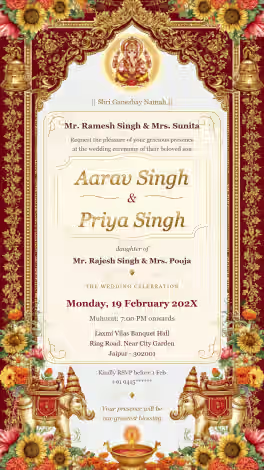
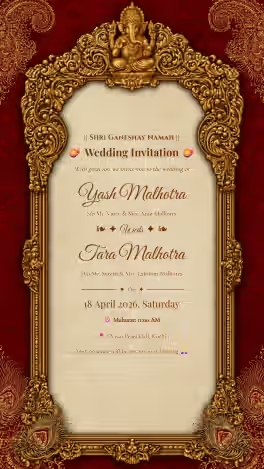
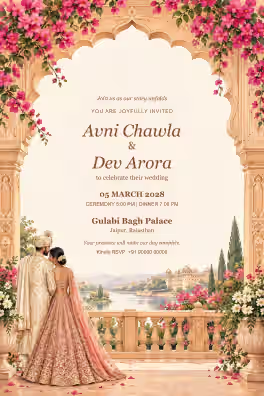
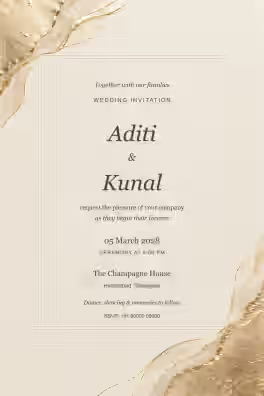
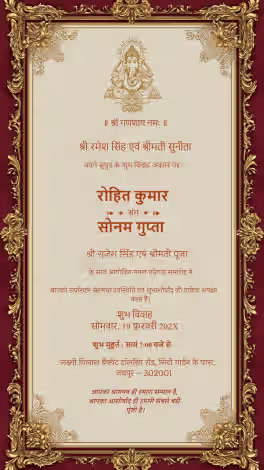
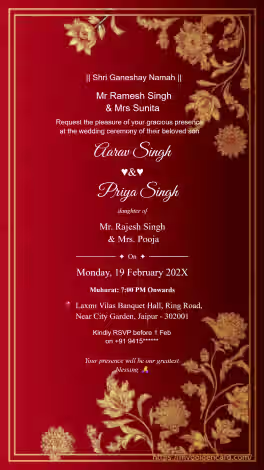
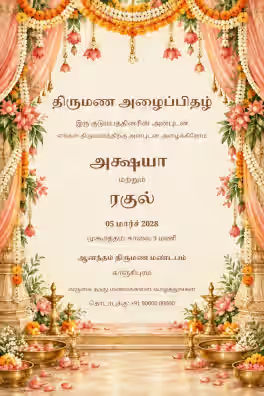
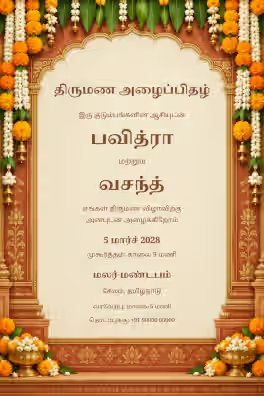
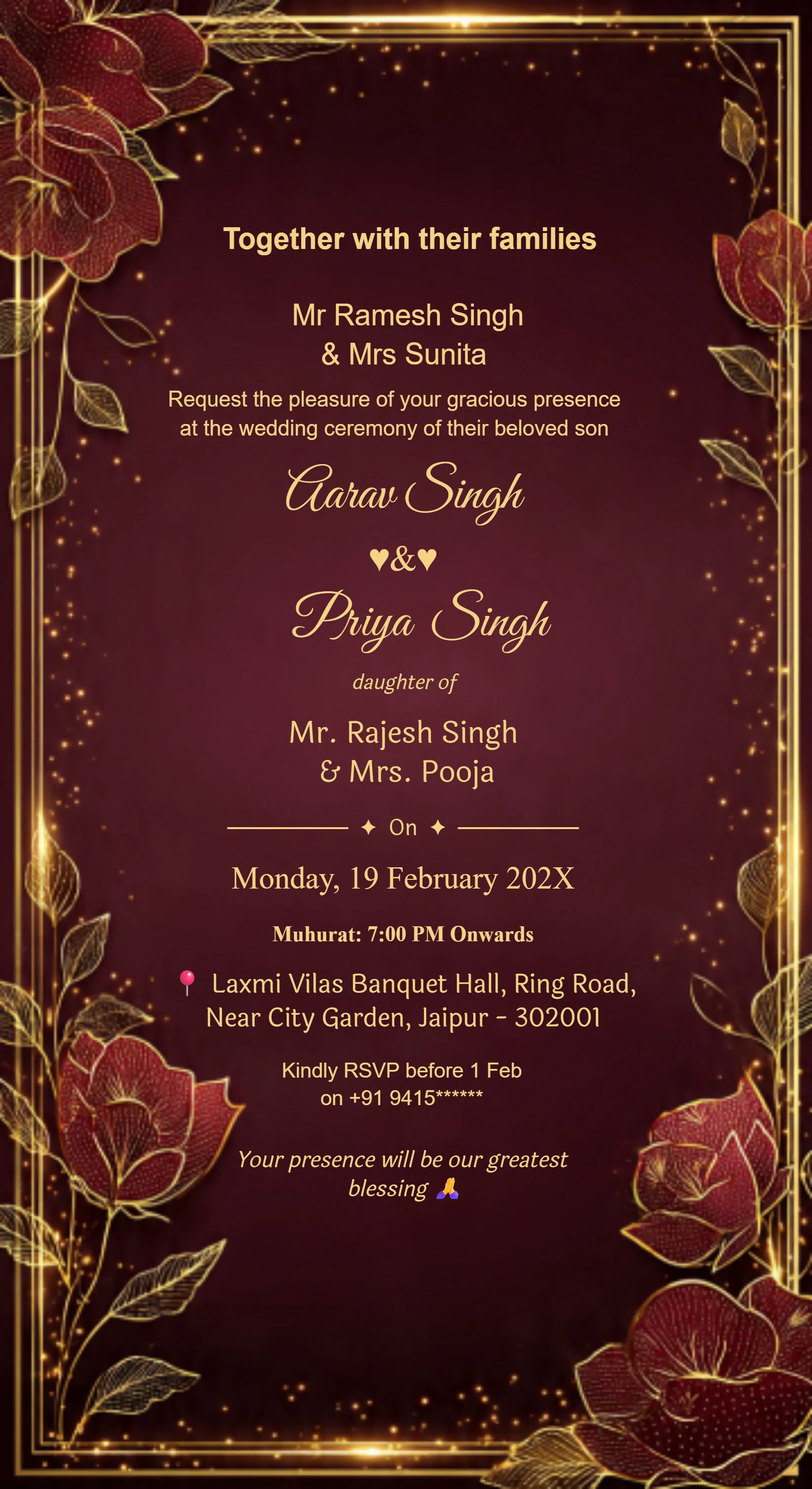
Card #3001
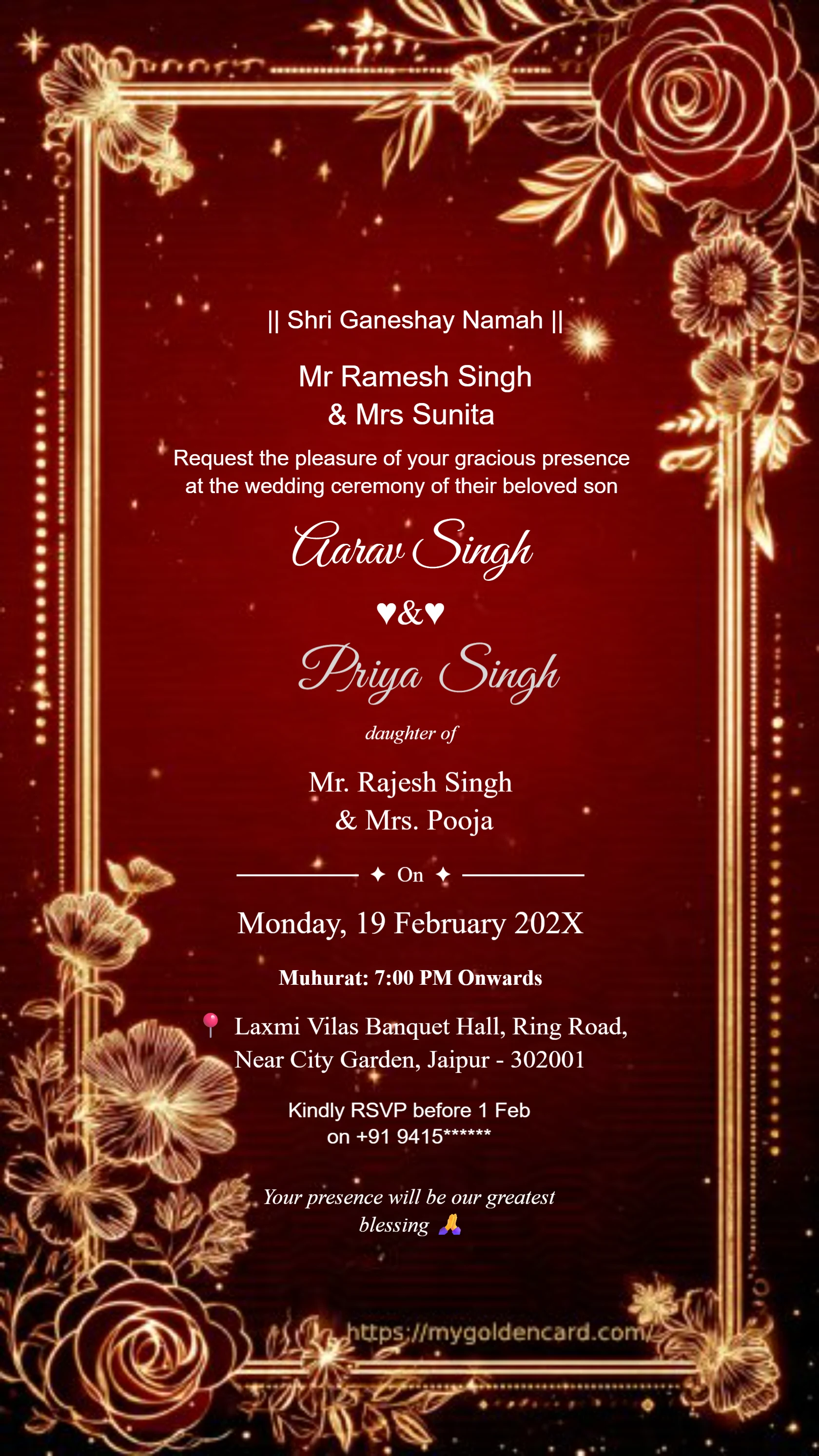
Card #3002
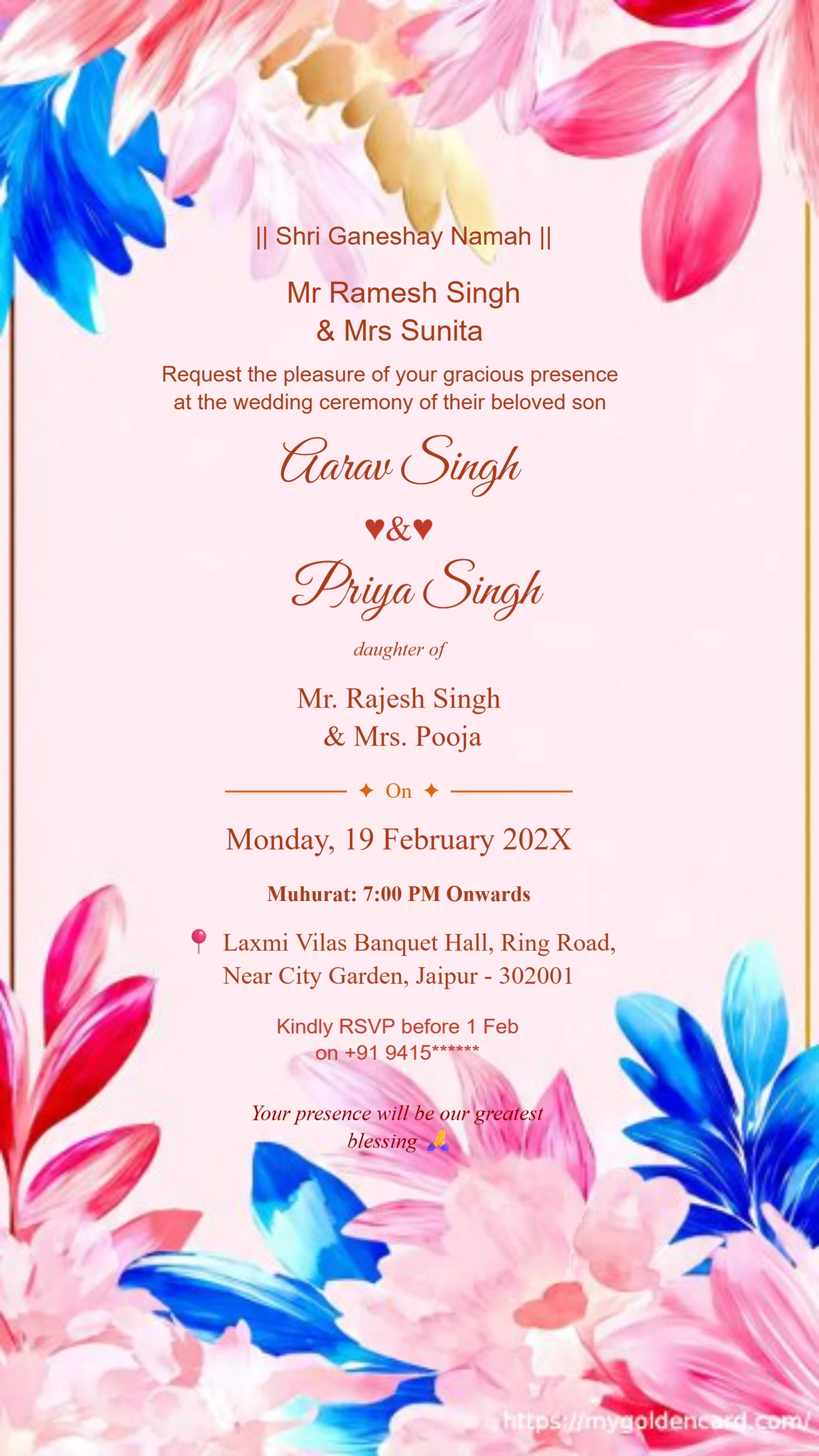
Card #3003
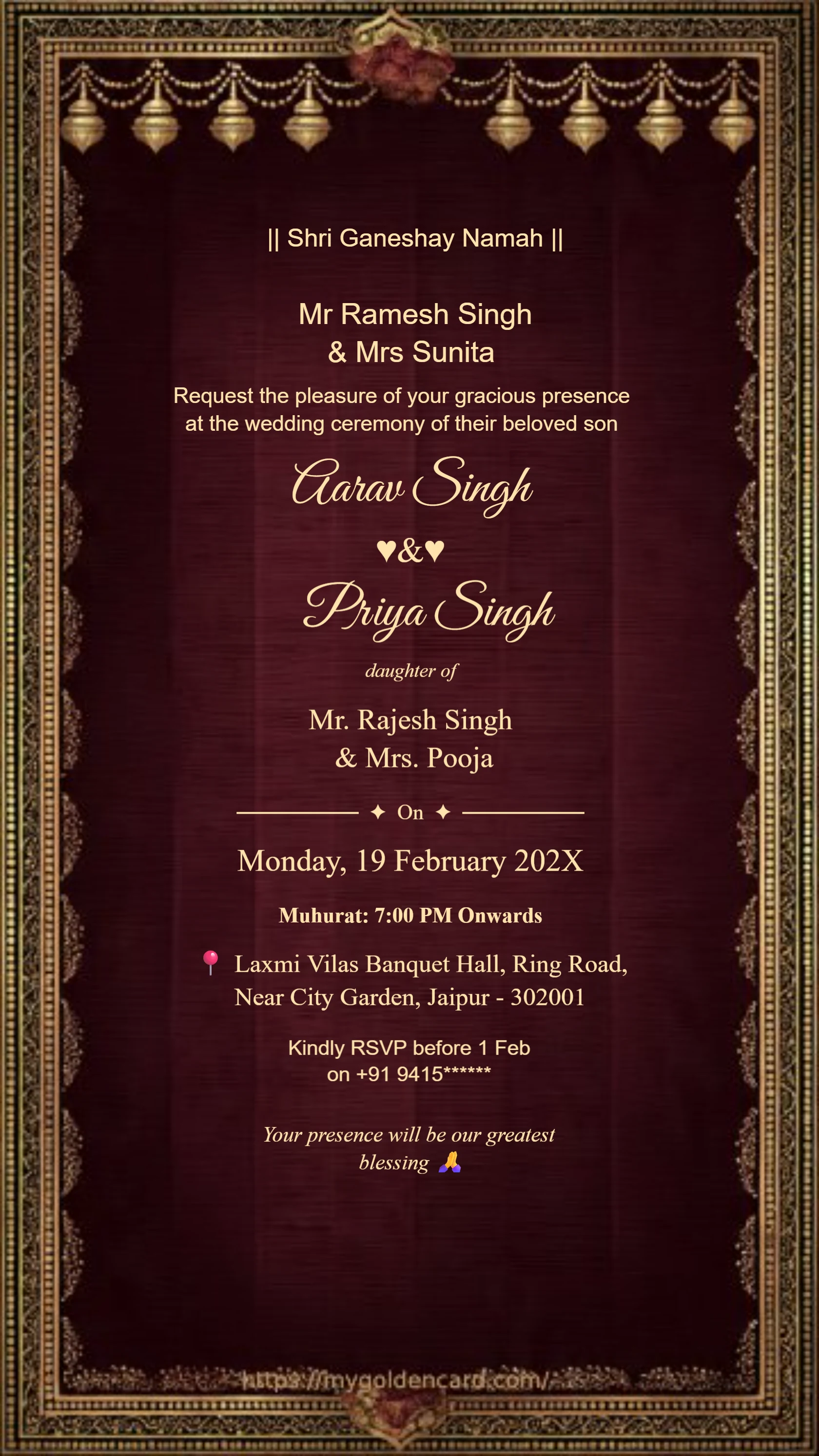
Card #3004
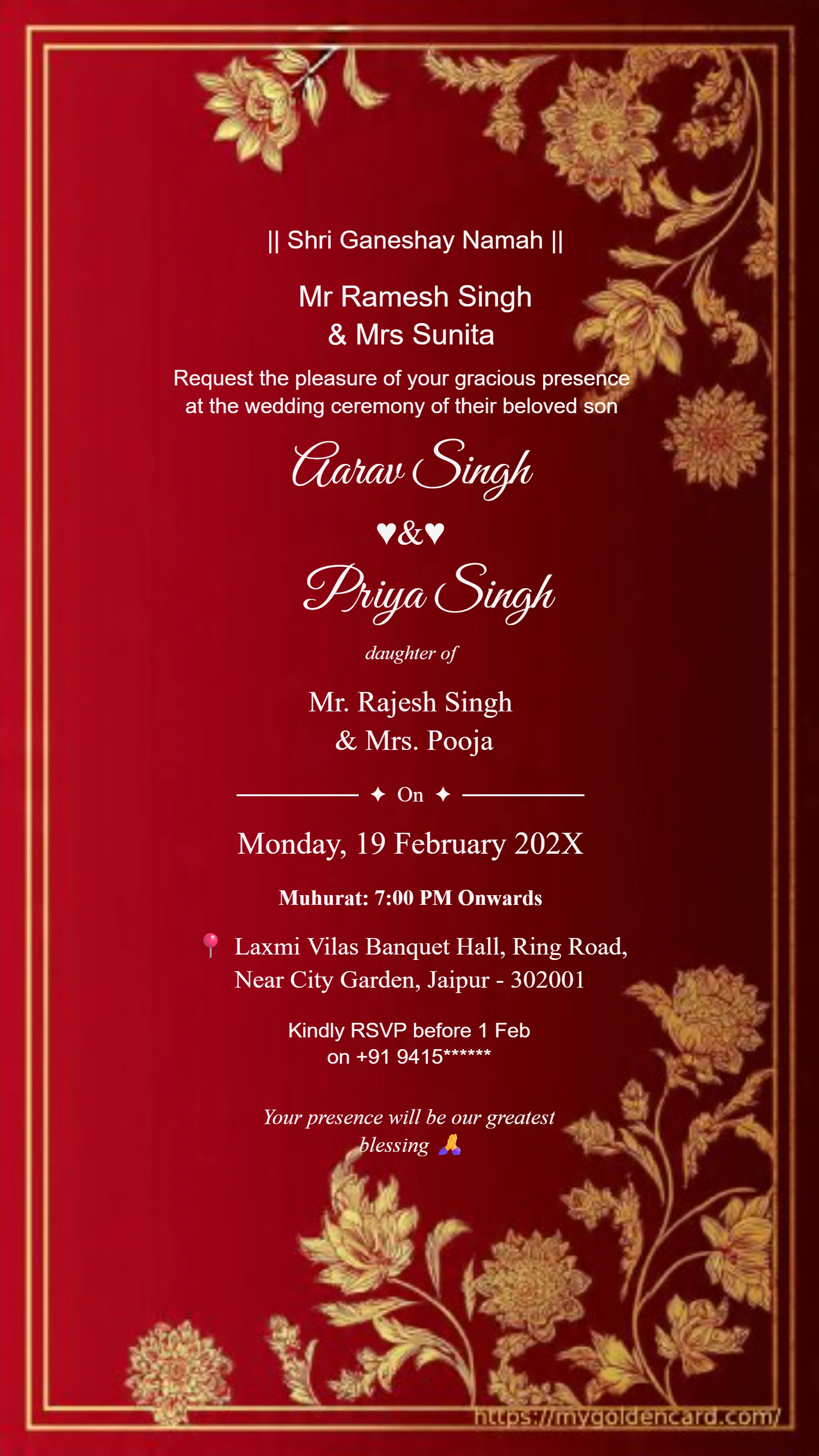
Card #3005
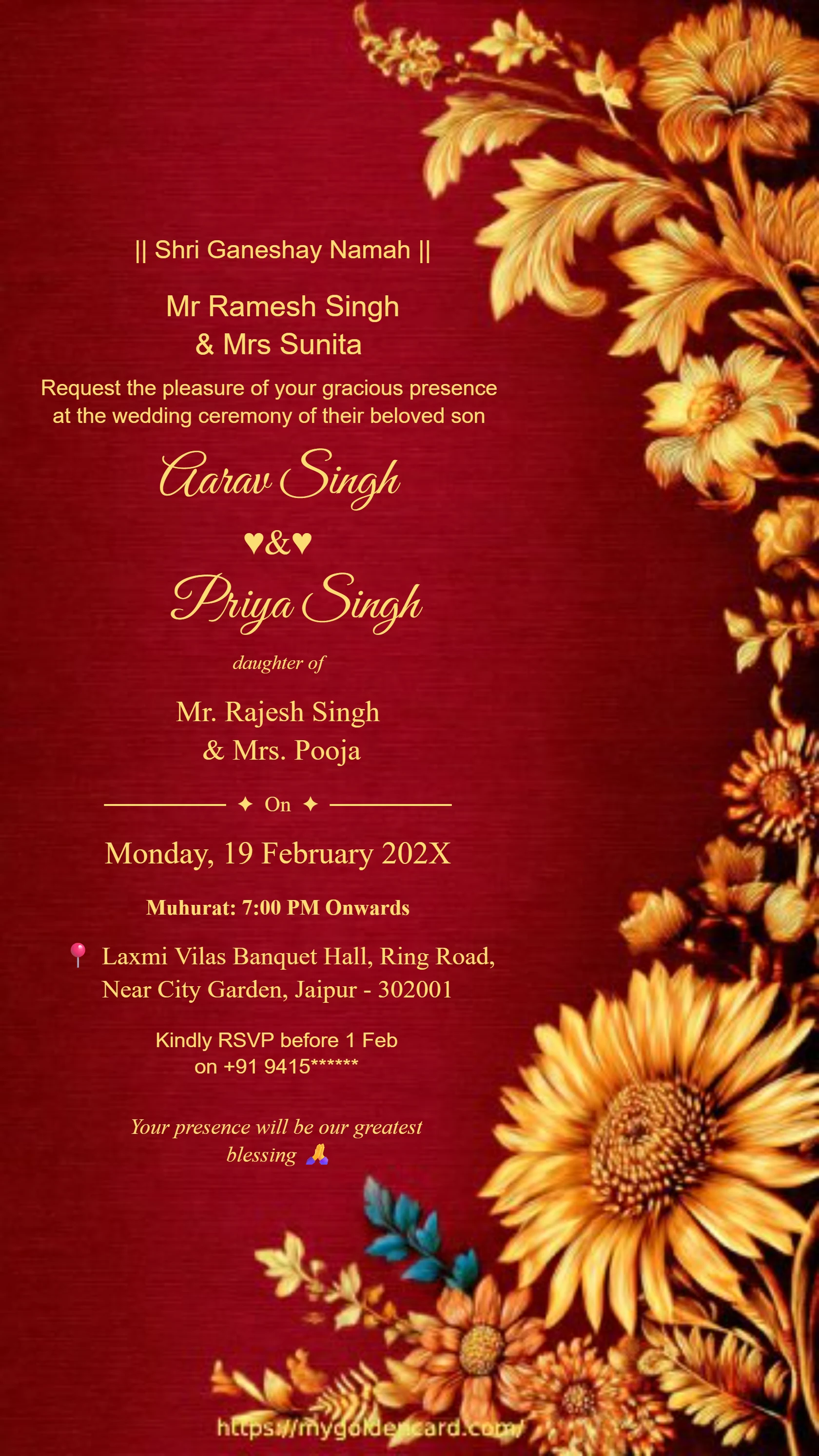
Card #3010
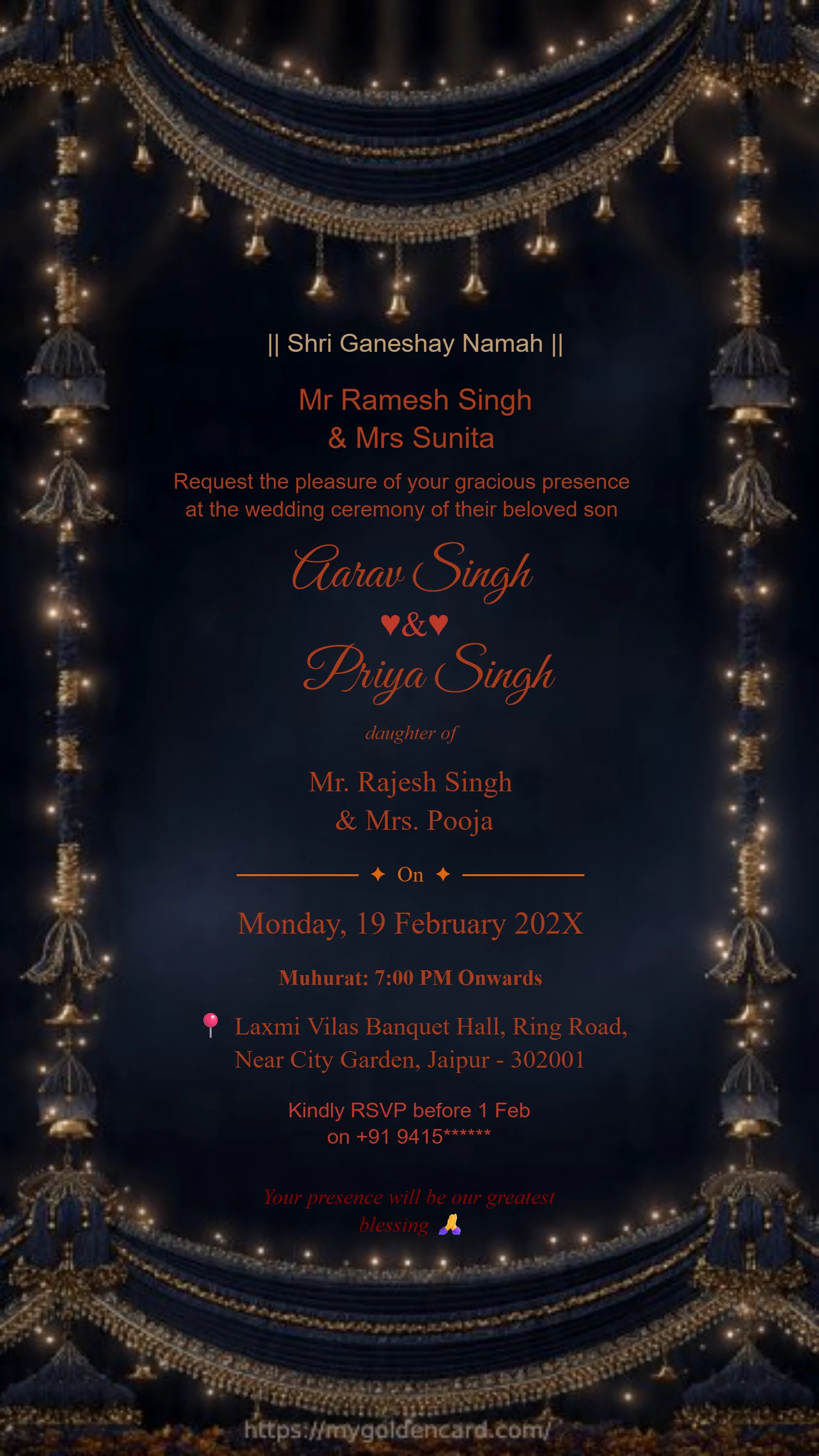
Card #3012
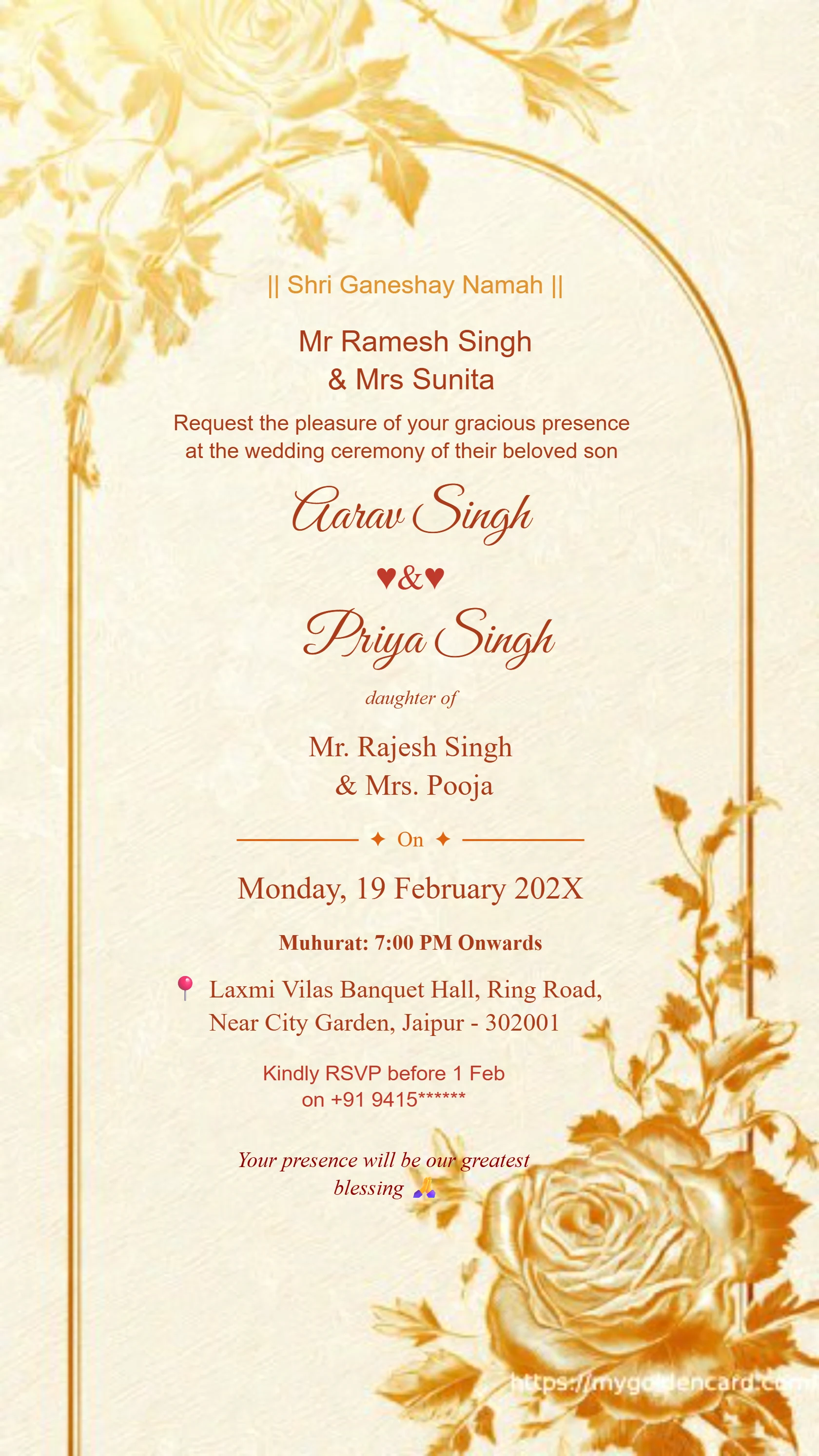
Card #3013

Learn how to design a wedding card with clear information, balanced decoration, readable fonts, and a final proofing checklist.
✦ BROWSE THE COLLECTION ✦
Ganesh Theme · Royal Blue · Maroon Gold · Floral · And Many More
Card #3001
Card #3002
Card #3003
Card #3004
Card #3005
Card #3010
Card #3012
Card #3013
YOUR INVITATION, MADE SIMPLE
Design a wedding card by organizing the information first, selecting a suitable template, balancing text with decoration, and checking the final output. Names can be decorative, but the event date, time, and address should be easy to read. Always test with the actual wording before sharing or printing.
Follow the steps ↓Start with the invitation line, then the couple's names, followed by the event, date, time, and venue. Place RSVP information at the end. Group related details so guests can scan the card.
Choose a template whose colors and motifs suit the celebration. Leave room for long names and addresses. If you need bilingual wording, plan space for both languages from the beginning.
Use a decorative style for the names and a simpler font for practical details. Keep text away from busy borders and preserve contrast. Shorten unnecessary wording instead of shrinking every line.
Check names, date, day, time, venue, and RSVP details with another person. Review the exported file on a phone. If printing, ask your printer about dimensions, resolution, and bleed before placing an order.
Replace every bracketed placeholder with your details before sending.
Together with their families → [couple's names] → invite you to their wedding → [date and time] → [venue and address] → RSVP [contact]. Replace the arrows with separate text lines in your design.
Use separate, clearly spaced blocks for each language. Keep the event details consistent across both versions and ask a fluent reader to check spelling and line breaks before exporting.
✦ QUICK ANSWERS ✦
Everything you need to know about creating your perfect wedding invitation
Use a consistent color palette, clear spacing, and readable text. A restrained layout with well-organized details often works better than adding many competing ornaments.
Proofread the exported file, confirm the intended print size, and ask the printer about resolution and bleed. Request a proof when possible before ordering the full quantity.
Choose a layout with room for both versions, check that the chosen fonts support each script, and have a fluent reader review the wording and line breaks.