
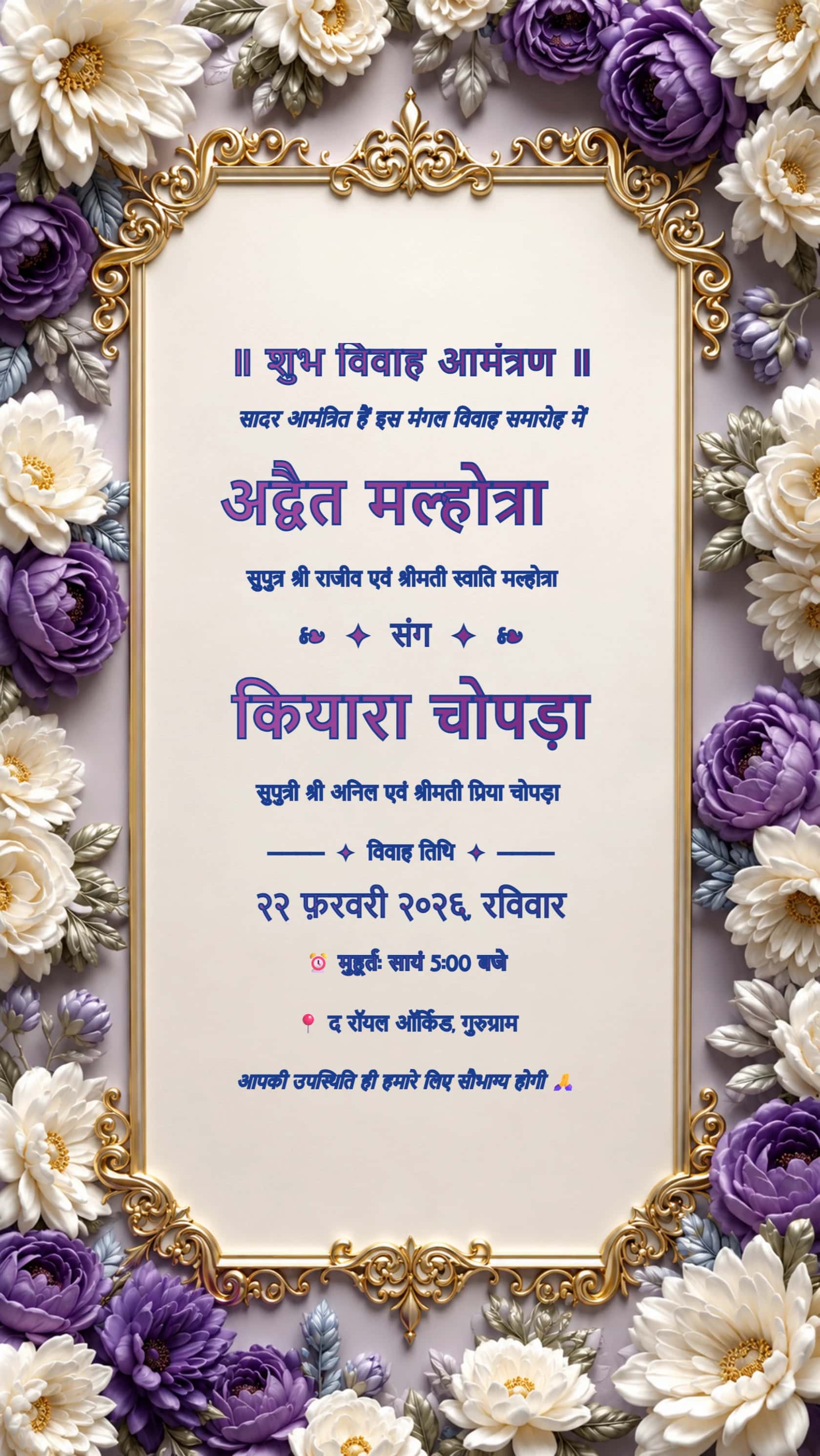
Hindi Purple and Ivory Floral Wedding Invitation
Purple and ivory florals show how PNG preserves detailed borders alongside the invitation text.
PNG EXPORT · READABLE LETTERING · DIGITAL SHARING
Choose a complete invitation, edit the sample wording and download a PNG. This selection highlights clear text areas across modern, floral and traditional cards so you can compare the format on designs you would actually share.
Choose your invitationAll card downloads are free with no watermark. No payment or login is required.
Purple and ivory florals show how PNG preserves detailed borders alongside the invitation text.
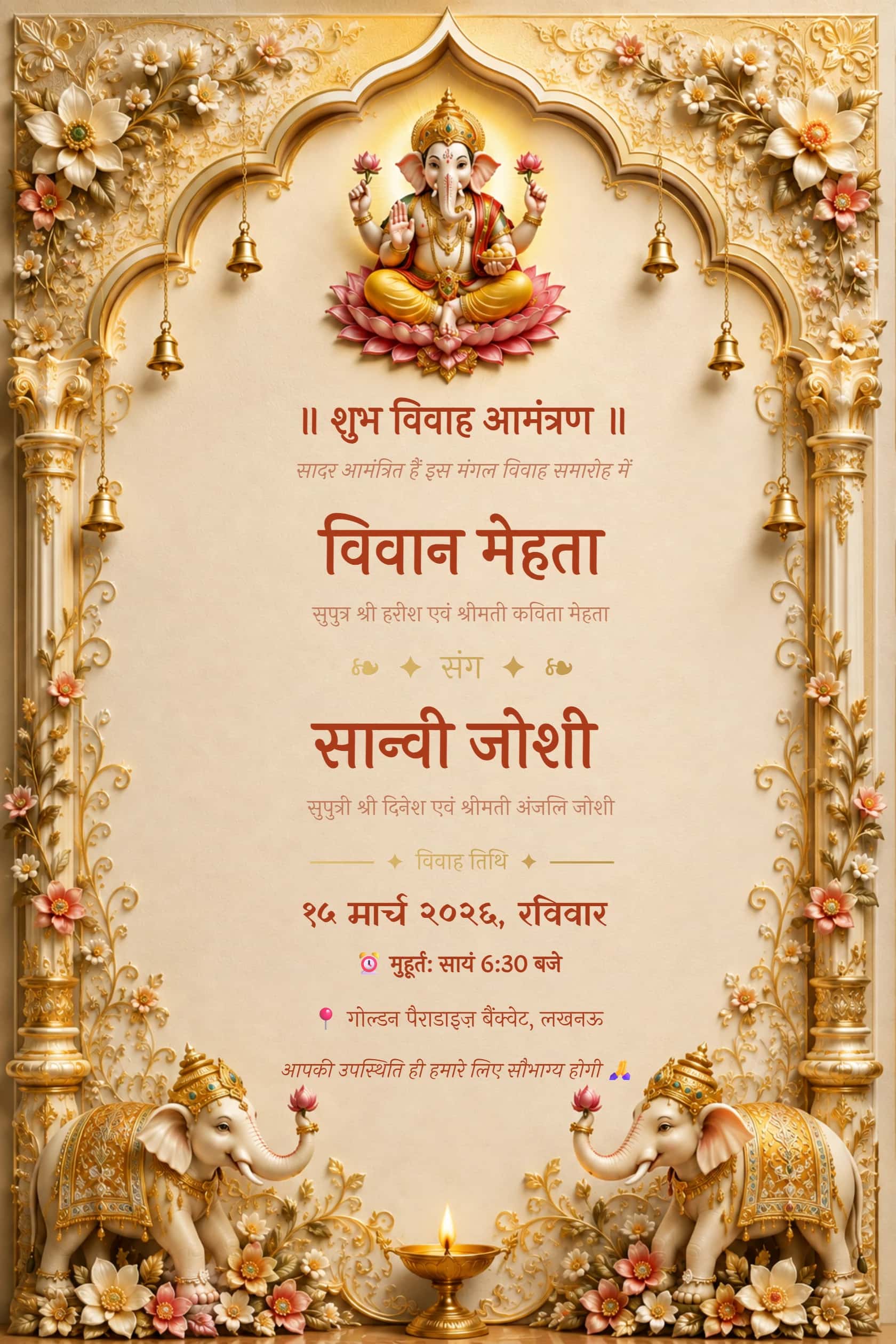
Hindi wording within an ivory Ganesh design lets you check Devanagari detail in the saved image.
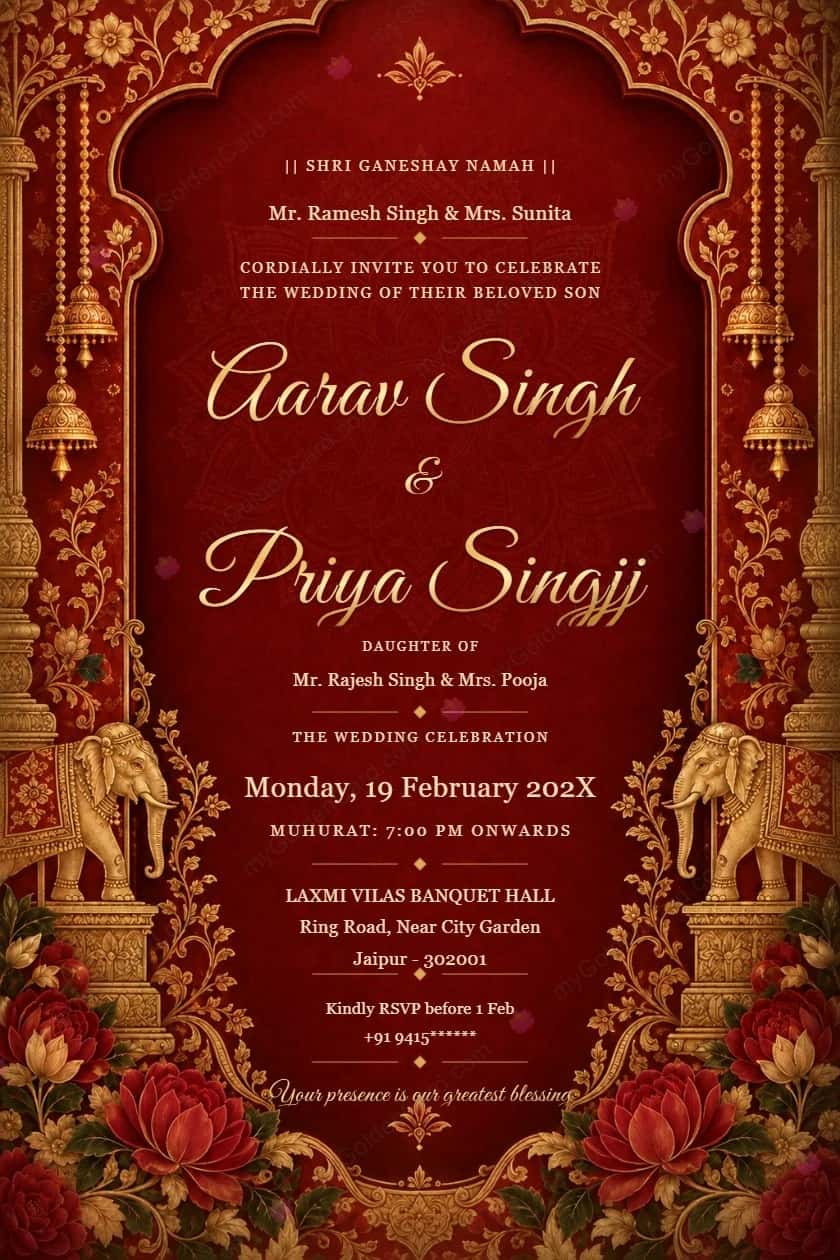
Crimson and gold palace artwork lets you compare ornate details with the simpler designs before exporting a PNG.
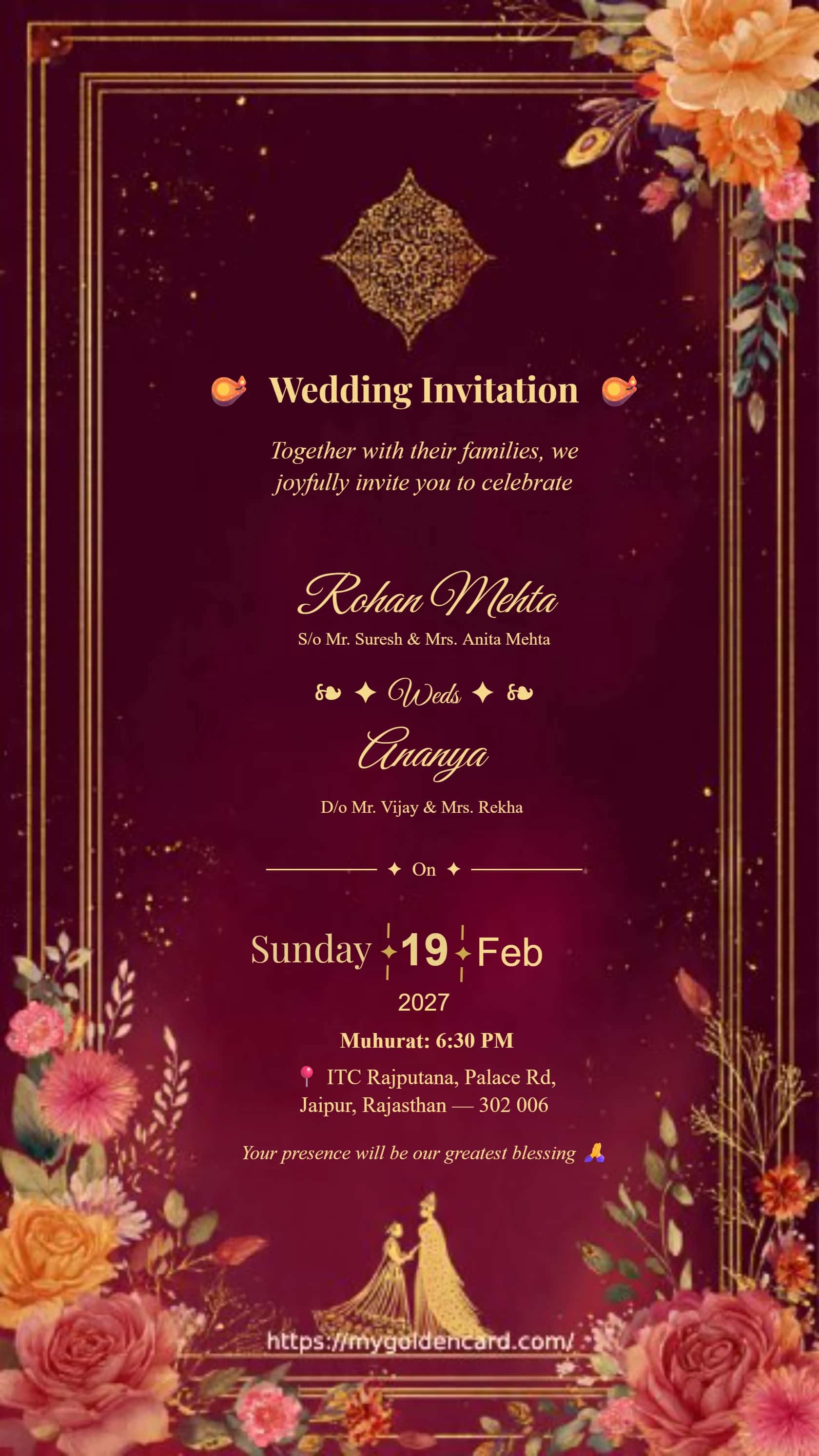
Elegant Indian wedding invitation with a luxury gold floral border and a regal, modern aesthetic for classic celebrations.
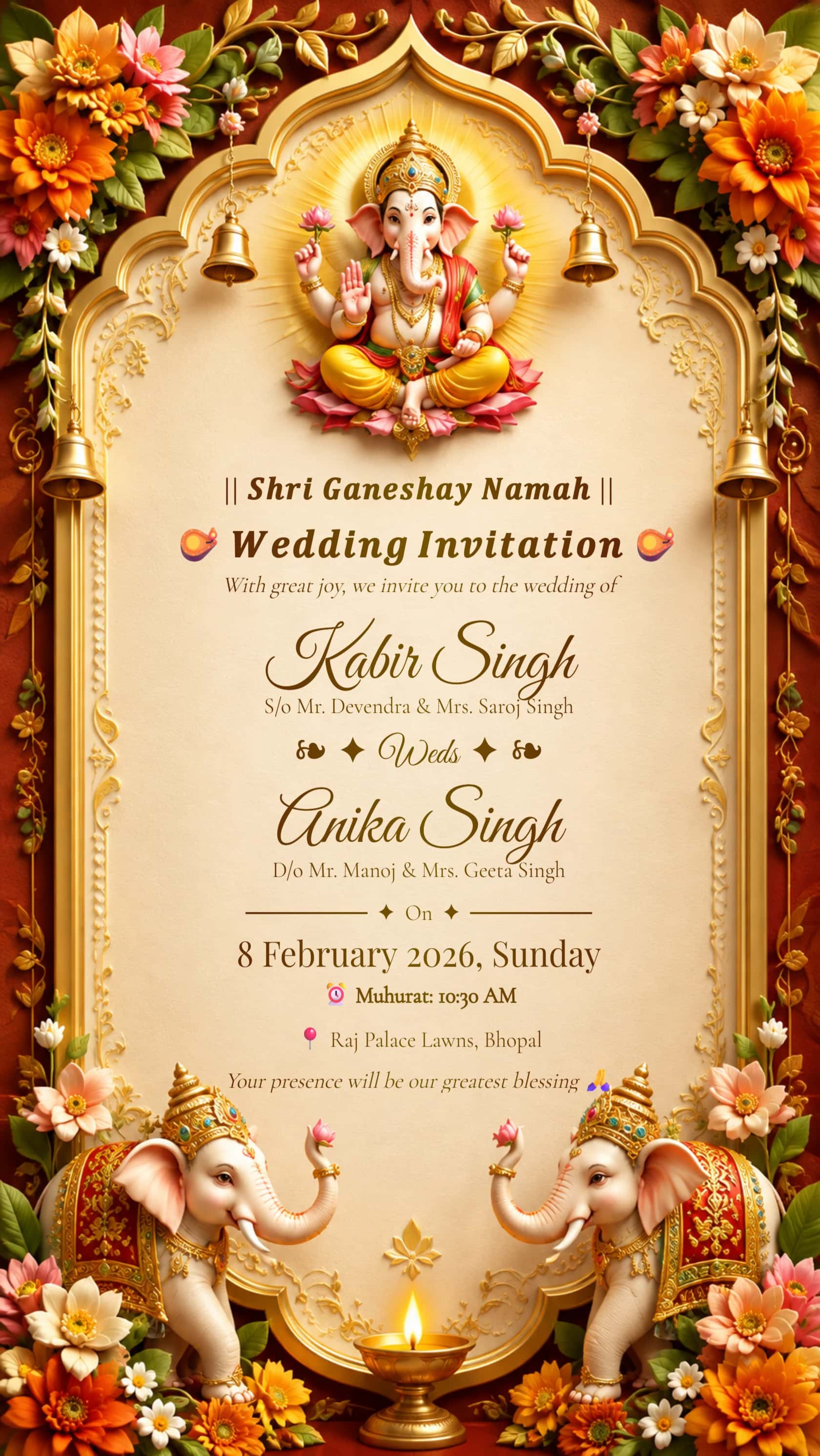
A regal Hindu wedding invite inspired by Ganesh blessings, rich maroon tones and timeless traditional design.
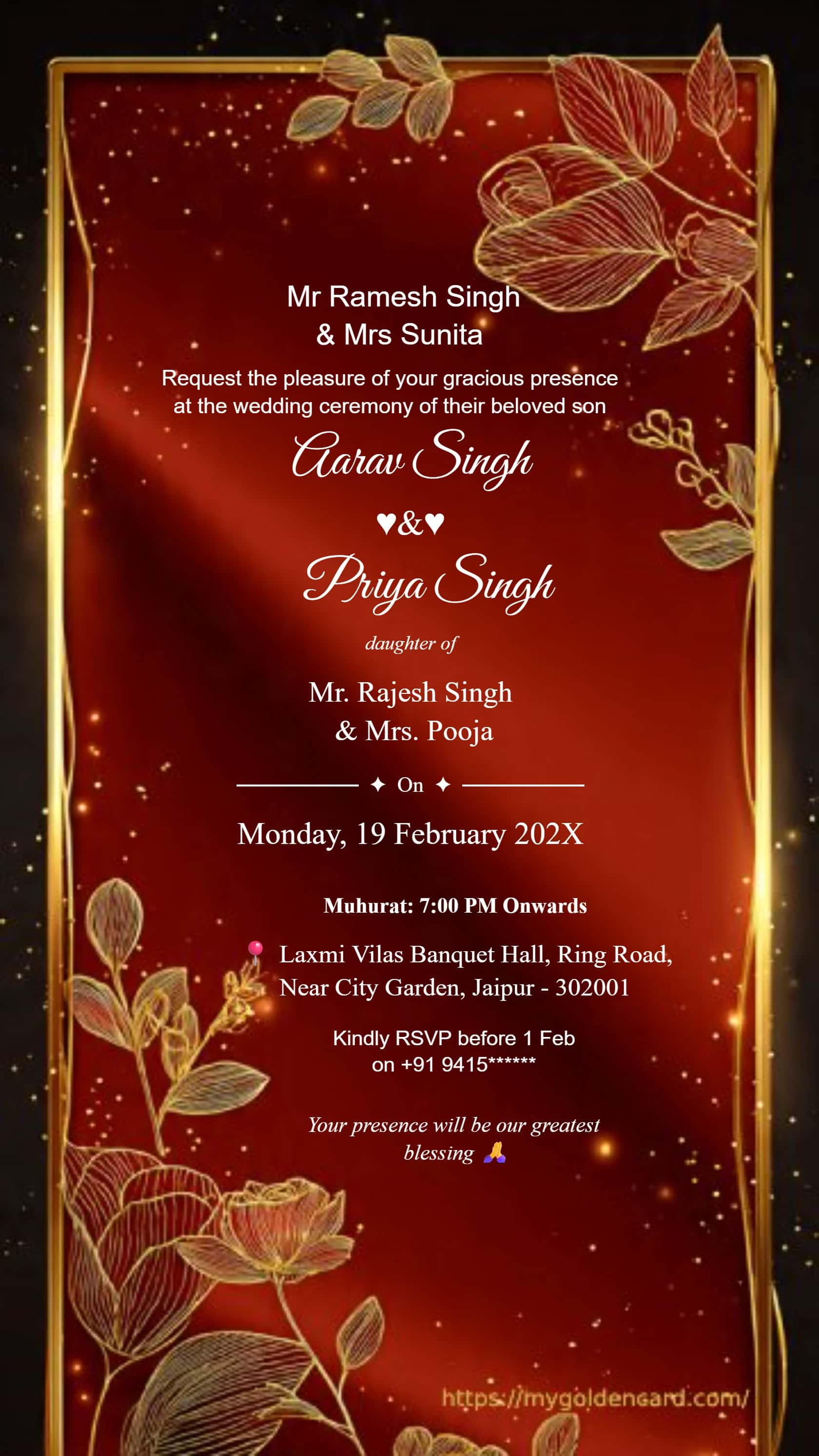
Soft floral artistry and delicate gold accents create a graceful invitation for intimate and upscale wedding celebrations.
Your perfect invitation could be next
PNG is a lossless image format that is useful for wedding cards with fine lettering, decorative borders and areas of flat color. It saves the whole invitation as a single picture, making it convenient to attach to an email or share in a message. Guests do not need the editor to view it. The downloaded image is flattened: they cannot edit the names inside that PNG as ordinary text. Return to the card editor when you need to change the invitation.
A format alone cannot fix crowded wording. The sage and ivory layouts above have generous text areas; the floral and Ganesh cards show how decorative artwork behaves around the names. Begin with the couple, date, time and venue, then add a short invitation line. For Hindi text, inspect the matras in the downloaded image. Look at the card at normal phone size rather than judging only the enlarged editor preview. Send a separate message for directions or a long sequence of functions.
Choose PNG when retaining sharp edges is more important than minimizing file size. JPG is often smaller for richly textured artwork, although compression can soften small letters. PDF is useful when a printer wants a document with a fixed page size. A PDF export does not automatically make the underlying card vector-based or guarantee commercial print quality. Confirm the printer’s requested dimensions and margins. Keep your original PNG before compressing a copy for a messaging service, and compare both files to make sure the text remains clear.
Open a selected design, replace the sample text and choose PNG from the editor’s download options. Once the file is generated, open it outside the editor and read every line. Check both names, the full address, the year and the AM or PM timing. The filename should make it easy to distinguish the final version from earlier drafts. If a mobile browser opens a share sheet or image preview, use its save option; the exact save experience depends on the browser and device.
Some messaging services recompress images, so compare the received card with the file you downloaded. Sending it as a document may help retain the original file where the app supports that option. PNG can support transparency, but these invitation templates include designed backgrounds and are not advertised as transparent cutouts. For a physical card, inspect the image at the intended print size and ask the printer to check quality before a large order. A crisp screen preview is not a substitute for a printed proof.
PNG EXPORT · READABLE LETTERING · DIGITAL SHARING
Create a wedding invitation PNG with editable names and venue details. Compare crisp image exports with JPG and PDF for WhatsApp, email and printing.
Not necessarily. PNG supports transparency, but the templates here have designed backgrounds. Downloading as PNG does not remove them.
The exported PNG is a flattened image. Make wording changes in the card editor and generate a new file.
Ask your printer which format and dimensions they require. PNG keeps image detail; PDF is useful for a fixed page layout. Neither choice automatically adds bleed or guarantees print resolution.
Messaging services can recompress images. Compare the received version with the original and consider sending the original file as a document where supported.
No. PNG can be substantially larger for detailed artwork. Use JPG or compress a copy if file size matters, and inspect small text afterward.
All card downloads are free with no watermark. No payment or login is required.