
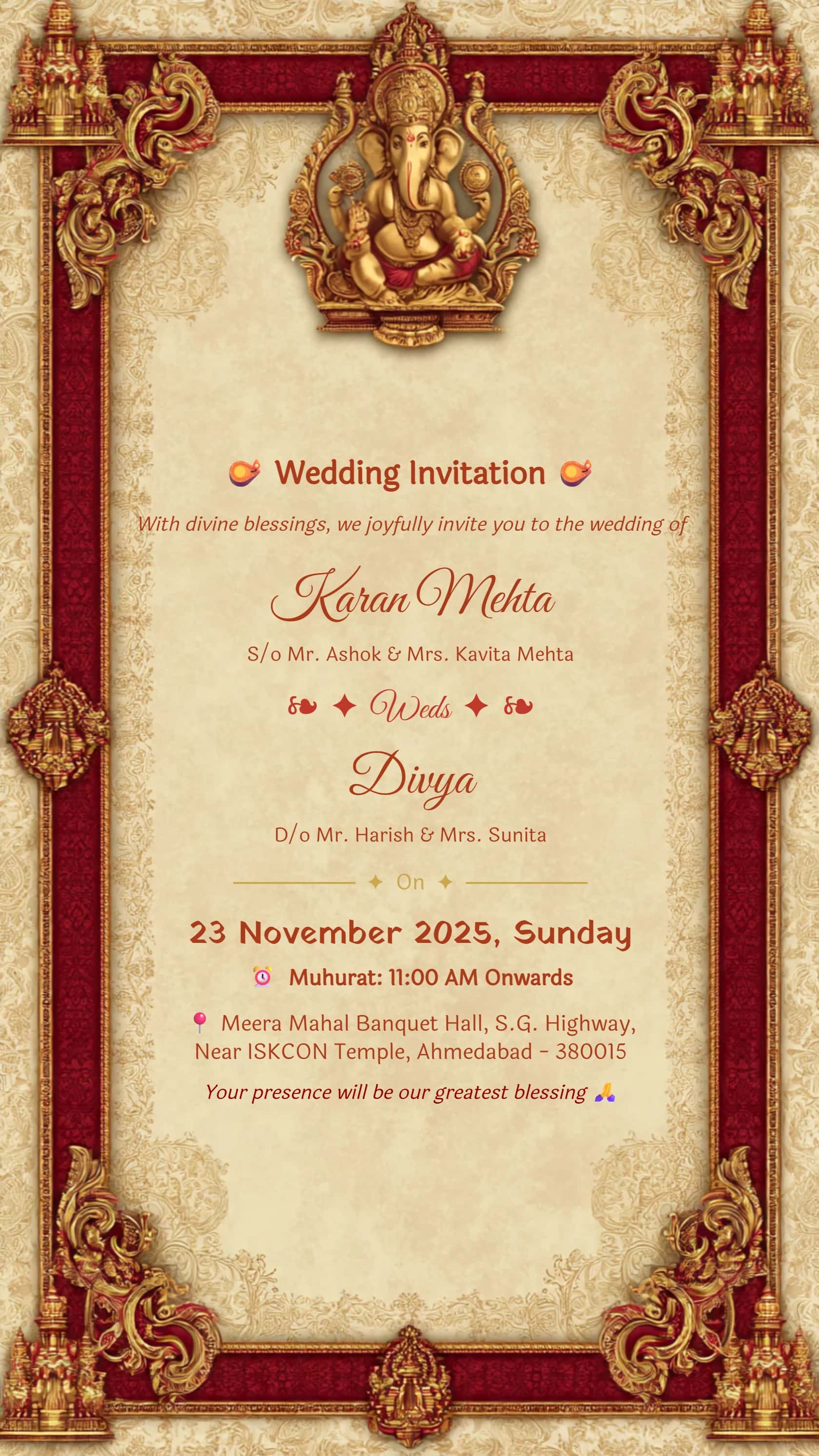
Ganesh Floral Wedding Invitation
Use the Ganesh floral design when you want personalized wording within a devotional floral frame.
YOUR NAMES · YOUR WORDING · YOUR CELEBRATION
Start with an editable design and make the message personal. This collection pairs spacious geometric layouts with floral and ceremonial cards, so you can choose a starting point that fits your names, wording and event details.
Choose your invitationAll card downloads are free with no watermark. No payment or login is required.
Use the Ganesh floral design when you want personalized wording within a devotional floral frame.
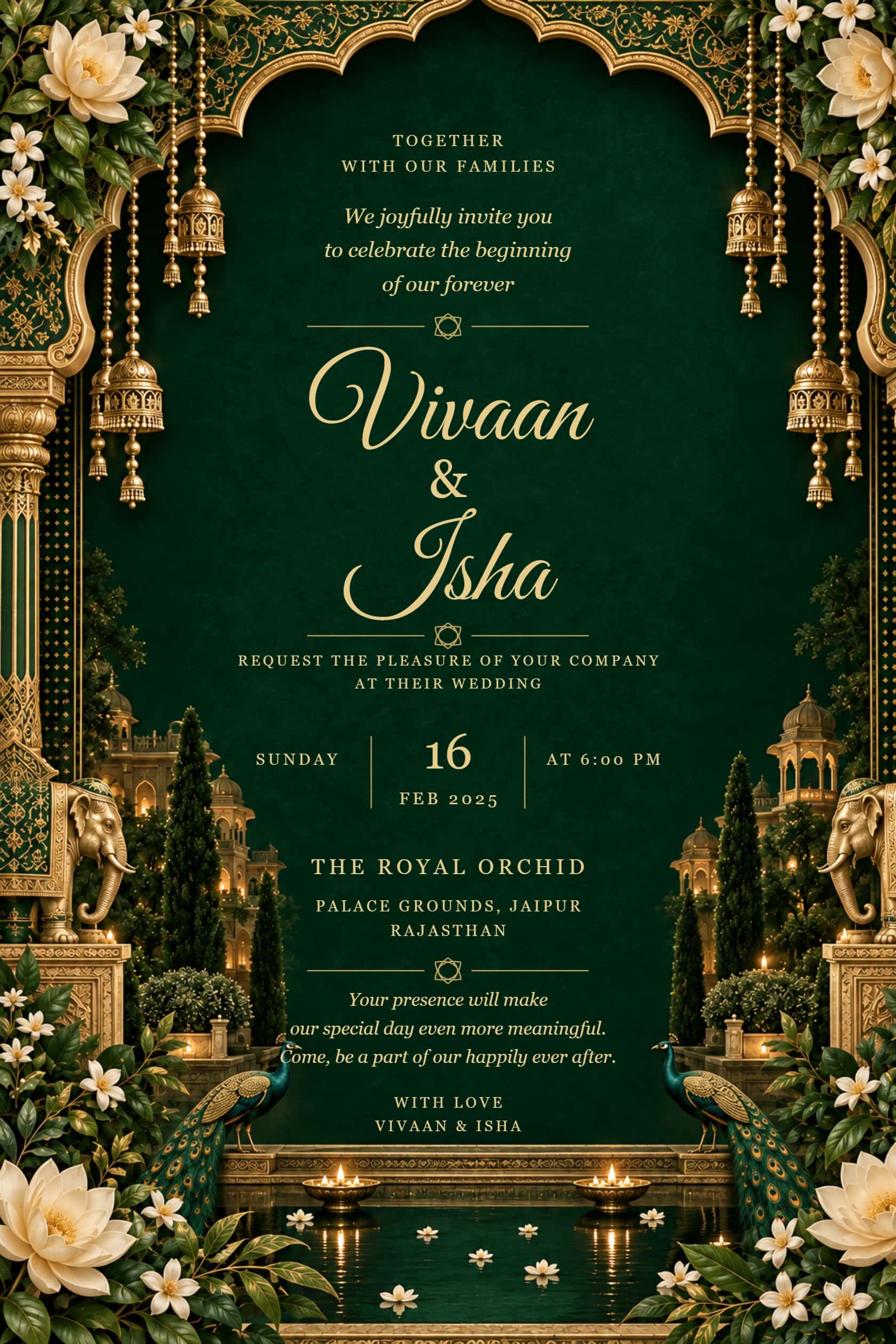
An emerald palace frame with ivory flowers and peacocks suits a formal family introduction.
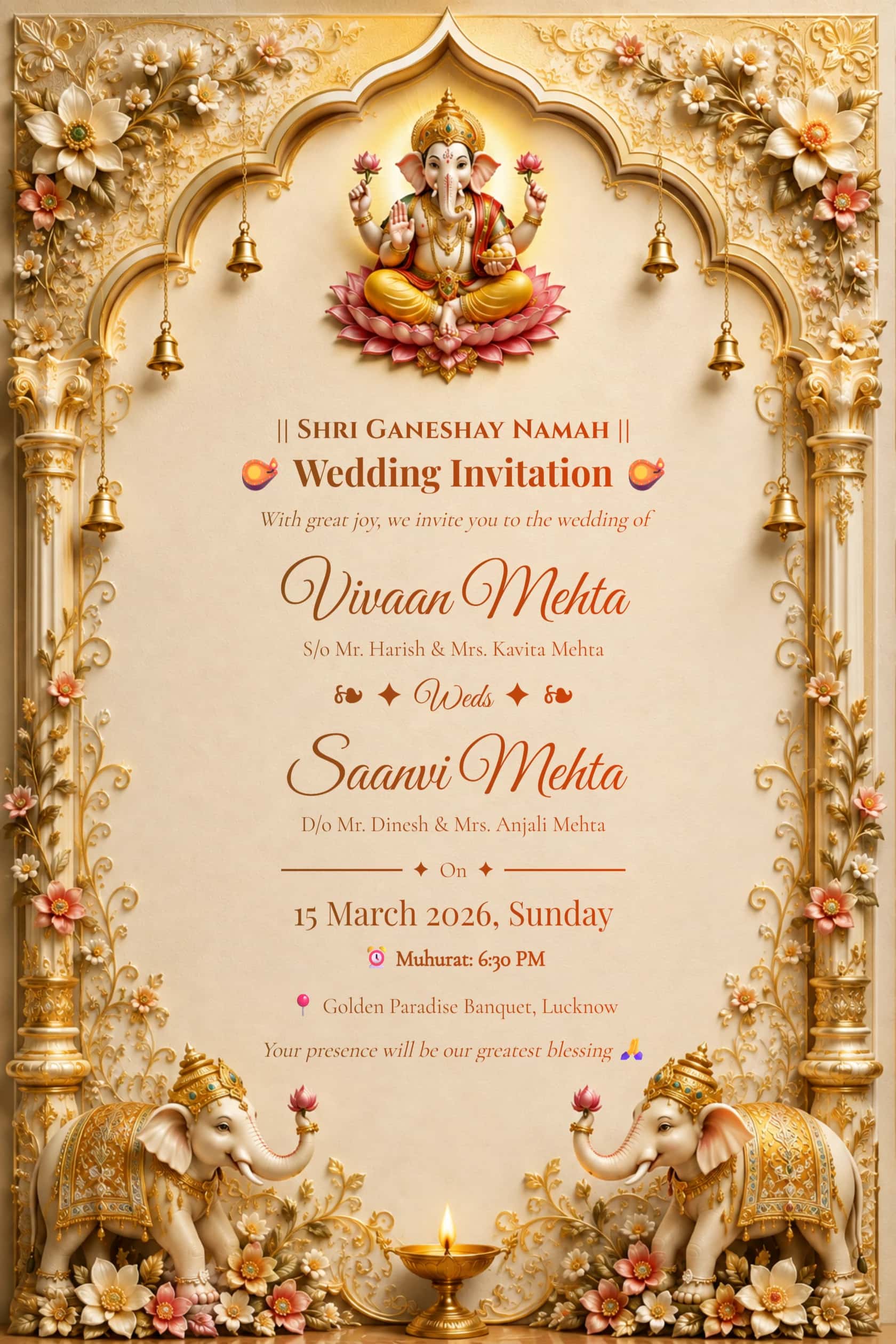
The English ivory-and-gold Ganesh sample offers a starting point for changing host names and ceremony details.
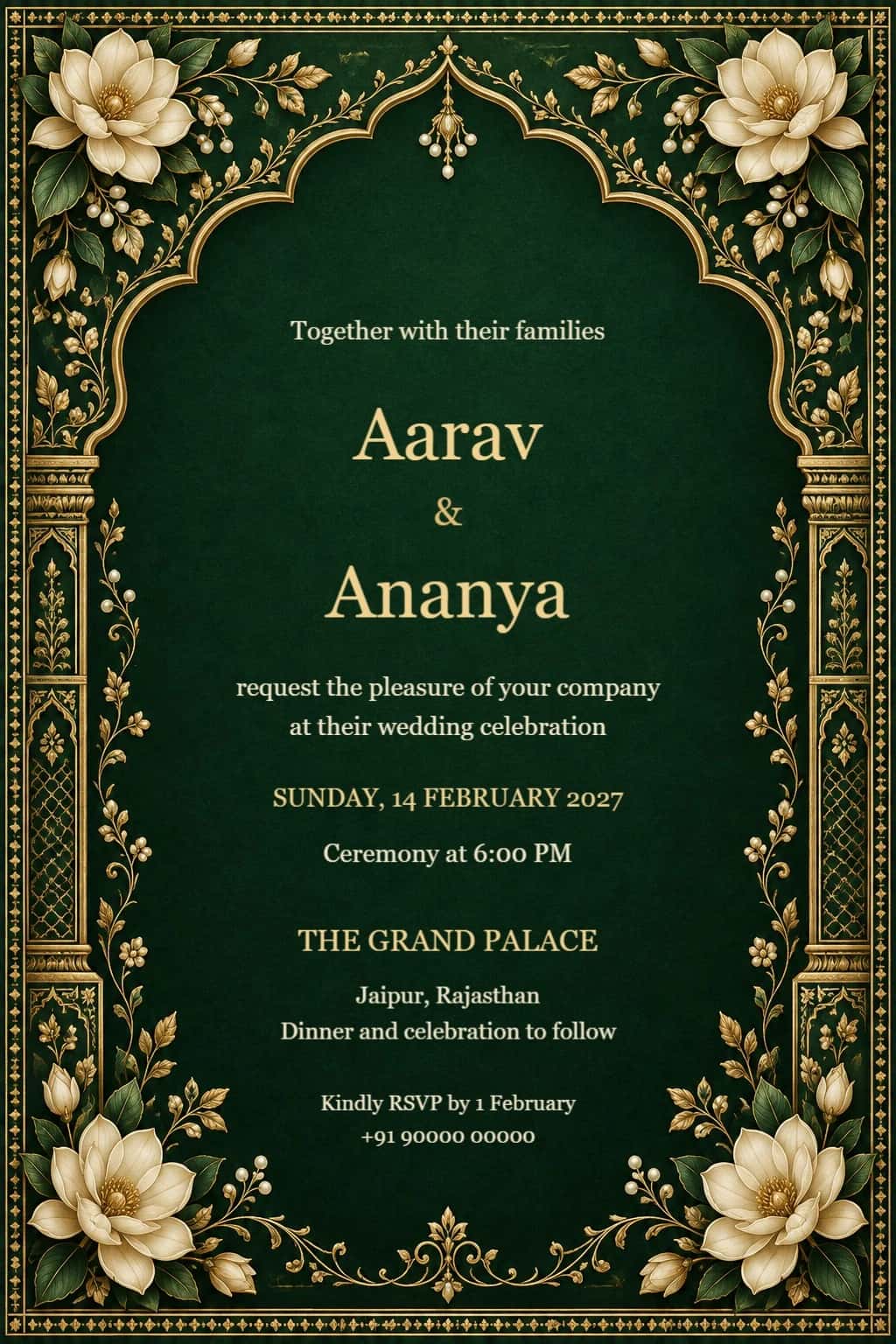
The emerald magnolia palace design provides an ornamental setting for a wedding or reception message.
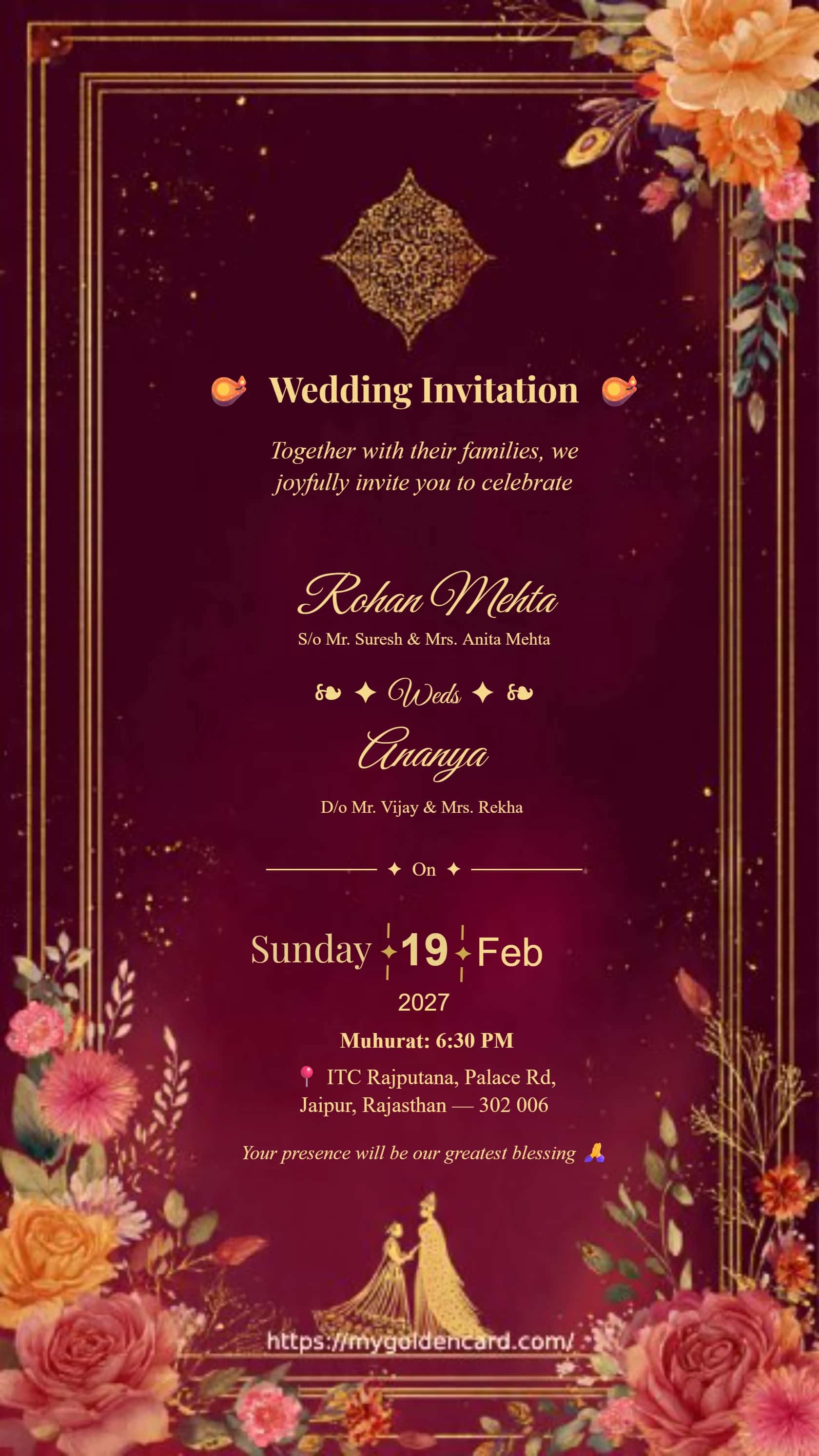
Elegant Indian wedding invitation with a luxury gold floral border and a regal, modern aesthetic for classic celebrations.
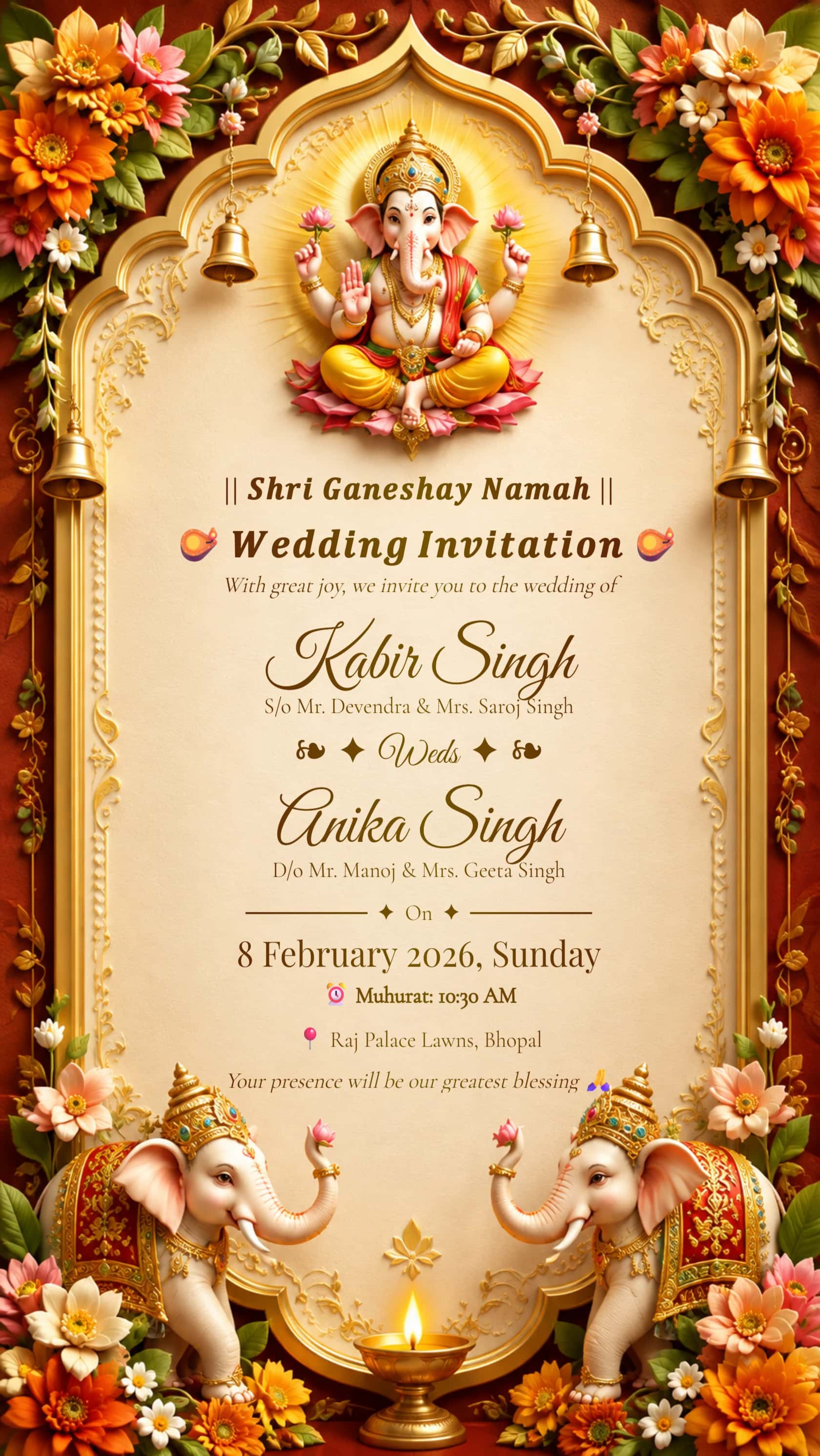
A regal Hindu wedding invite inspired by Ganesh blessings, rich maroon tones and timeless traditional design.
Your perfect invitation could be next
A customizable wedding card is most useful when its layout fits your real invitation, rather than only the sample names. Before choosing, write down the couple names, hosts, date, time, venue and RSVP contact. Compare how much text each preview contains. The terracotta geometric card suits a short announcement, while the emerald floral palace design offers a more ceremonial setting. If you need a long family introduction, check the available space before committing to an ornate border.
Open a design and select its editable text to replace the sample wording. Adjust the available font, size, color and position controls to keep names prominent and event details readable. Decorative flowers, arches and religious motifs may be part of the background image; they are not necessarily separate objects that you can recolor or remove. Choose another starting design if its fixed artwork does not suit your ceremony. The preview image shows the style, while the editor is where you check the actual editable elements.
For an intimate wedding, try: “Together with our families, Maya and Arjun invite you to celebrate their marriage.” A reception version could begin: “Join us for an evening of dinner and celebration with the newlyweds.” Replace the event details as well as the names: a wedding ceremony and a reception may have different arrival times and addresses. Keep a short line for an RSVP name or phone number. Avoid adding private travel or accommodation information to a card you plan to post publicly.
Long surnames often need a wider text box, a smaller font or a deliberate line break. Adjust one thing at a time and look at the complete card after each change. When entering Hindi or another script, use a font that displays the characters correctly and inspect the downloaded sample for missing letters or awkward spacing. Do not assume that a font chosen for English will work equally well for every language. Ask someone familiar with the wording to proofread names and ceremony terms before sharing.
Download a sample and view it at the size guests will see on a phone. Check spelling, date, arrival time, address and RSVP details against your event plan. PNG or JPG can suit digital sharing; ask your printer whether PDF or an image is preferred for a physical invitation. Exported images are flattened, so use the editor again for later text changes. Keep your final wording in a separate note so you can recreate a version for a reception or another guest group without relying on the sample text.
YOUR NAMES · YOUR WORDING · YOUR CELEBRATION
Customize wedding card names, wording, dates and venues online. Compare editable geometric, floral and Ganesh designs, then download your finished invitation.
Prepare the names, host wording, event date and time, full venue address and RSVP details. Knowing the text length helps you choose a layout with enough room.
Artwork embedded in the background is not an editable text element. Check the editor and choose a different design if a fixed motif is unsuitable.
Try widening the editable text box, adding a deliberate line break or reducing the font size slightly. Check the exported card at phone size before accepting smaller lettering.
Yes. Replace the invitation heading and event details with reception wording, then check that the ceremony information has not been left in another text box.
You can enter your own wording. Select a compatible font and check the preview and export for correct characters; script rendering depends on the font and design.
The PNG is a flattened image. Change the names in the card editor and export a new version instead of expecting the downloaded file to retain editable text layers.