
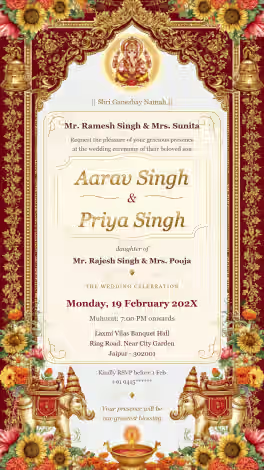
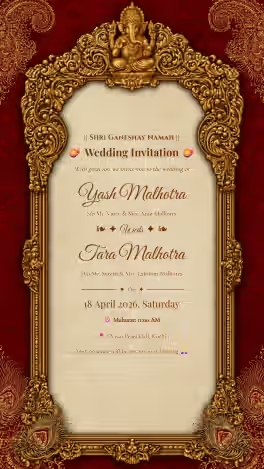
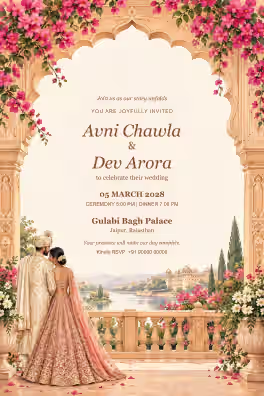
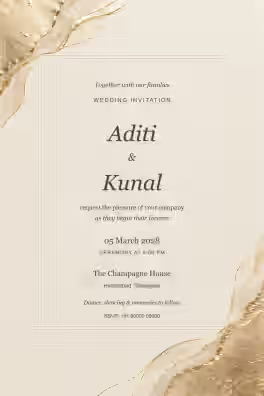
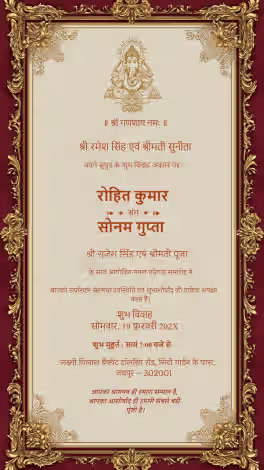
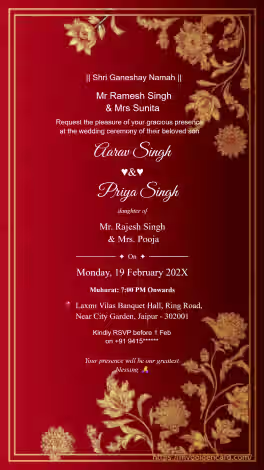
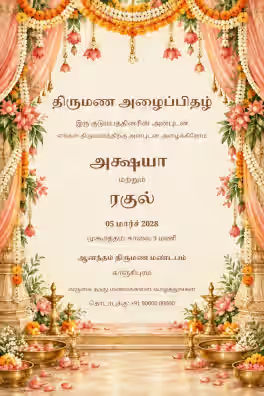
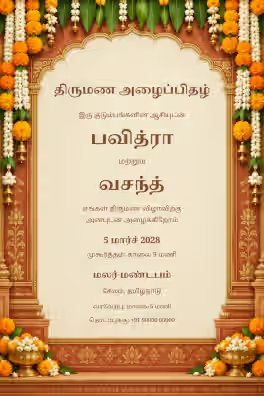
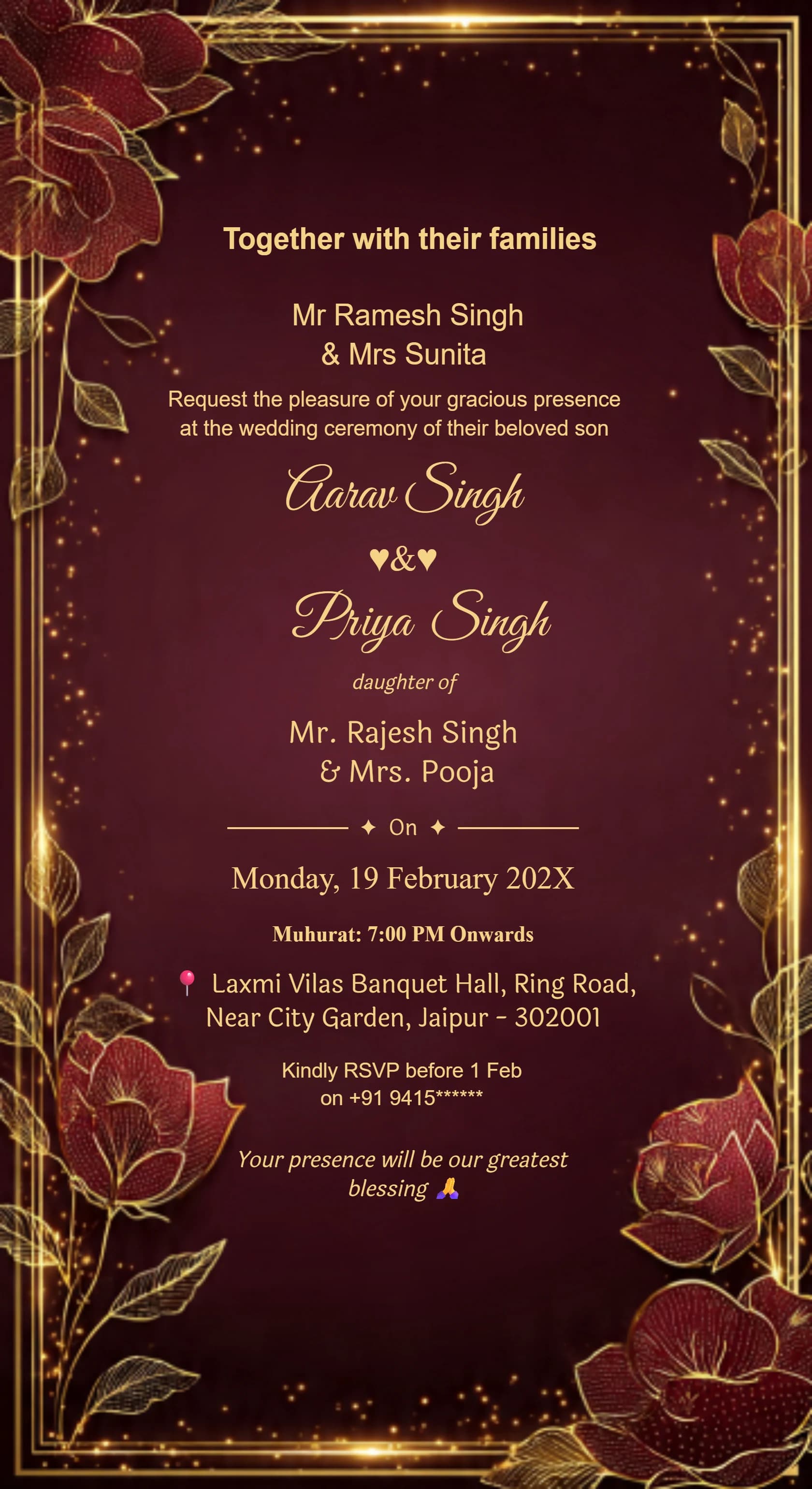
Card #3001
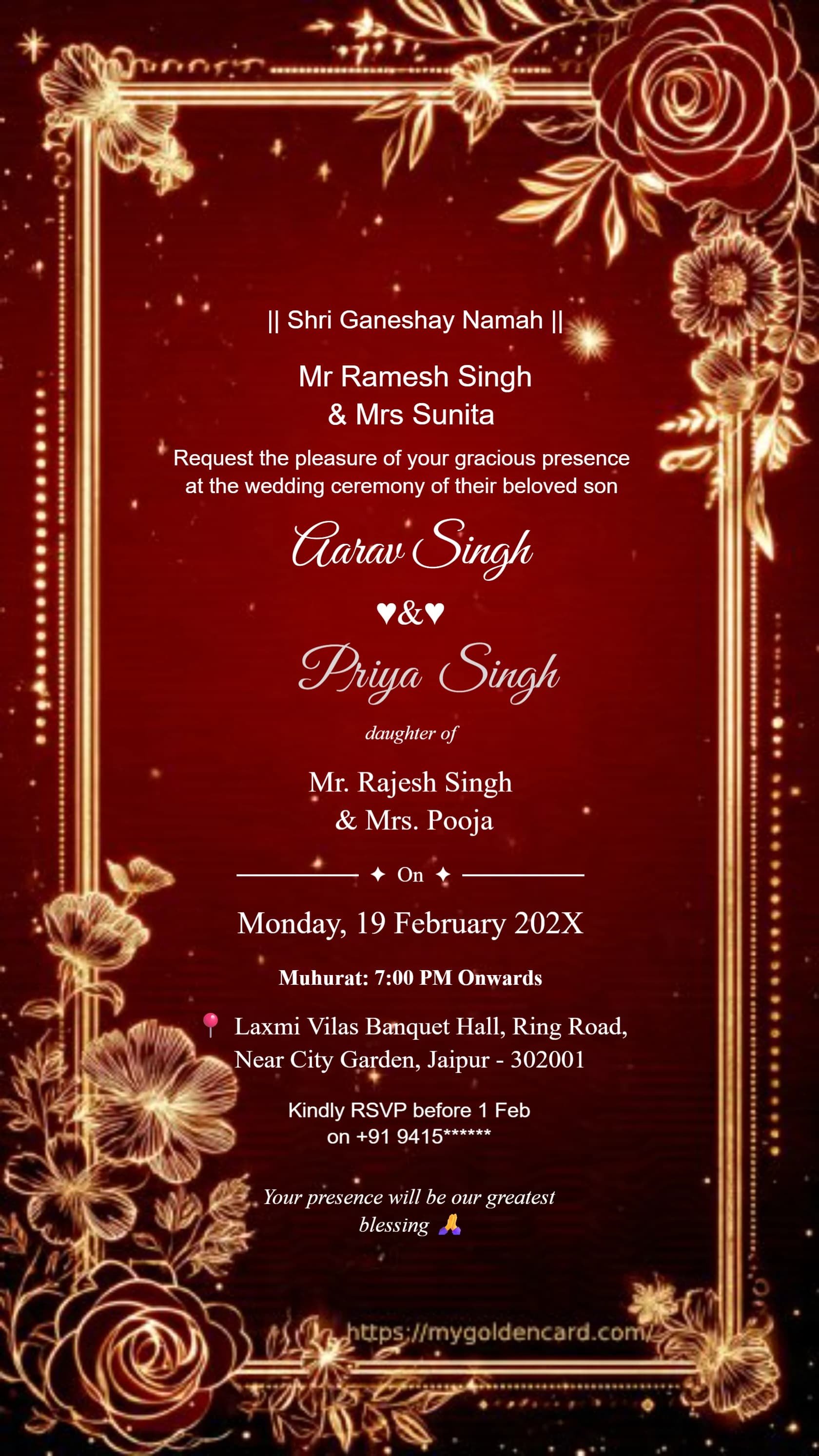
Card #3002
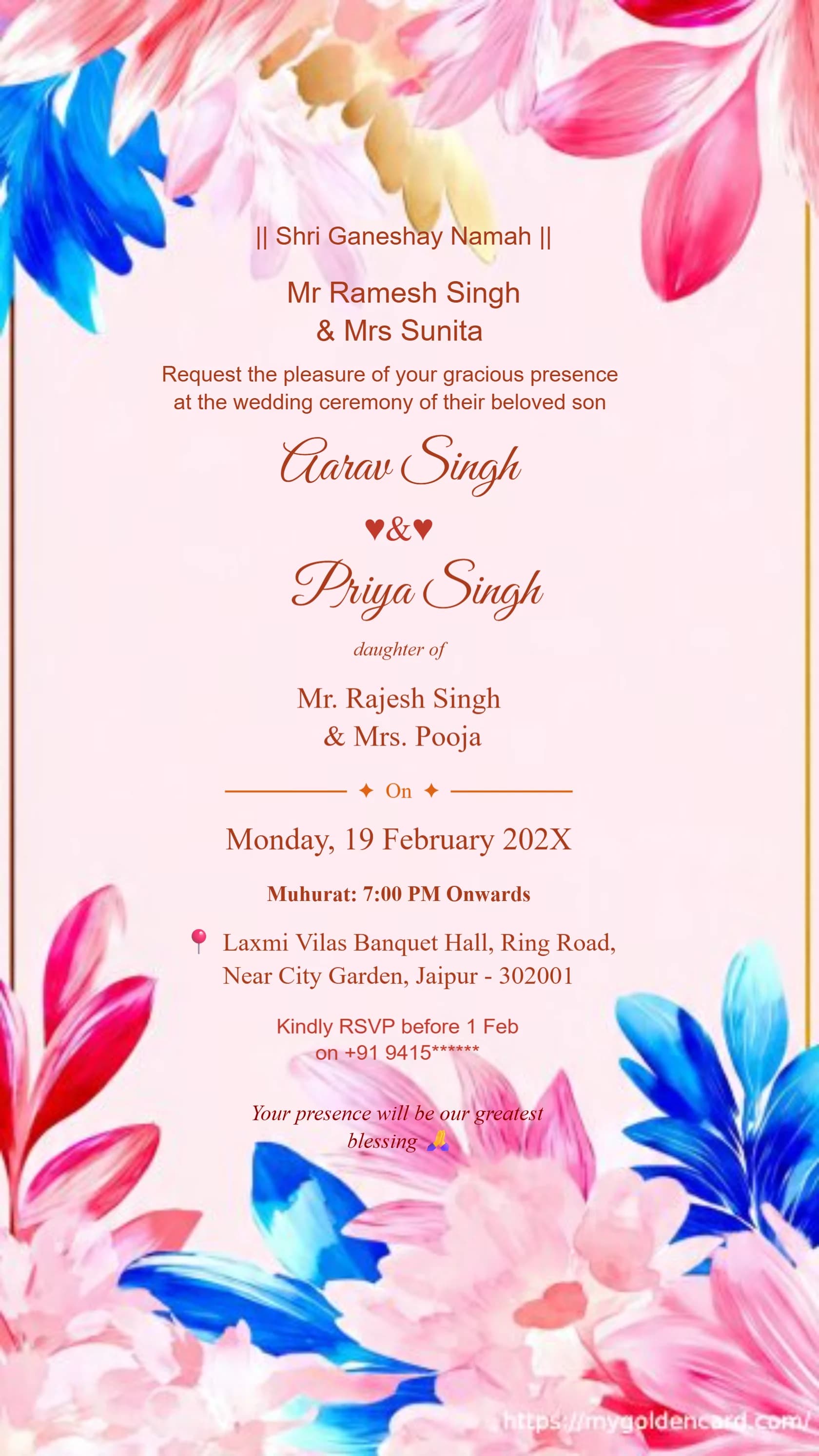
Card #3003
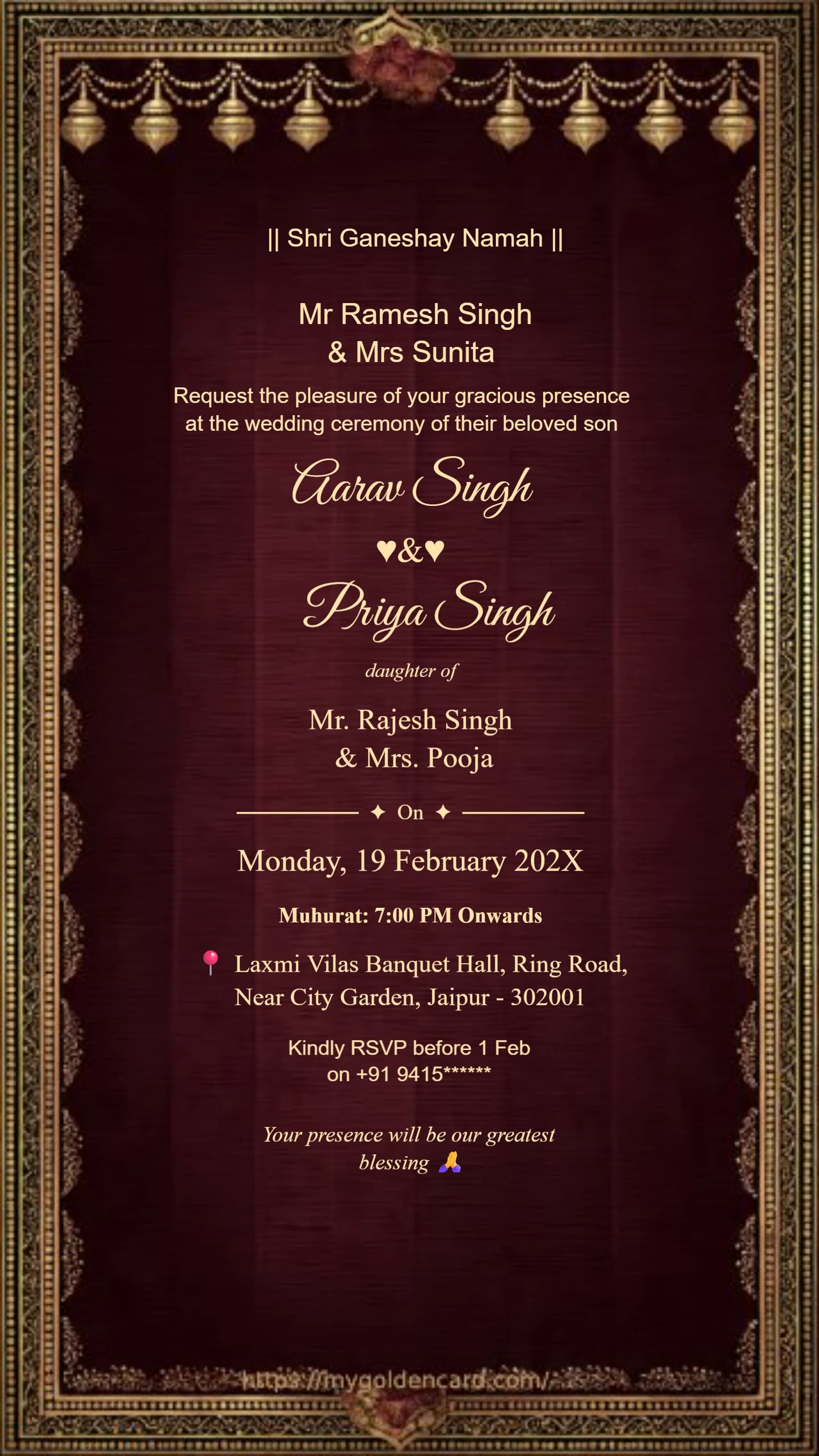
Card #3004
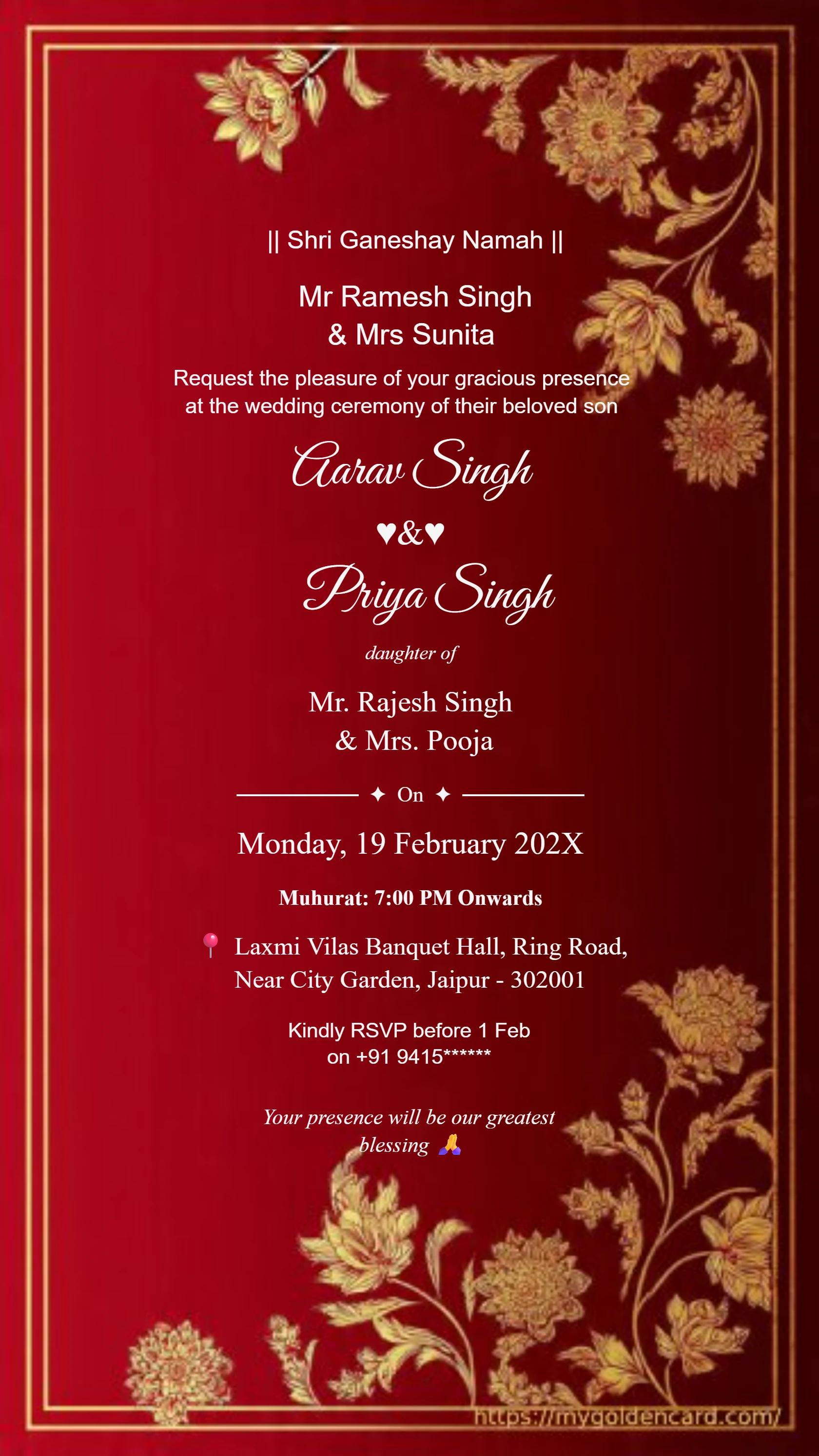
Card #3005
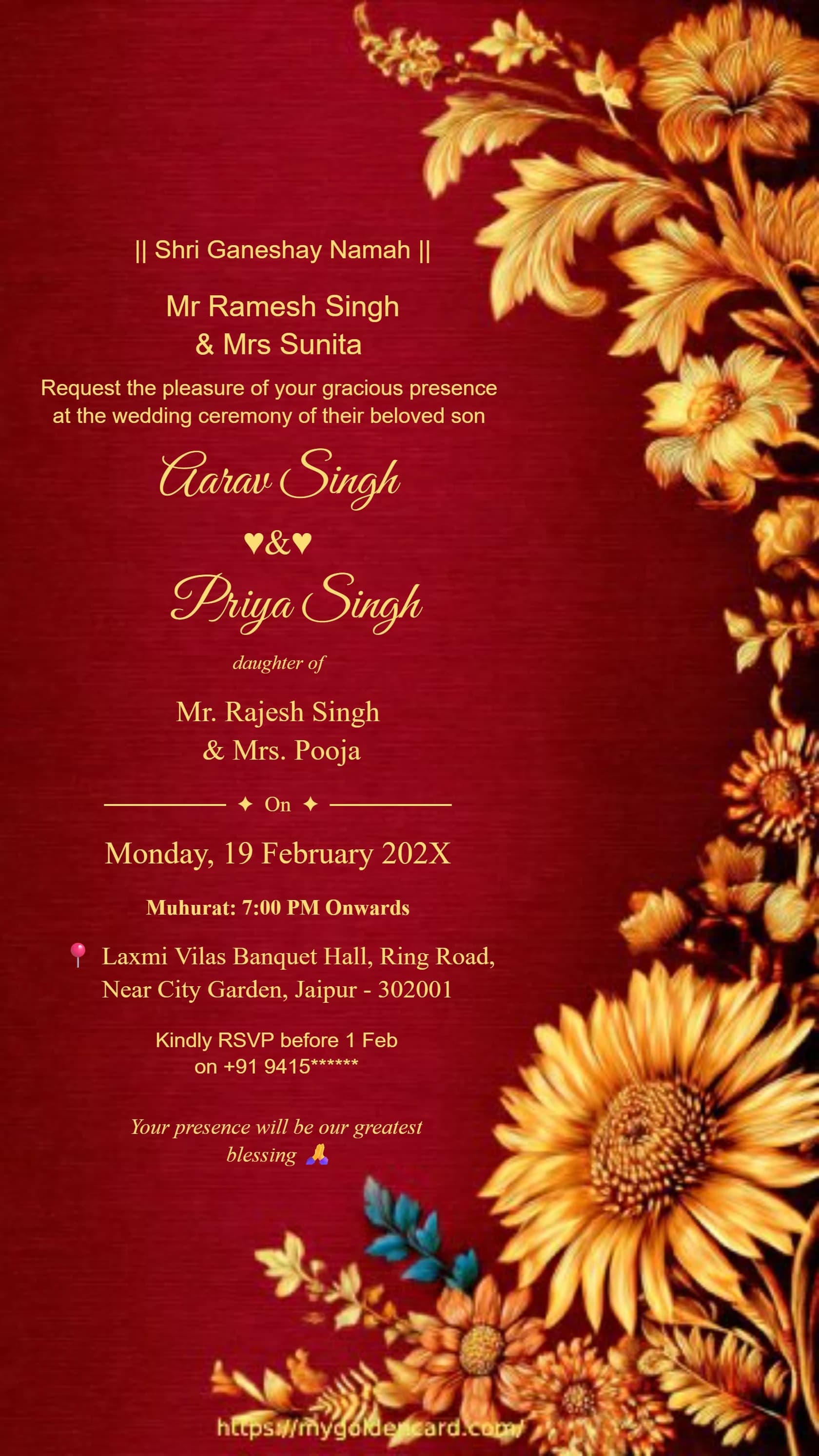
Card #3010
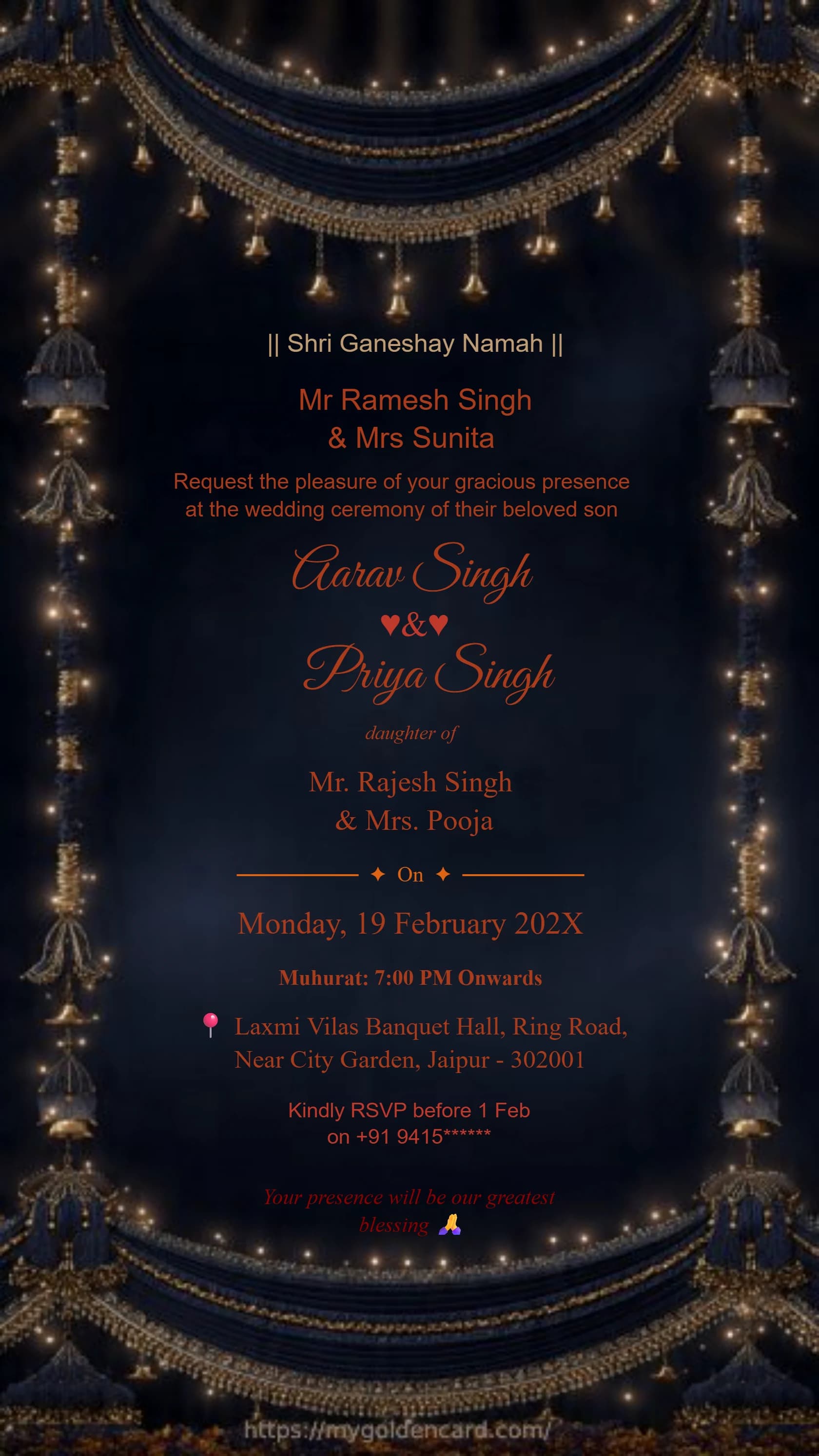
Card #3012
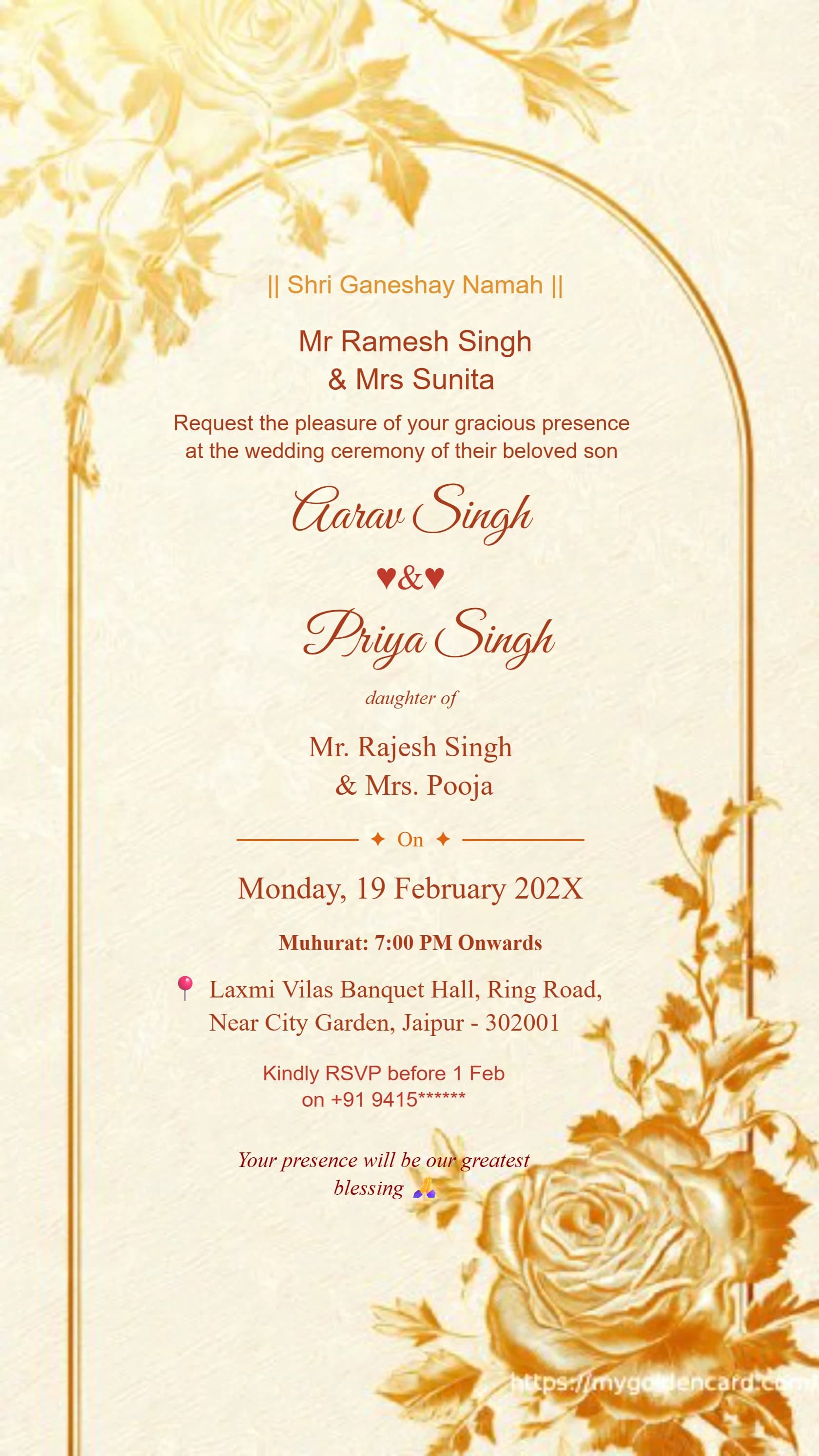
Card #3013

Editable wedding invitation cards that allow you to personalize names, dates, venue, and messages effortlessly.
✦ BROWSE THE COLLECTION ✦
Ganesh Theme · Royal Blue · Maroon Gold · Floral · And Many More
Card #3001
Card #3002
Card #3003
Card #3004
Card #3005
Card #3010
Card #3012
Card #3013
Customize Your Wedding Invitation Easily
Our editable wedding invitation cards are designed with one simple goal: making it effortless for anyone to create a personalized, beautiful invitation with zero design experience. Every text element — bride's name, groom's name, wedding date, time, venue, parents' names, and RSVP contact — is directly editable through our intuitive online interface. Click any text to change it instantly. Use the built-in color picker to match your wedding palette. Switch between elegant font families to find your perfect typographic style. Real-time preview lets you see exactly how the final card will look before you download. Once you are satisfied, your high-quality card downloads instantly — no account registration required for basic customization. Edit anytime and re-download whenever you need.
✦ QUICK ANSWERS ✦
Everything you need to know about creating your perfect wedding invitation
Every text element is directly editable — bride's name, groom's name, wedding date, ceremony time, venue name and address, parents' names, RSVP contact number, and any personal message or blessing text. Click directly on any text in the preview to edit it.
No account registration is required for basic customization. Select your template, edit all text fields directly in the browser, and download your finished card instantly — the entire process requires no login or sign-up.
Yes, your edits are saved in your browser session. You can re-open the editor at any time, make further changes to text or colors, and download a fresh version of your updated card without starting over from scratch.
Yes, the editor includes a curated selection of elegant font families. Select any text element and choose from available font options to find the typography that best matches your wedding style — from classic serif fonts to modern sans-serif options.
Yes, every change you make — text edits, color adjustments, font changes — updates live in the preview panel so you see exactly how the final card will look before downloading. No surprises after download.