
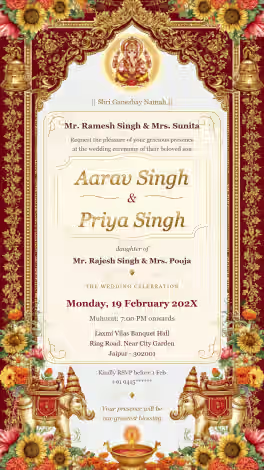
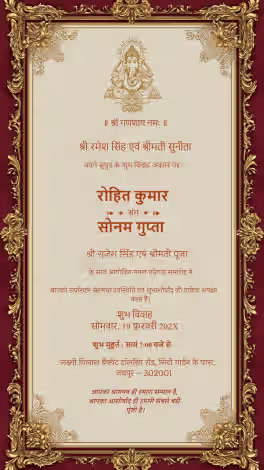
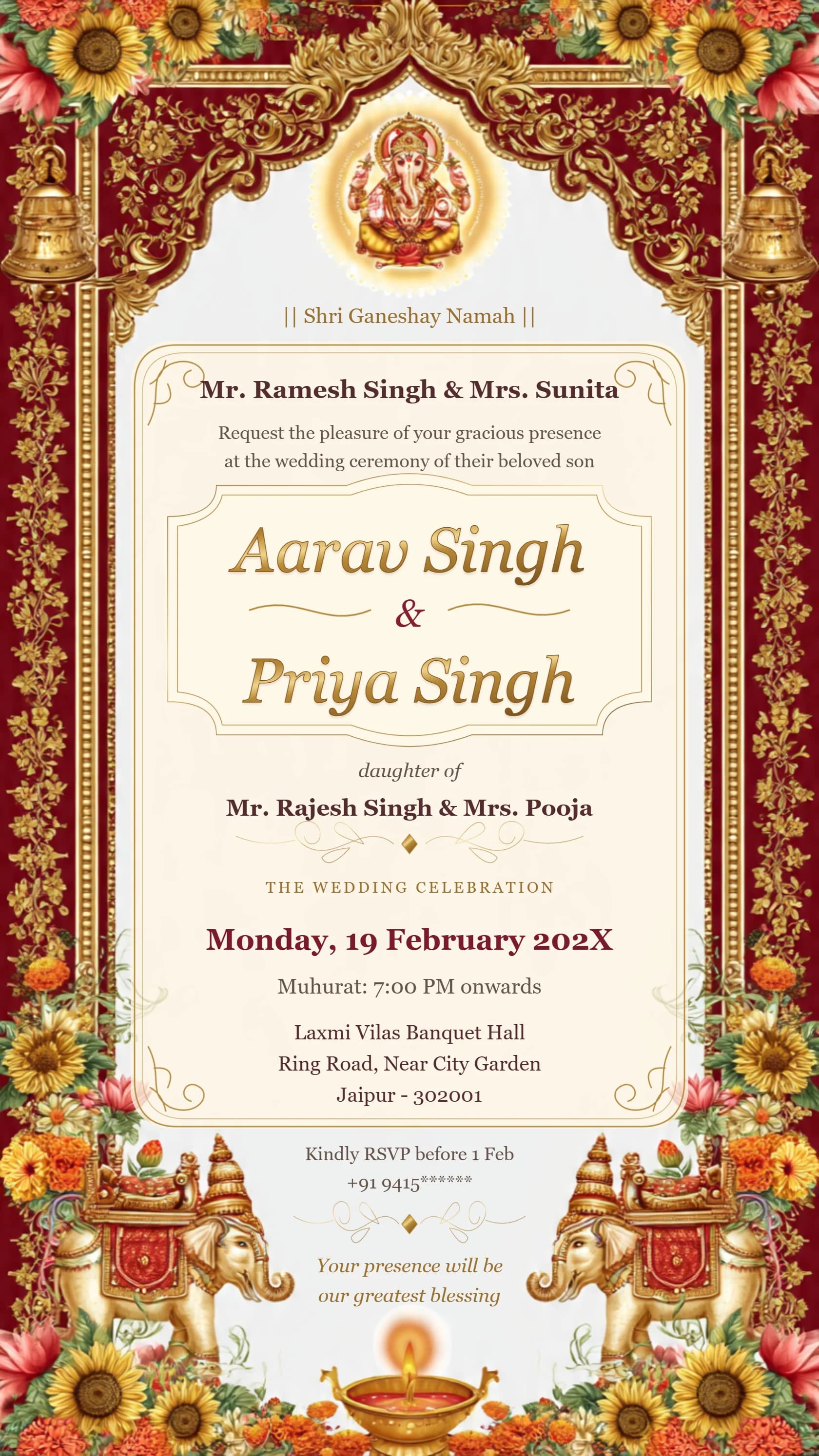
Card #1071
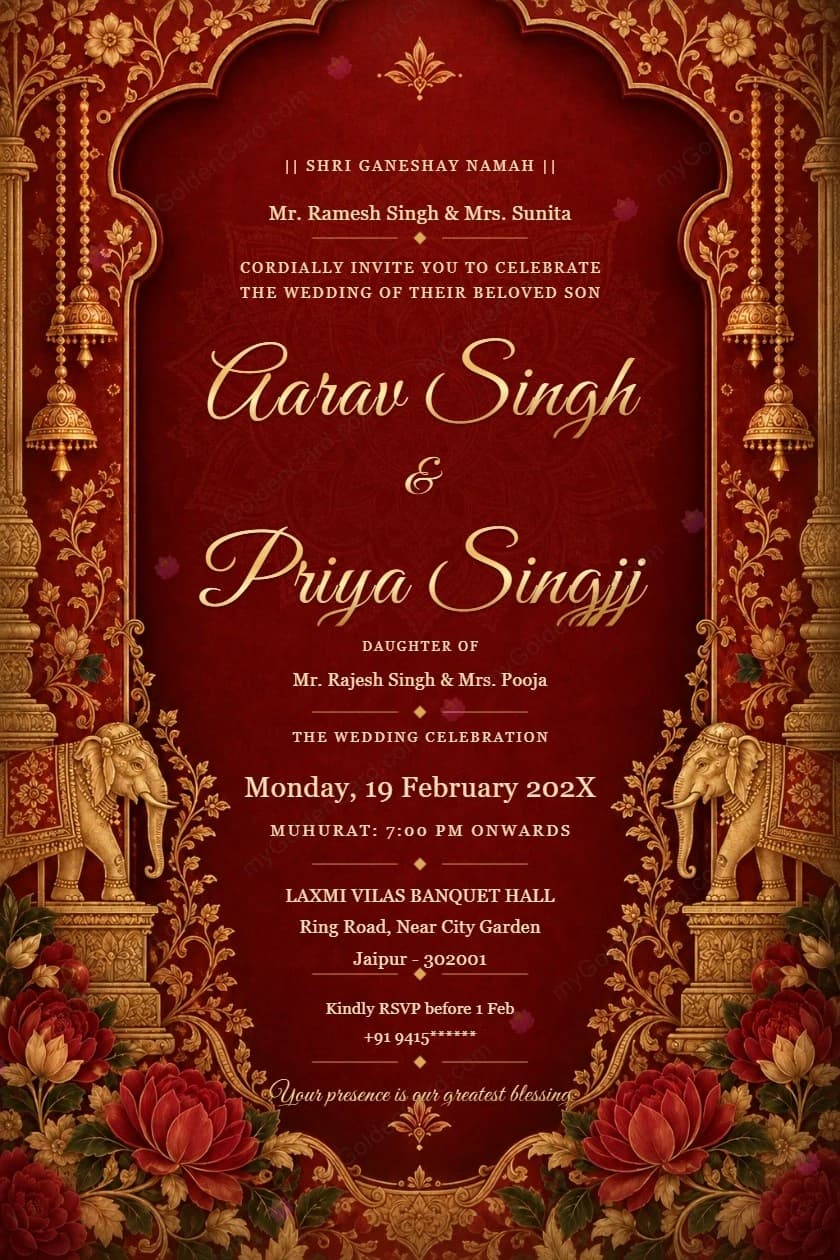
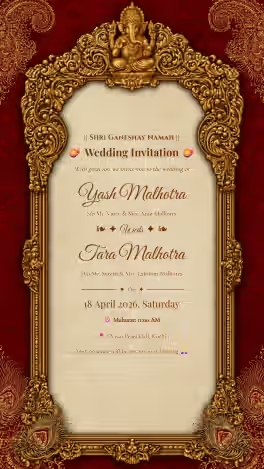
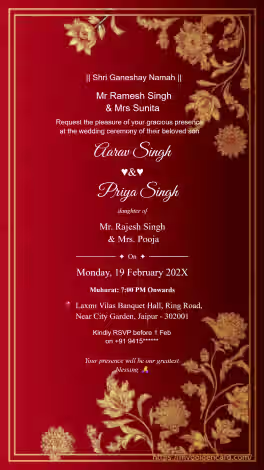
Card #1134
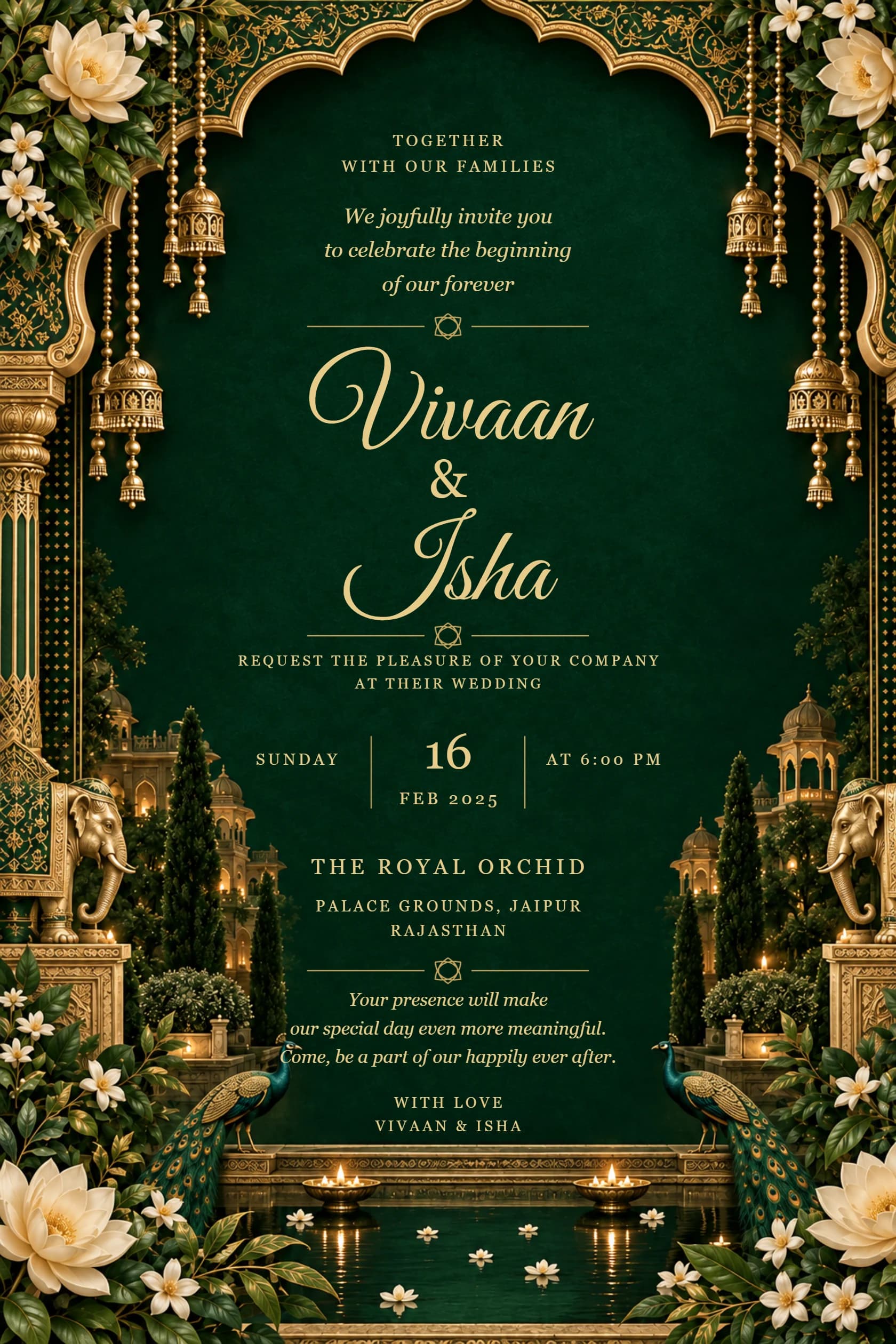
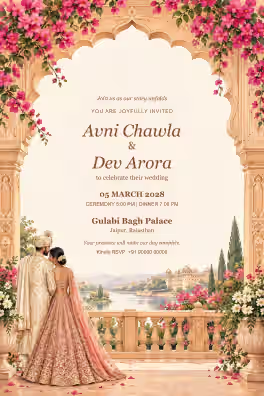
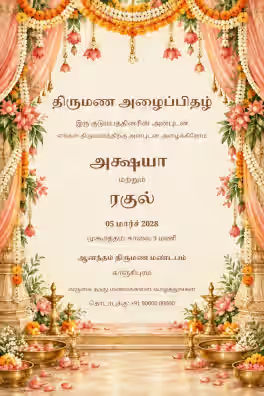
Card #1135
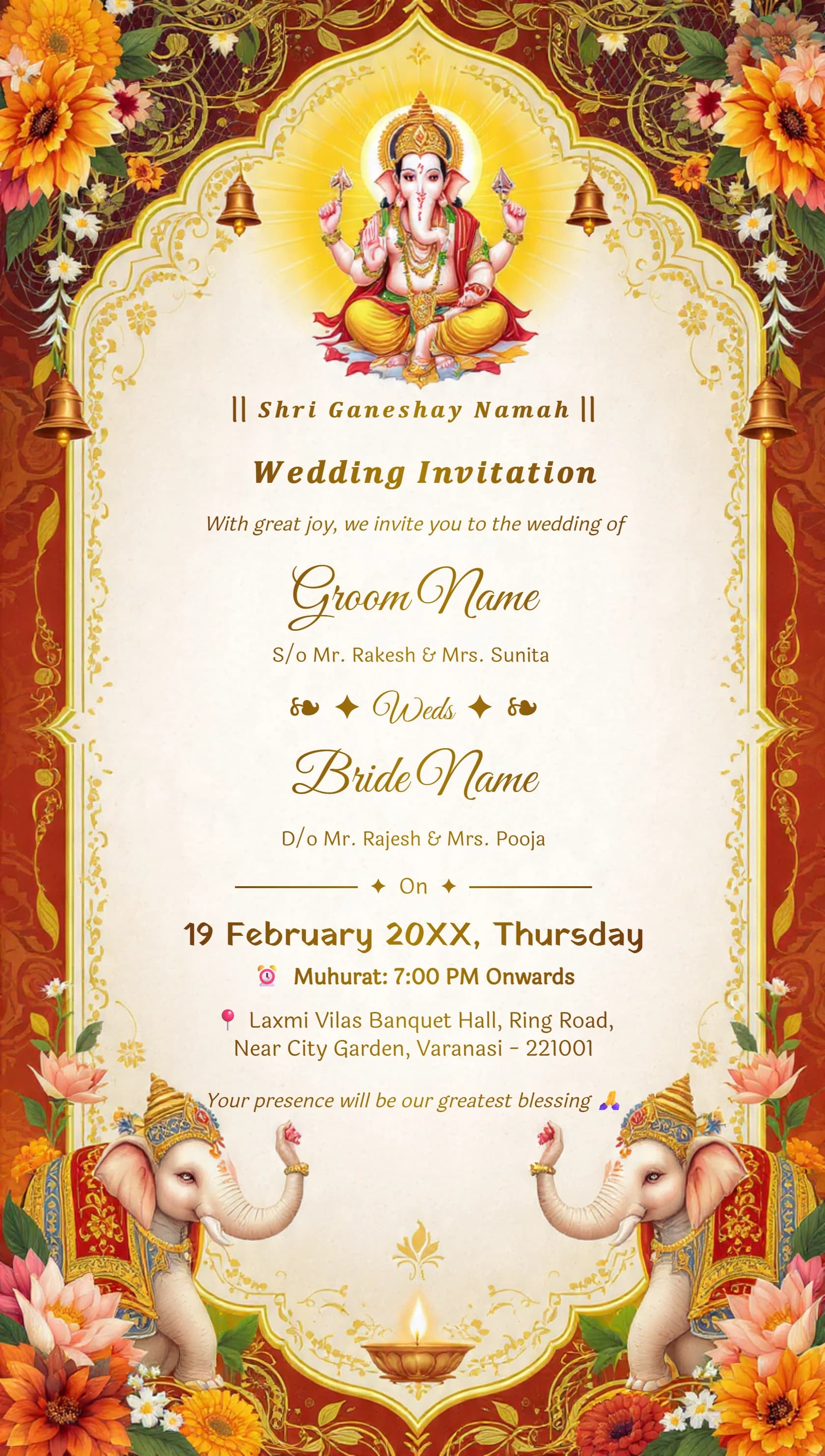
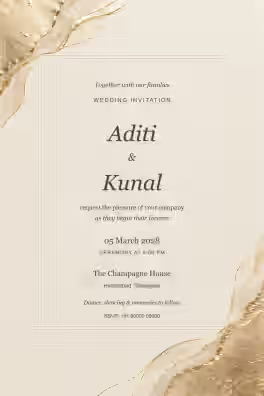
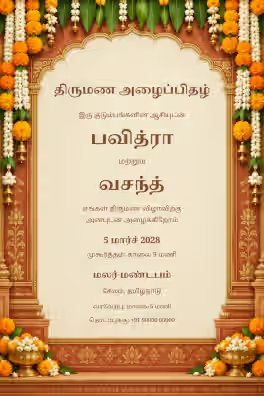
Card #1001
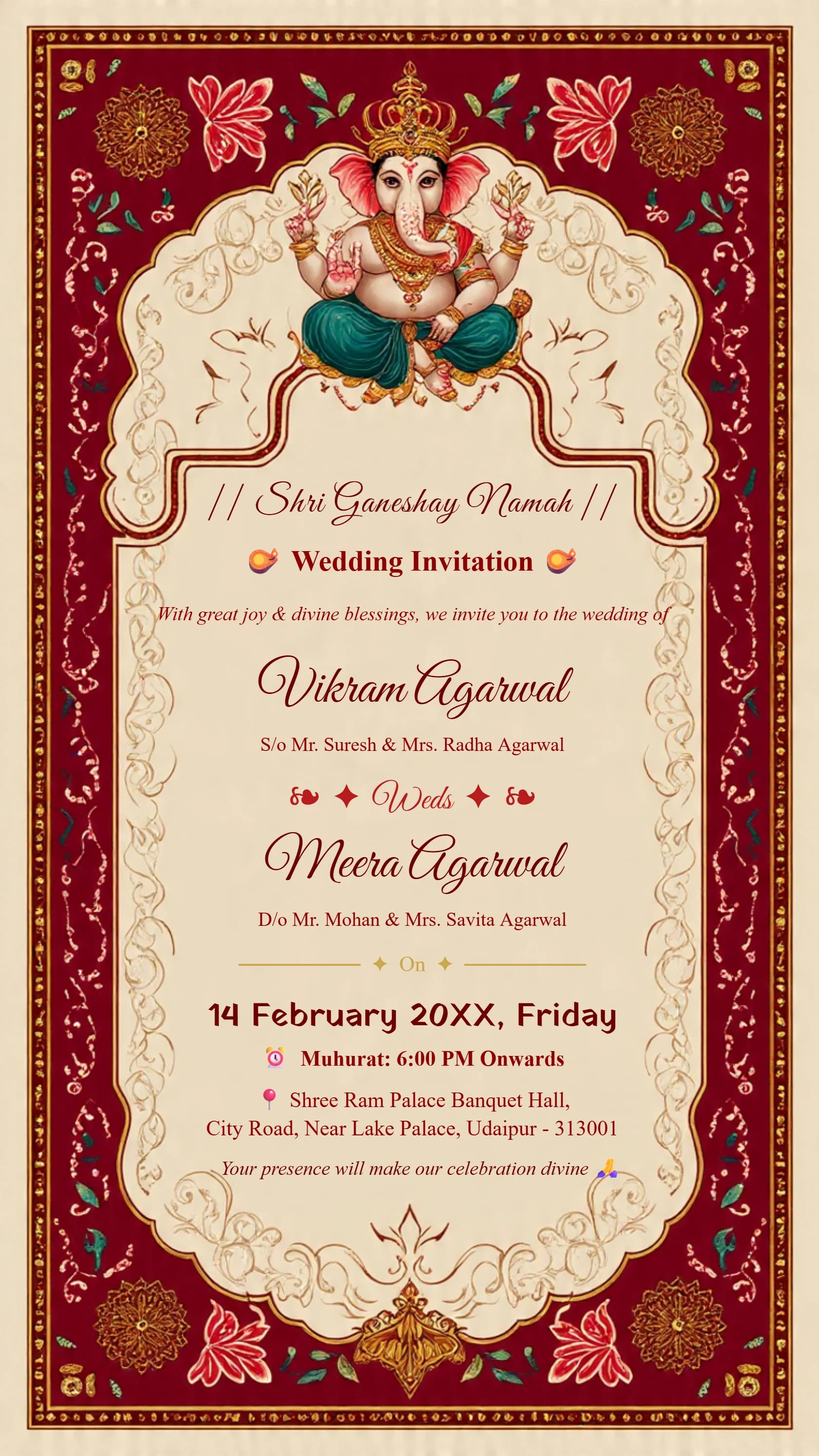
Card #1006
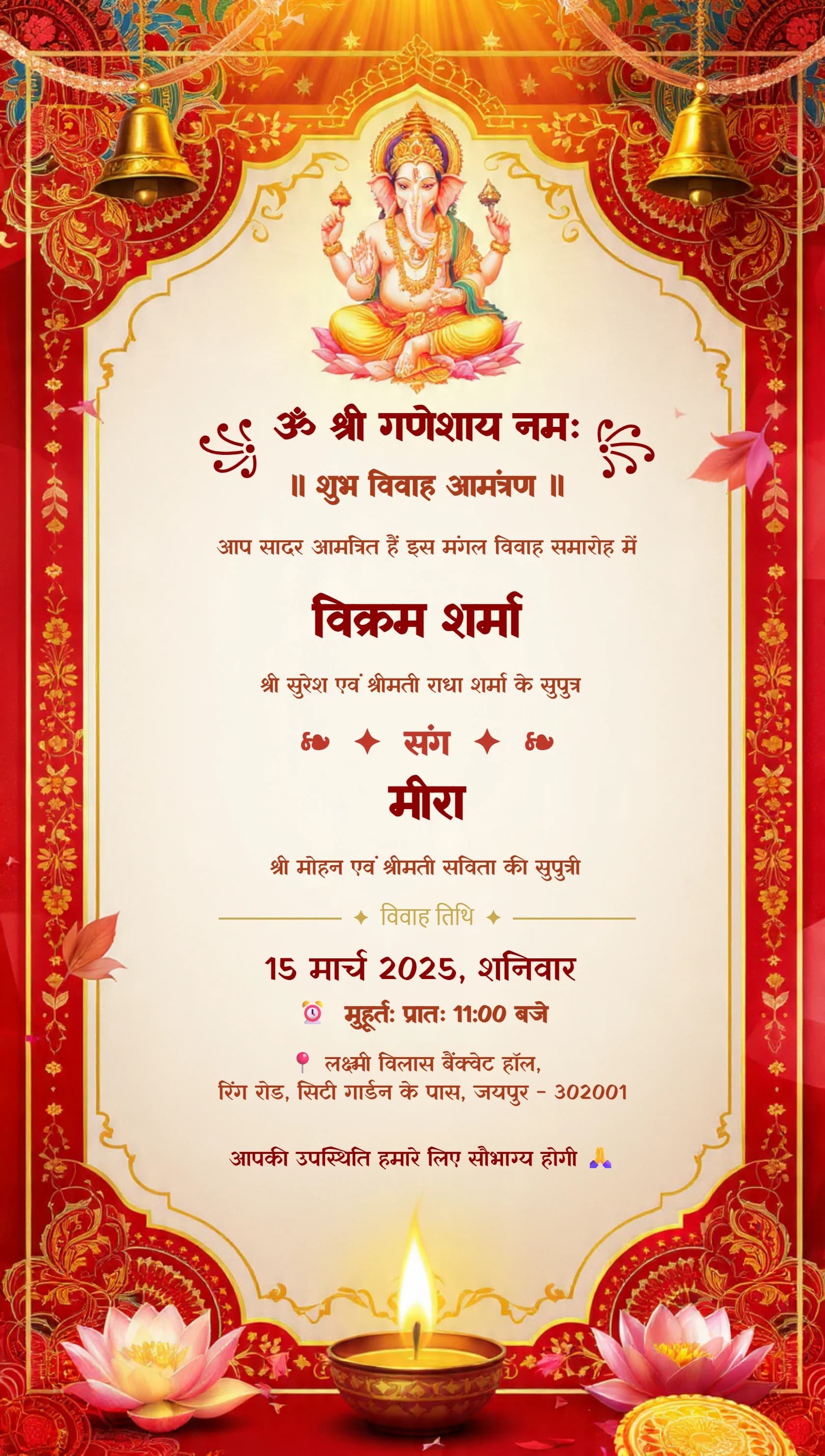
Card #1098
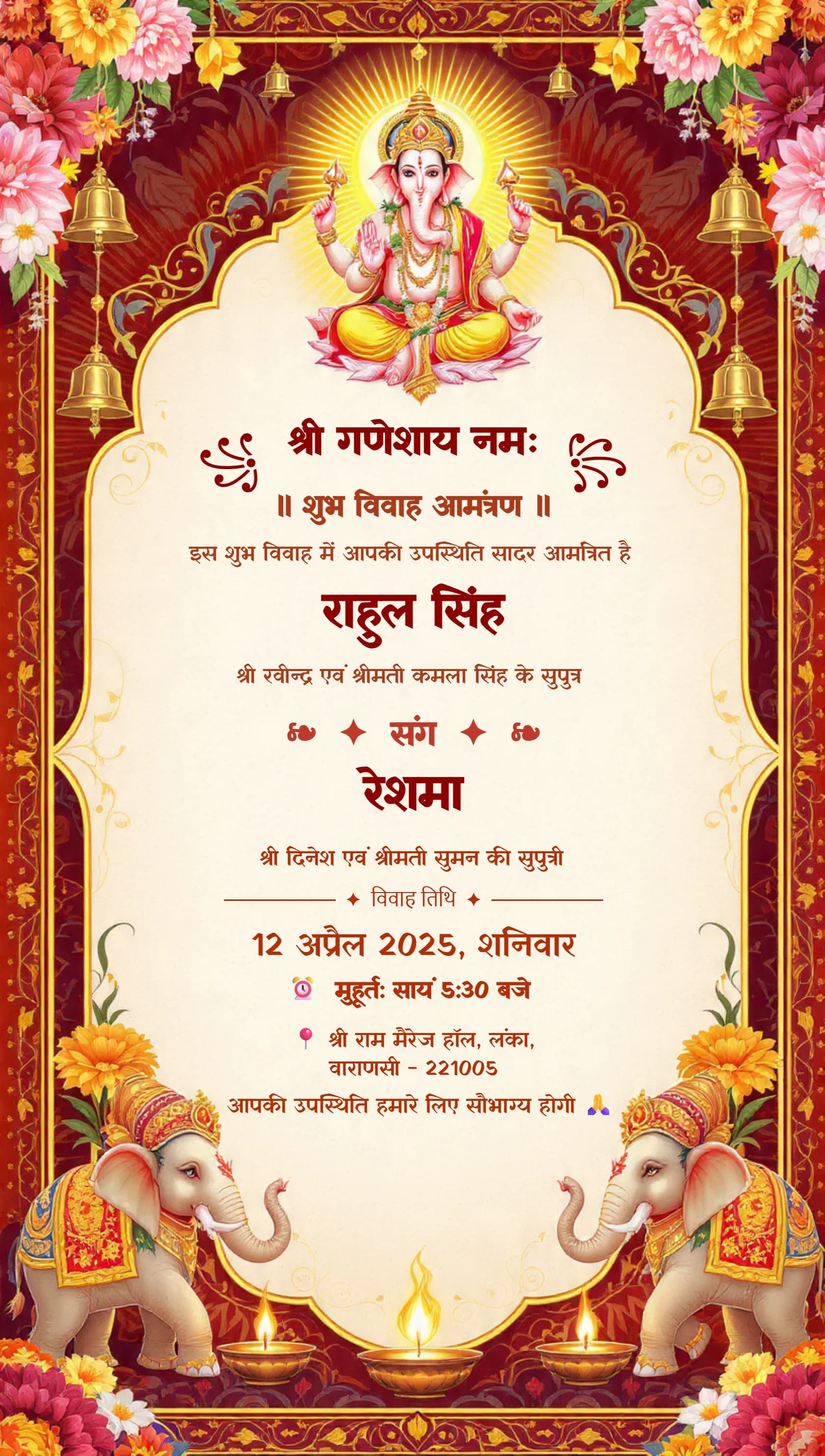
Card #1099
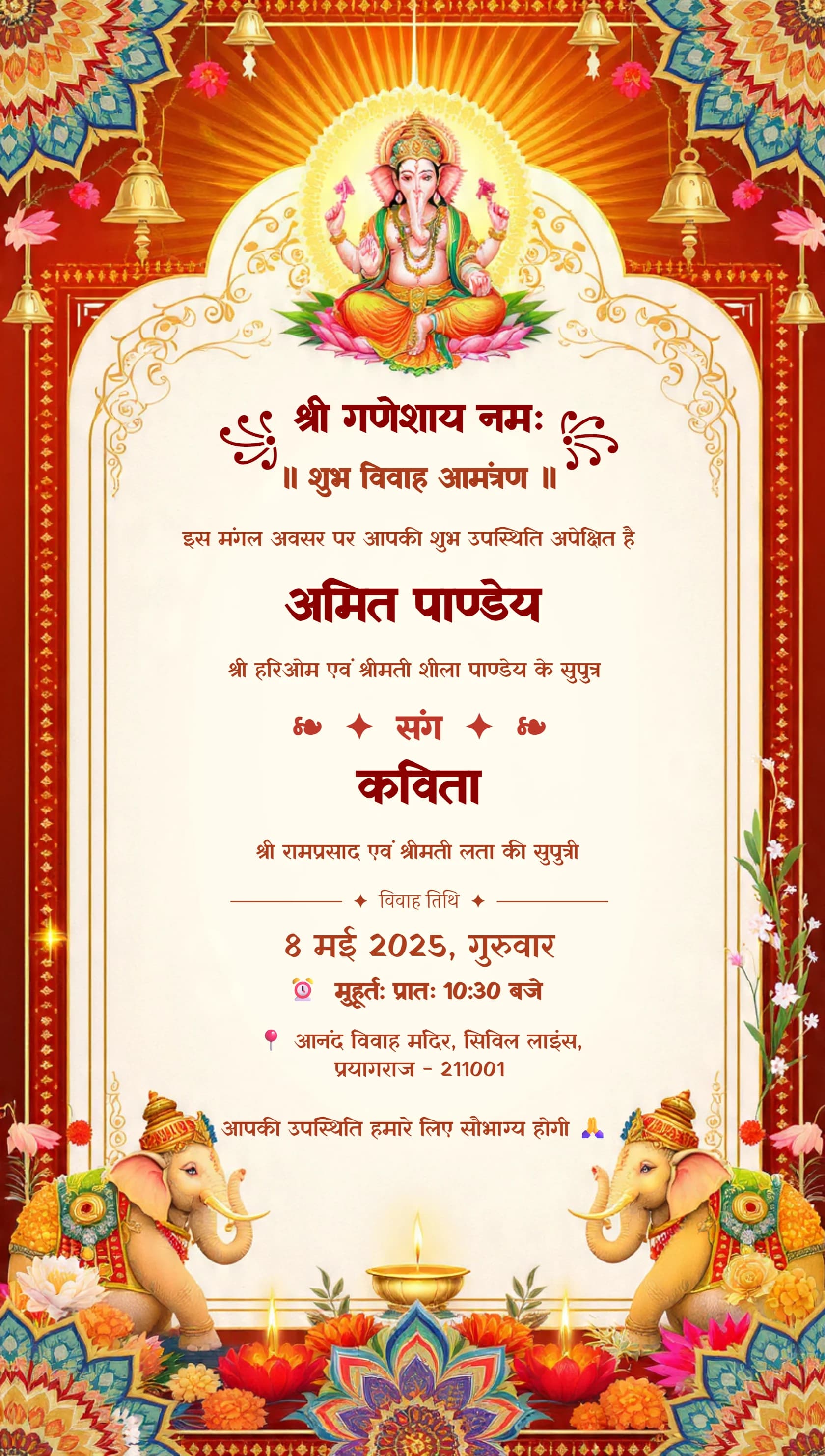
Card #1097
Wedding card design online is simple with MyGoldenCard: pick a traditional or modern Indian template and customize names, shlokas, photos and colours free online. Get an instant HD PDF or PNG download ready for WhatsApp sharing or printing.
✦ BROWSE THE COLLECTION ✦
Ganesh Theme · Royal Blue · Maroon Gold · Floral · And Many More
Card #1071
Card #1134
Card #1135
Card #1001
Card #1006
Card #1098
Card #1099
Card #1097
Waiting days for a printer's proof, then paying again for every spelling correction, is slowly becoming a thing of the past. With wedding card design online, you see every change instantly and can fix a date or name at midnight if you need to.
Most invitations today travel on WhatsApp anyway. A digital card reaches relatives across cities and abroad in seconds, and you can still print a few copies from the same HD wedding card PDF for elders.
Every template is already laid out with matching fonts and ornaments. Just click on any text or image to replace it — no software to install.
Write your invitation in Hindi, Telugu, Tamil, Marathi, Kannada and more using suitable fonts. Find ready matter on our wedding card matter in Hindi and Telugu wedding cards pages.
Design a page for each ceremony, download them, then combine pages into one PDF with our Merge PDF tool for a single, tidy file.
Upload couple or family photos and clean them up first with our background remover, so they blend naturally into your card design.
✦ QUICK ANSWERS ✦
Everything you need to know about creating your perfect wedding invitation
Yes. You can customize any wedding card design free online in the MyGoldenCard editor. Download options depend on the plan shown when you export.
Most people finish in about 2 minutes by choosing a template and replacing the names, dates and venue. Adding photos and extra ceremony pages takes a little longer.
Yes. You can upload couple or family photos and type shlokas such as Vakratunda Mahakaya in Devanagari or other Indian scripts.
You can export your card as PNG, JPG or PDF. PDF is best for printing and for sharing on WhatsApp as a document.
No. The editor runs in your mobile or desktop browser, so you can start designing straight away.