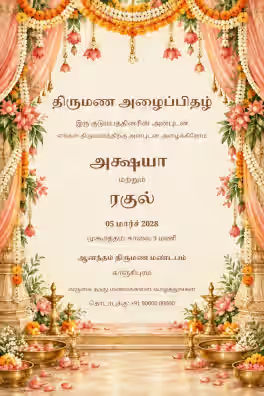
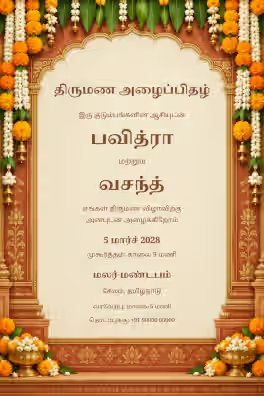
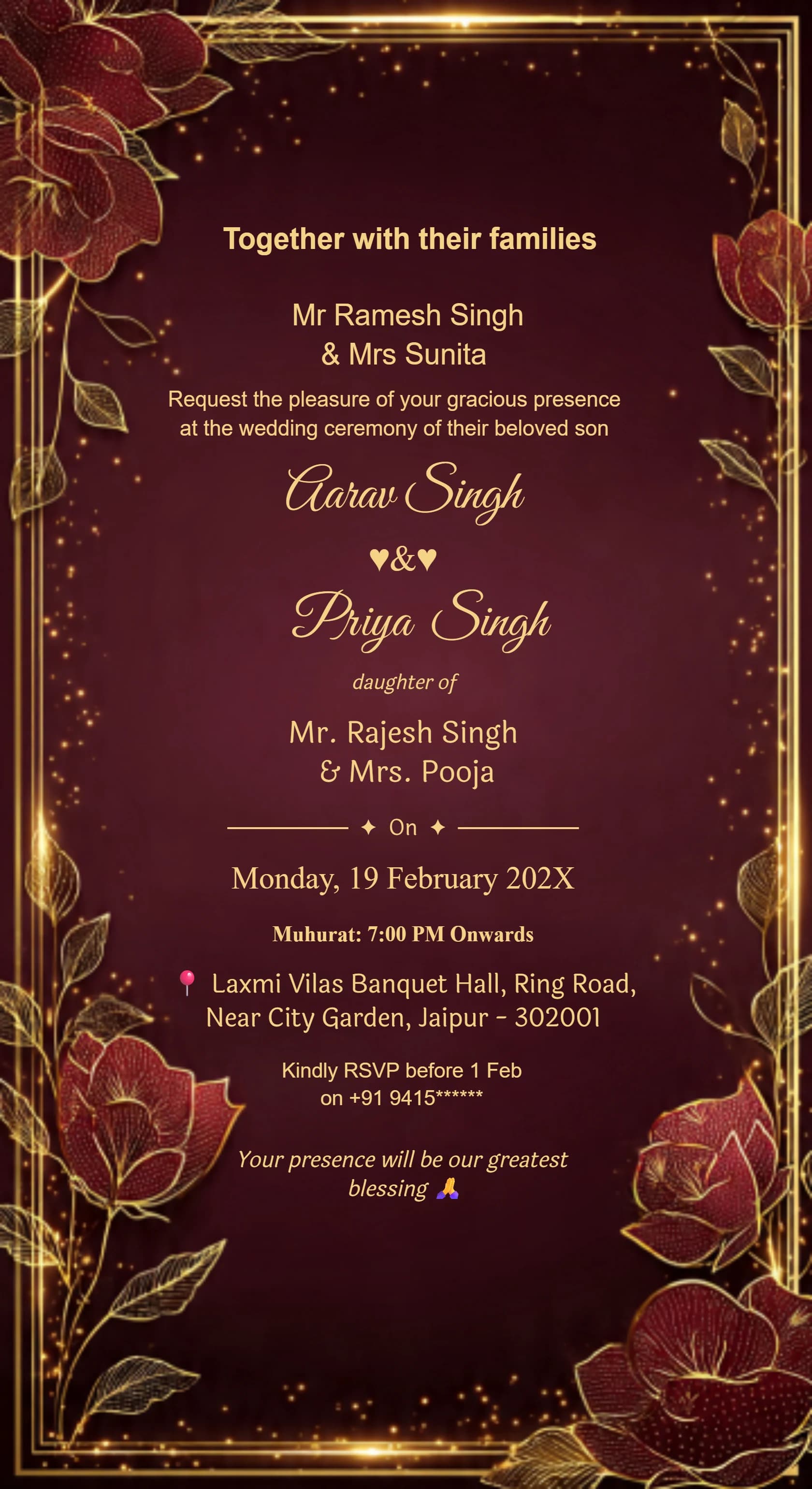
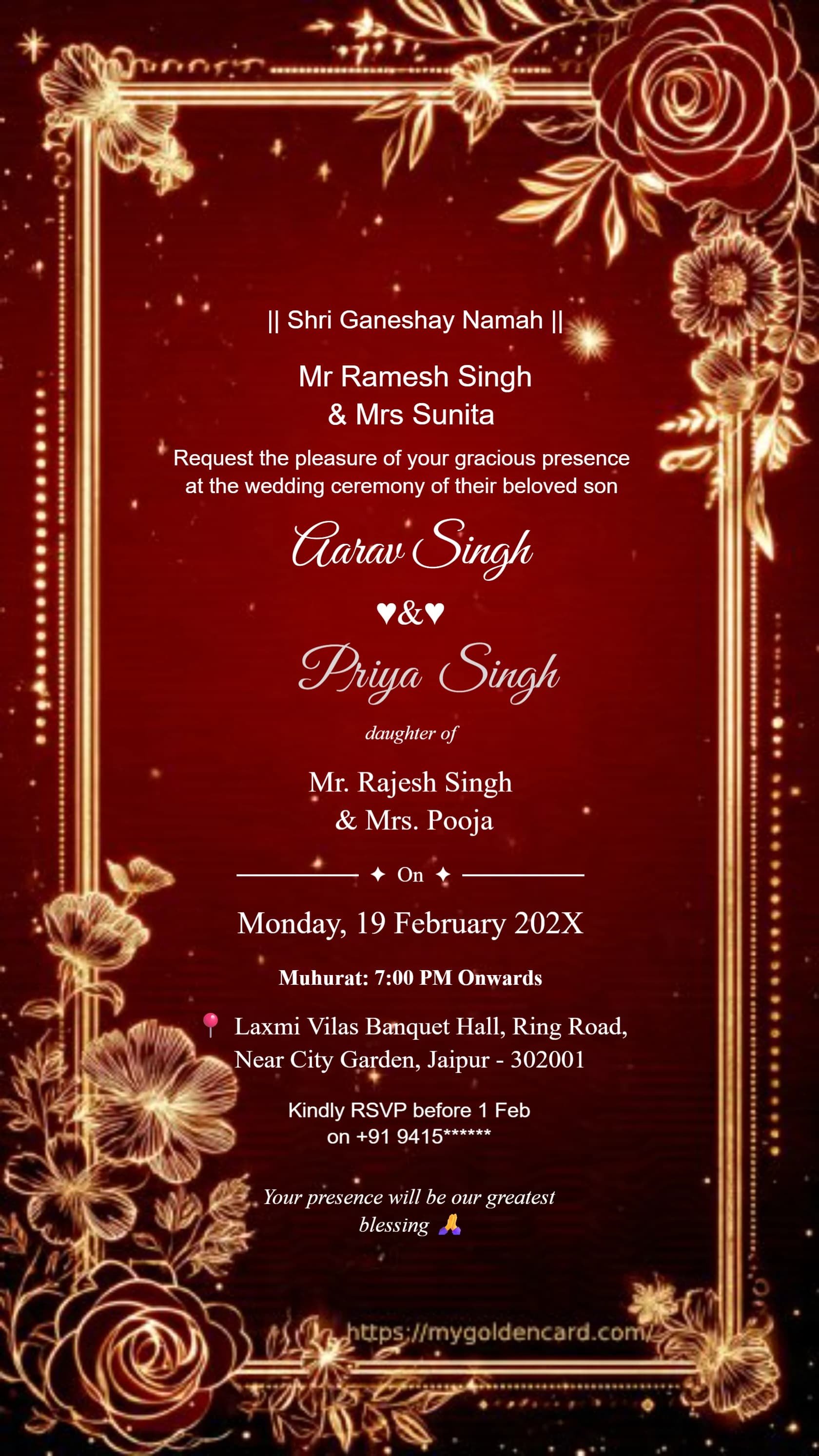
✦  BROWSE THE COLLECTION  ✦

500+ Luxury Wedding Designs

Ganesh Theme · Royal Blue · Maroon Gold · Floral · And Many More

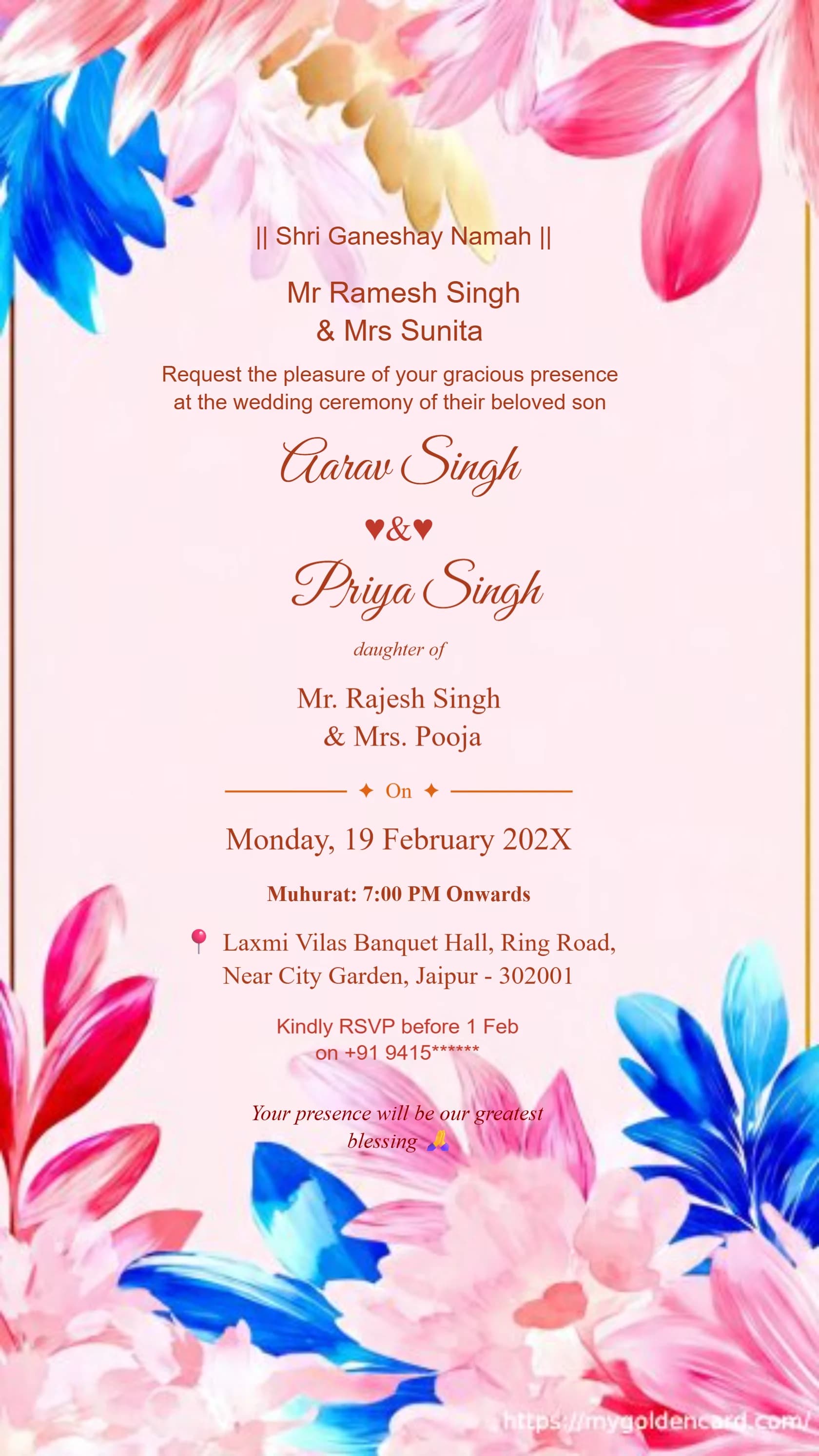
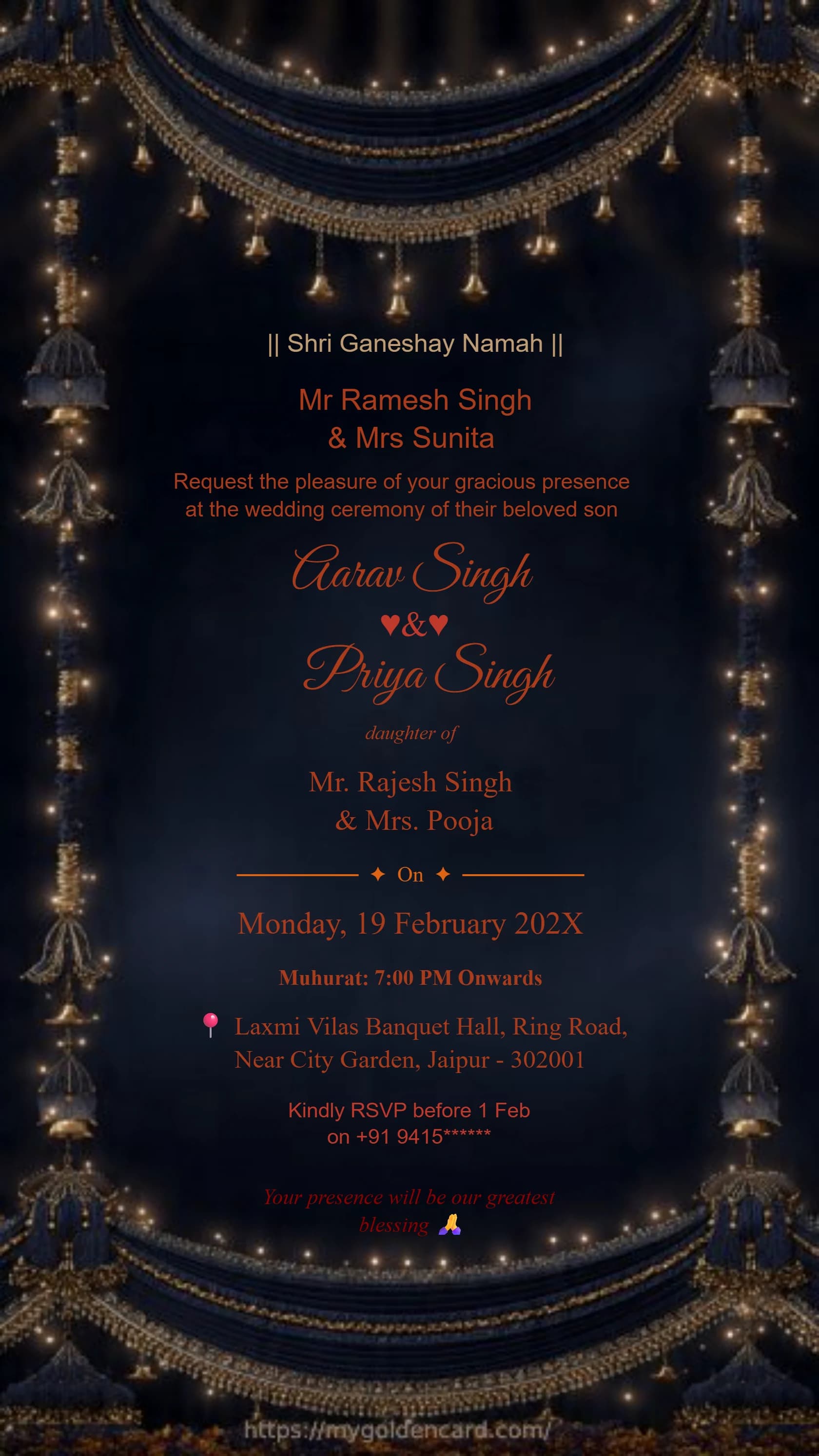
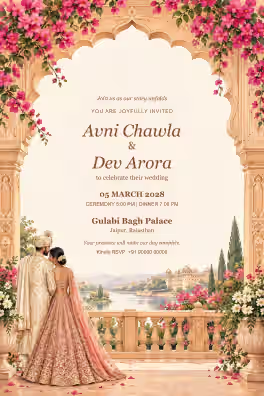
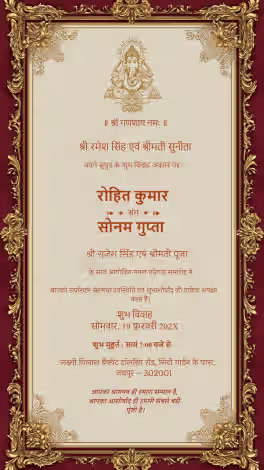
Shri Ganeshaya Namah Hindu wedding invitation card with Ganesh design#1071
Luxury Ganesh theme Hindu wedding invitation card#1097
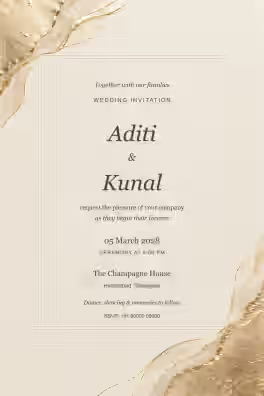
Minimal style Ganesh Hindu wedding invitation card#1005
Indian Wedding Card Gold 17#1105
Premium Indian Hindu Wedding Invitation Card 2#1112
Traditional Hindu Wedding Card 15#1119
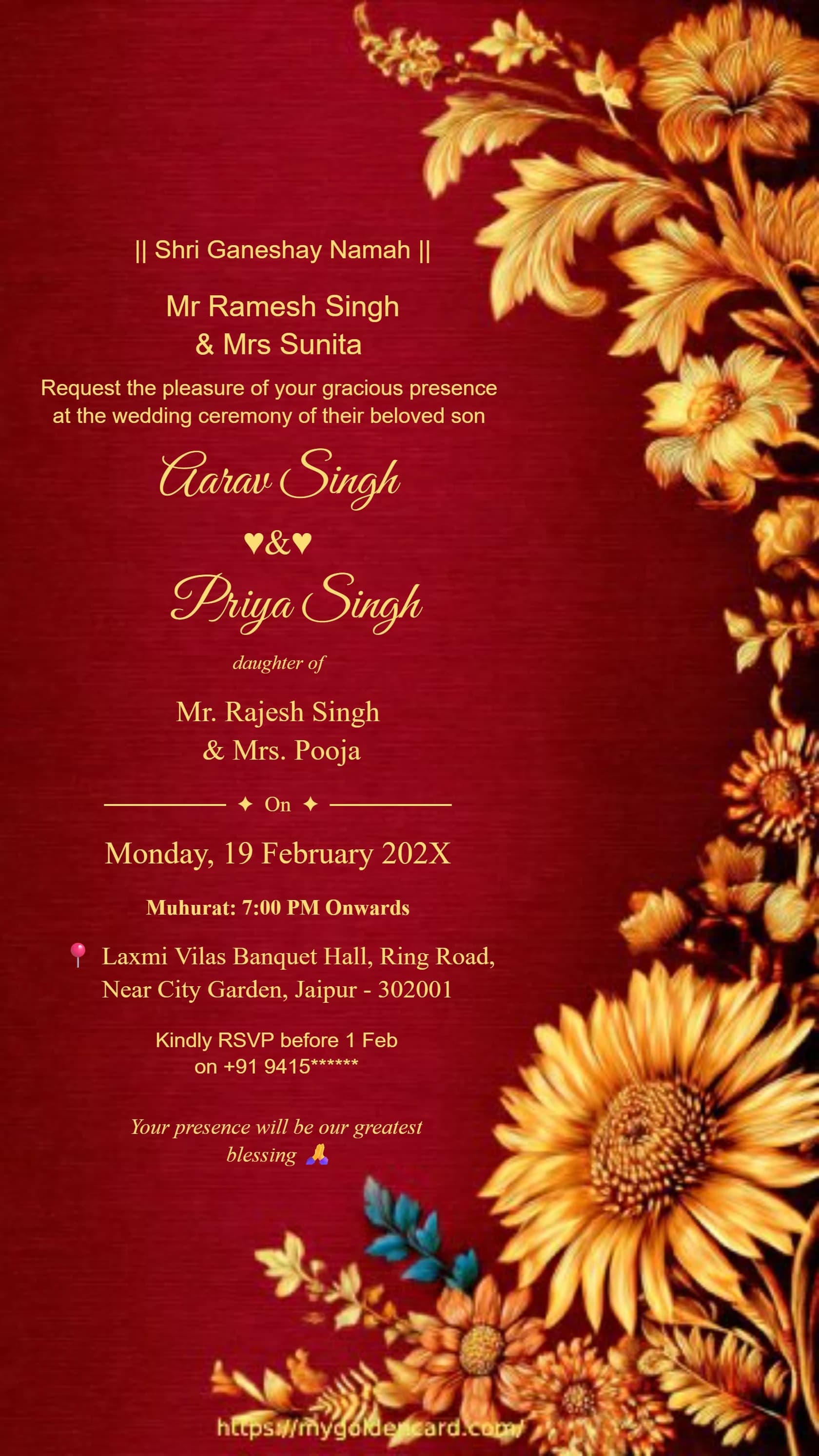
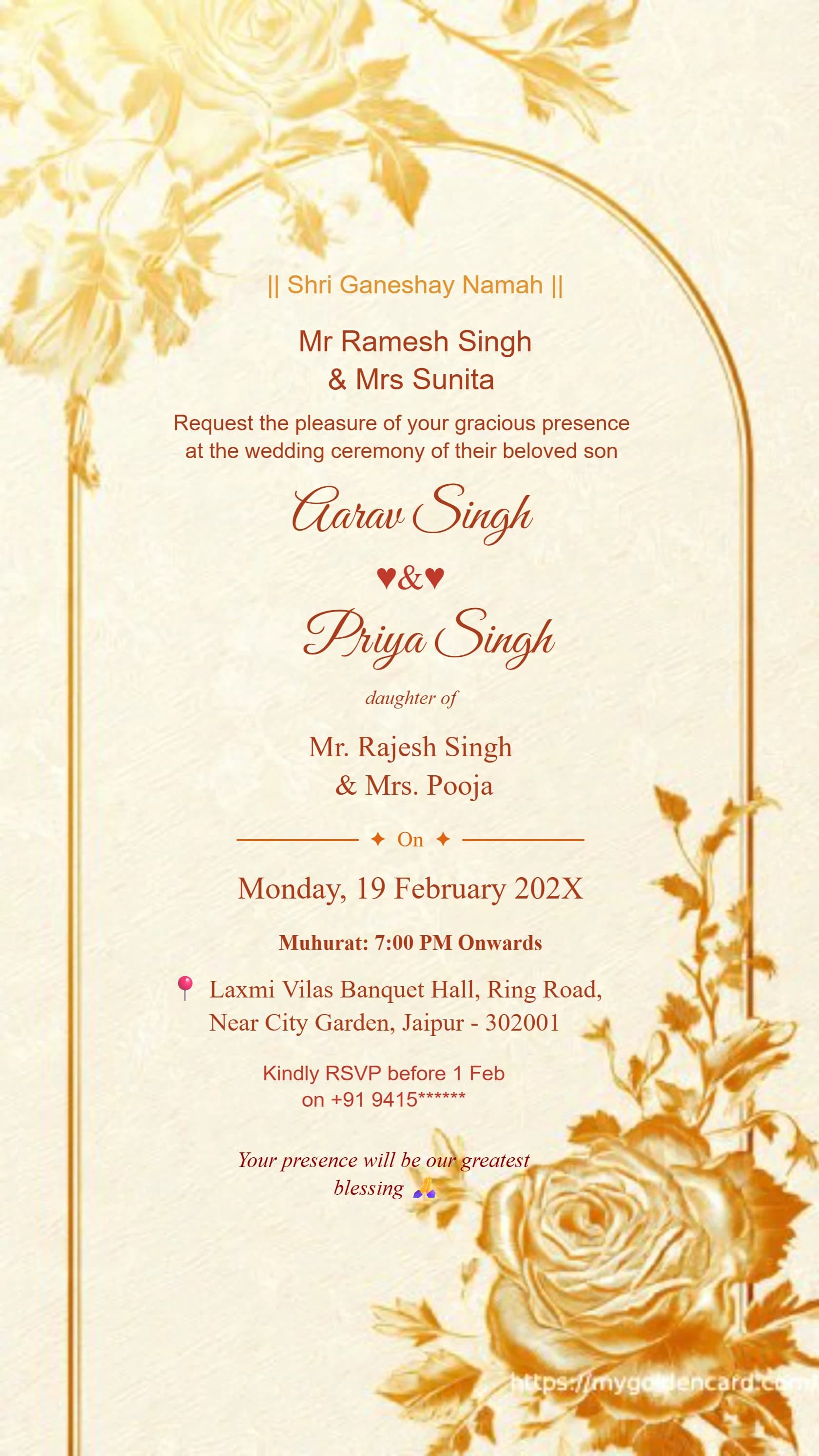
Sunset gold Ganesh Hindu wedding invitation card with floral arch#1125
Premium Hindu Wedding Invitation Card 6#1130
Traditional Indian Wedding Invitation Card in Royal Blue & Gold#2007
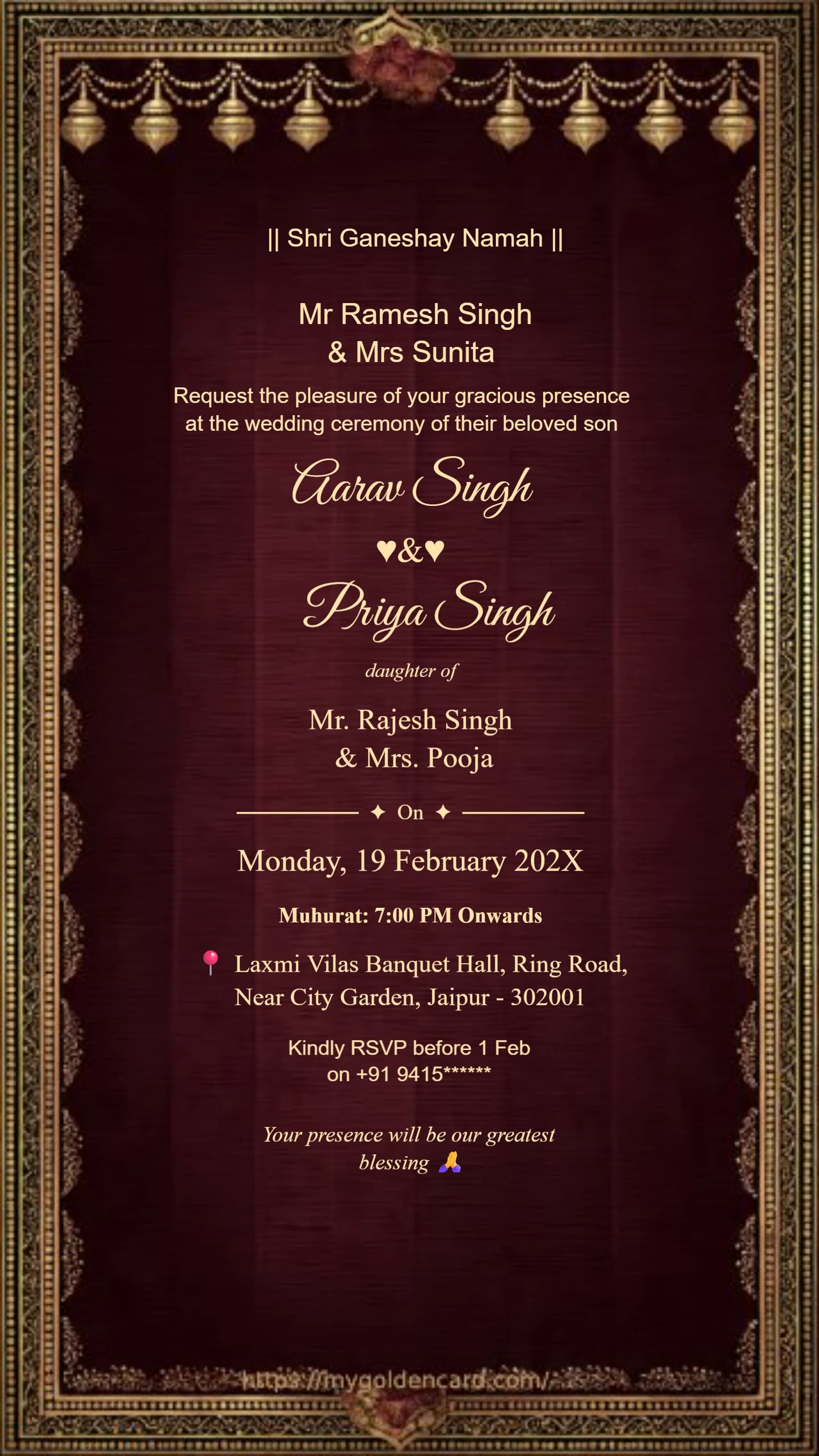
Royal maroon velvet Ganesh wedding invitation card with elephant motif#2011
Luxury Wedding Invitation Floral Gold Frame#3003
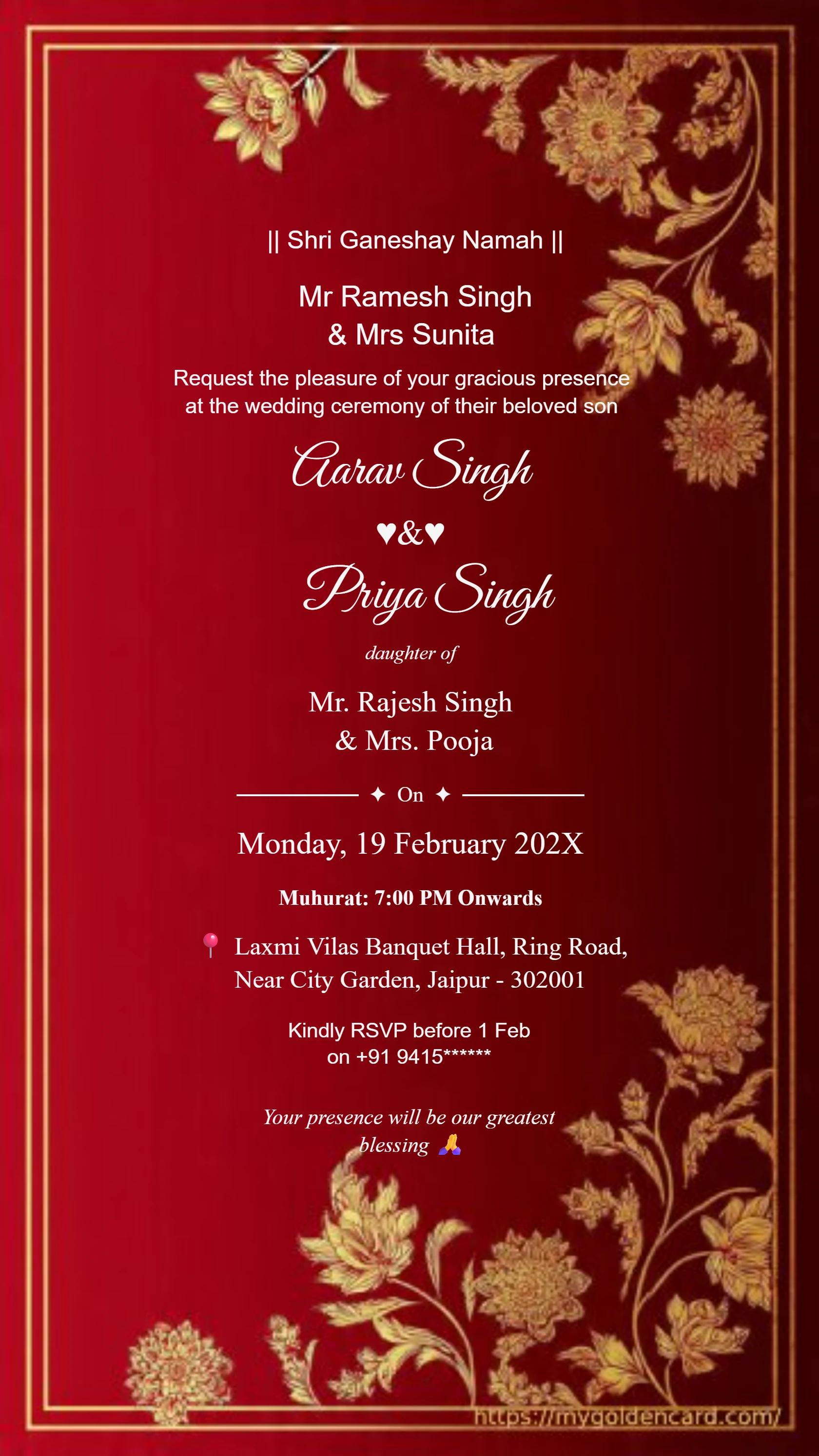
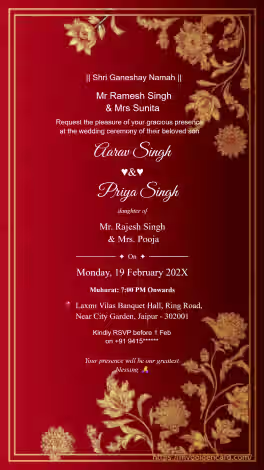
Luxury Maroon Gold Wedding Card Design#3008
Shri Ganeshaya Namah Hindu wedding invitation card with Ganesh design#1071
Luxury Ganesh theme Hindu wedding invitation card#1097
Minimal style Ganesh Hindu wedding invitation card#1005
Indian Wedding Card Gold 17#1105
Premium Indian Hindu Wedding Invitation Card 2#1112
Traditional Hindu Wedding Card 15#1119
Sunset gold Ganesh Hindu wedding invitation card with floral arch#1125
Premium Hindu Wedding Invitation Card 6#1130
Traditional Indian Wedding Invitation Card in Royal Blue & Gold#2007
Royal maroon velvet Ganesh wedding invitation card with elephant motif#2011
Luxury Wedding Invitation Floral Gold Frame#3003
Luxury Maroon Gold Wedding Card Design#3008
Royal Hindu wedding invitation card featuring Lord Ganesha#1006
Divine Ganesh themed Hindu wedding invitation card#1096
Ganesh Lord Wedding Card 13#1102
Modern Ganesh Wedding Invitation 12#1108
Royal Ganesha Invitation Card 14#1116
Ivory gold Ganesh Hindu wedding invitation card with elephant motif#1122
Floral gold Ganesh Hindu wedding invitation card with elephant motif#1127
Royal maroon and gold wedding invitation#2001
Classic Hindu Wedding Invitation Card Golden Royal Theme#2009
Purple ivory floral luxury wedding invitation card#2014
Royal Wedding Card Design Maroon Background#3005
Premium Hindu Wedding Card Golden Border#3011
Royal Hindu wedding invitation card featuring Lord Ganesha#1006
Divine Ganesh themed Hindu wedding invitation card#1096
Ganesh Lord Wedding Card 13#1102
Modern Ganesh Wedding Invitation 12#1108
Royal Ganesha Invitation Card 14#1116
Ivory gold Ganesh Hindu wedding invitation card with elephant motif#1122
Floral gold Ganesh Hindu wedding invitation card with elephant motif#1127
Royal maroon and gold wedding invitation#2001
Classic Hindu Wedding Invitation Card Golden Royal Theme#2009
Purple ivory floral luxury wedding invitation card#2014
Royal Wedding Card Design Maroon Background#3005
Premium Hindu Wedding Card Golden Border#3011
Royal Maroon Gold Wedding Invitation Card

#3001

Wedding Invitation Golden Floral Border

#3002

Luxury Wedding Invitation Floral Gold Frame

#3003

Classic Wedding Card Luxury Gold Design

#3014

Traditional Wedding Invitation Card

#3004

Royal Wedding Card Design Maroon Background

#3005

Marriage Invitation Gold Foil Style

#3006

Premium Wedding Invitation Template India

#3007

YOUR INVITATION, MADE SIMPLE

From your first draft to a guest-ready invitation

Start with a wedding card template that has enough space for your wording. Replace the sample names, date, time, venue, and RSVP details, then check the finished invitation on a phone before downloading and sharing it. My Golden Card provides editable designs you can browse below.

Follow the steps ↓
Royal Maroon Gold Wedding Invitation Card
Design inspiration from the My Golden Card collection.

Create your invitation in four steps

  1. Gather the event details

    Write the couple's names, host names if needed, ceremony date, start time, full venue address, and RSVP contact in one approved draft. For several events, prepare a separate entry for each date and location.

  2. Choose and open a template

    Browse the cards below and open a design with enough text space. Choose a simple layout for long wording or a decorative design for a short invitation. Check any access or plan requirements shown before continuing.

  3. Personalize and proofread

    Replace every sample detail in the editor. Keep the venue and time in a readable font, then ask a family member to check spellings, dates, and AM or PM. Preview at phone size to spot tiny text.

  4. Download and send a test

    Use an available download option in the editor and open the exported file. Send a test to yourself or a trusted guest. Share the approved invitation with a personal greeting and a separate venue map link.

Examples to make your own

Replace every bracketed placeholder with your details before sending.

One ceremony

Together with their families, [Name] and [Name] invite you to their wedding on [date] at [time], [venue and address]. Kindly RSVP to [contact] by [date].

Wedding and reception

Celebrate with [Name] and [Name]. Wedding: [date, time, venue]. Reception: [date, time, venue]. Please join us for the events named in your invitation. RSVP: [contact].

✦  QUICK ANSWERS  ✦

Frequently Asked Questions

Everything you need to know about creating your perfect wedding invitation

You can use My Golden Card's browser editor to personalize an existing template. Begin with an approved wording draft so you can choose a layout that fits your details.

Include the couple's names, event name, full date, time, venue address, and RSVP contact. Add hosts or separate ceremony details when relevant.

Edit the invitation and download a corrected copy. Previously sent files do not update automatically, so send the new version and clearly explain the correction.