Step 1
Choose a vertical status design with the photo layout you need.
Personalized festival greetings
Create a Diwali status with your own photo and name for WhatsApp Status or an Instagram Story. The vertical 1080 × 1920 designs combine a personal photograph with editable greetings. Diyas, rangoli and warm gold tones suit a festival-of-lights greeting. Keep the message short enough to read over the artwork.
Open a design, personalize it and download your finished PNG.
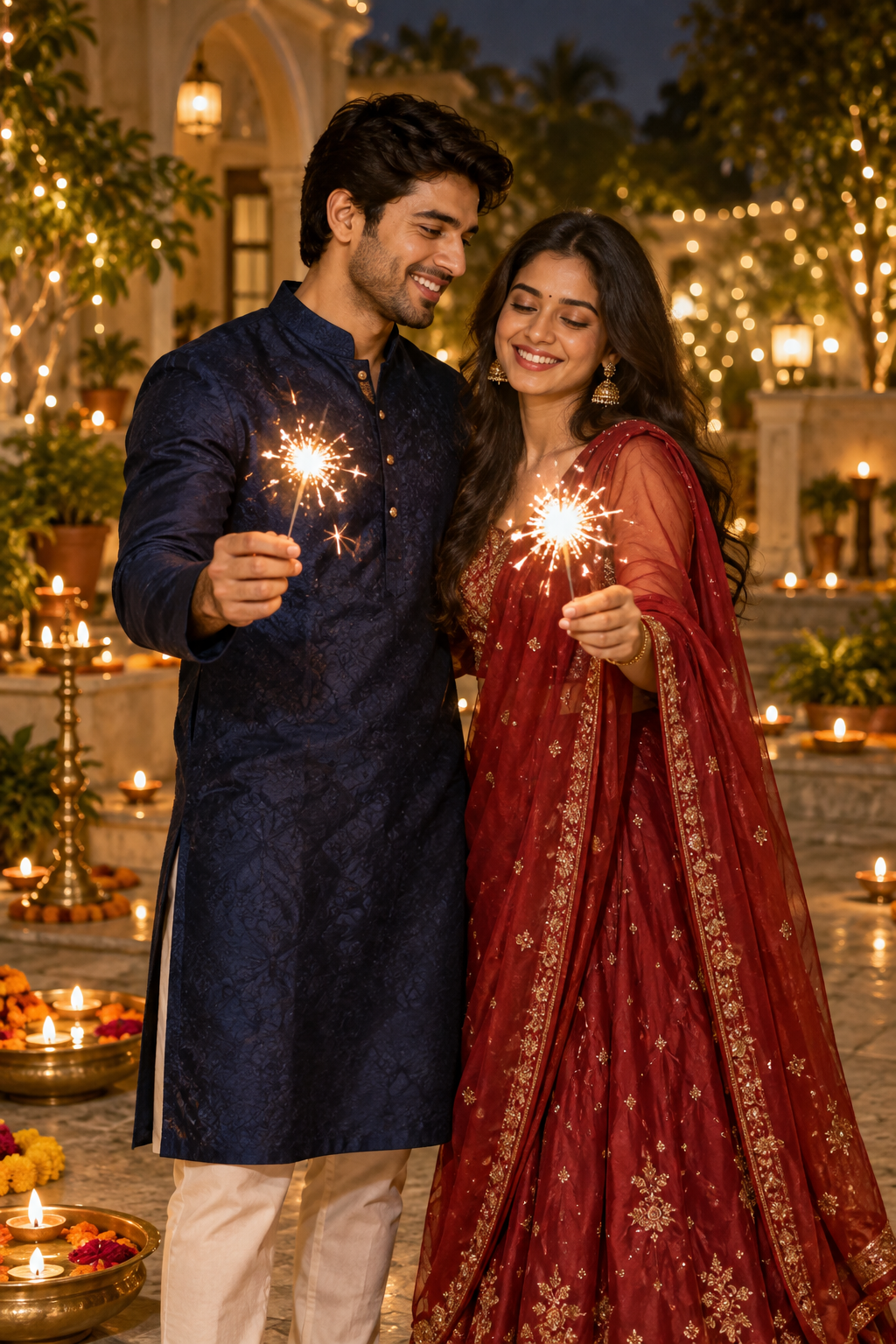 Happy DiwaliWith love, our familyAdd photo
Turn a favorite portrait into a personal festive greeting for the people who matter most.
Personalize in your browser · PNG download (JPEG on Apple mobile)
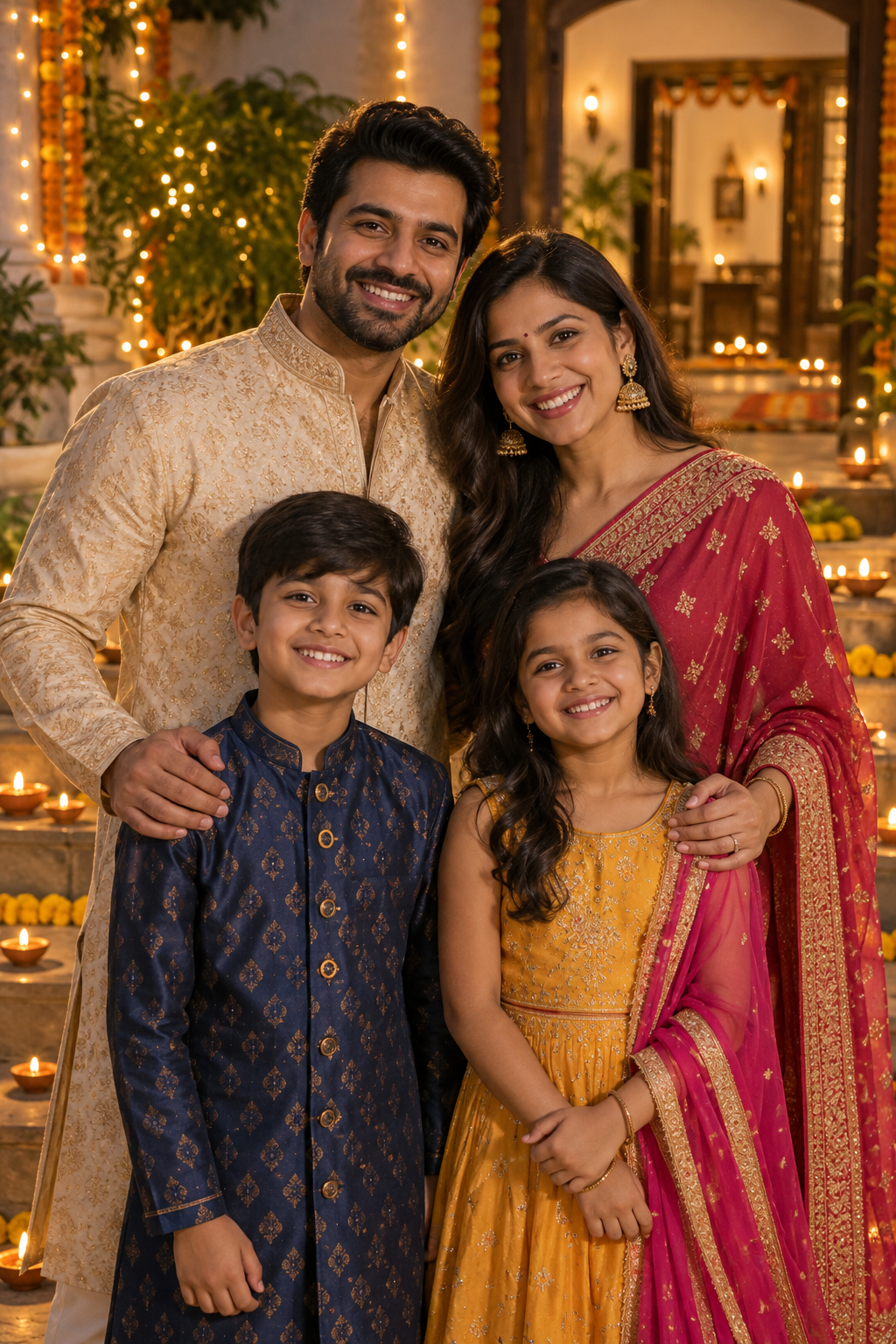 Happy DiwaliWith love, our familyAdd photoAdd photo
Bring 2 favorite memories together in a festive photo collage to share with family and friends.
Personalize in your browser · PNG download (JPEG on Apple mobile)
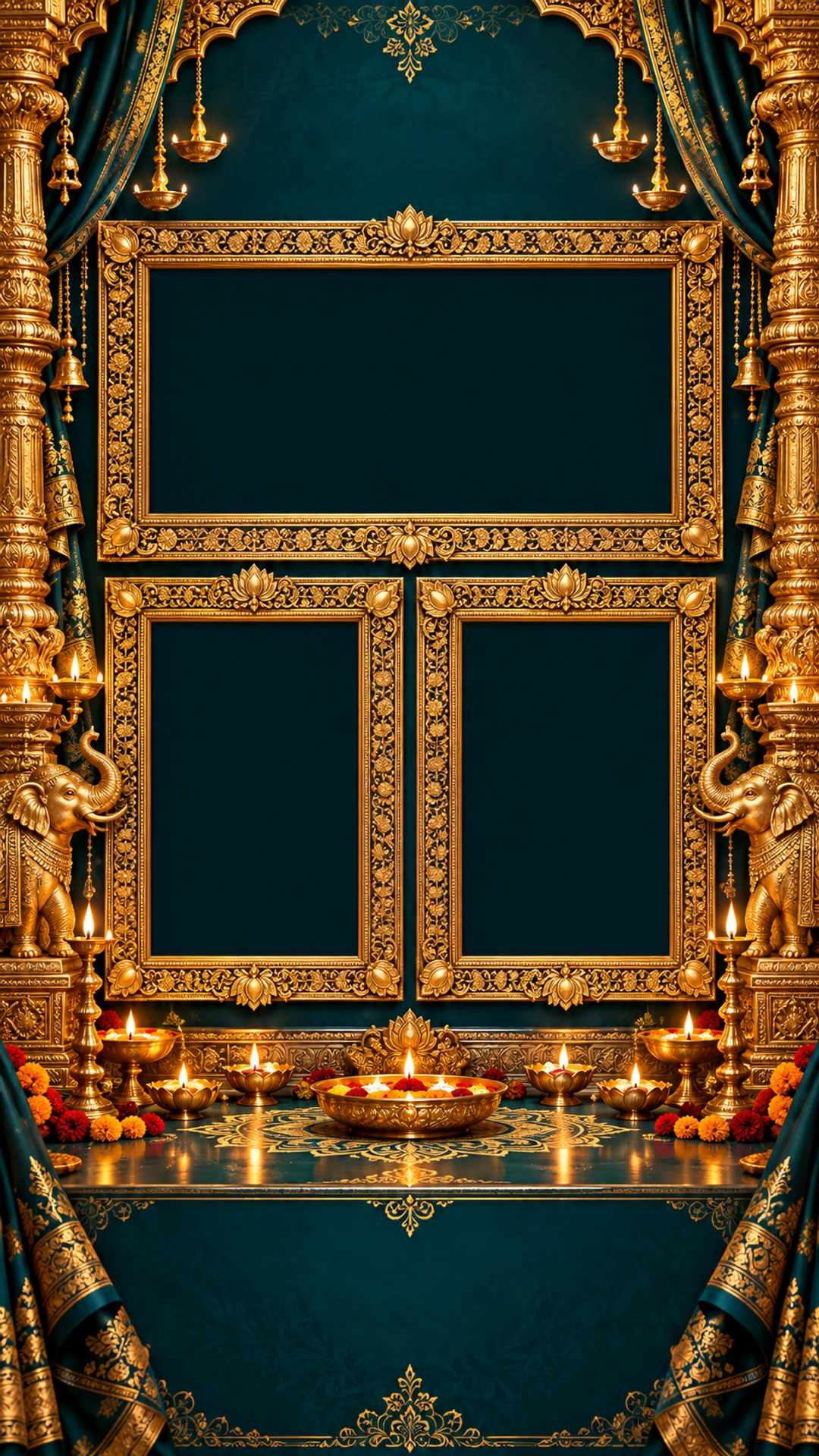
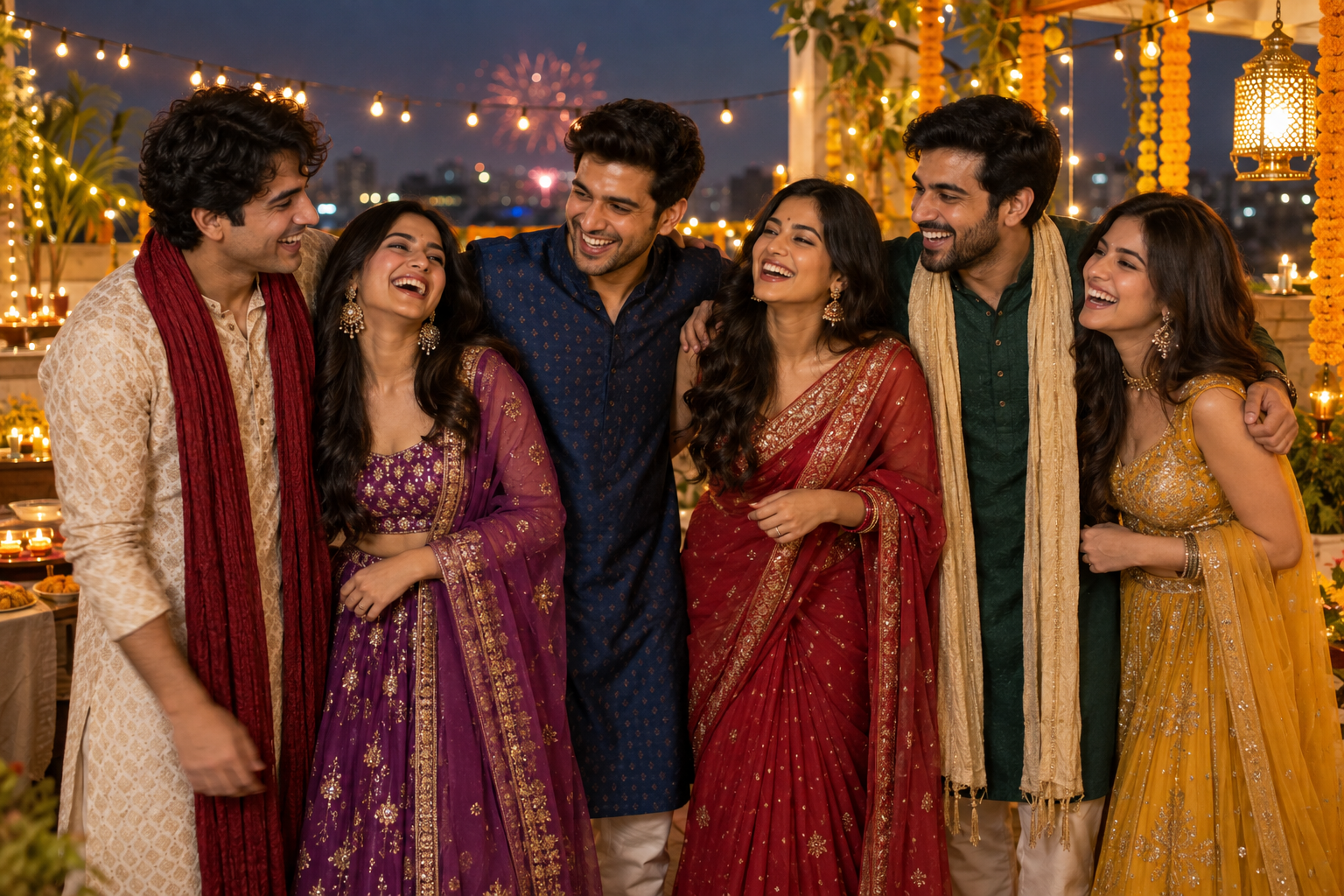 Happy DiwaliWith love, our familyAdd photoAdd photoAdd photo
Bring 3 favorite memories together in a festive photo collage to share with family and friends.
Personalize in your browser · PNG download (JPEG on Apple mobile)
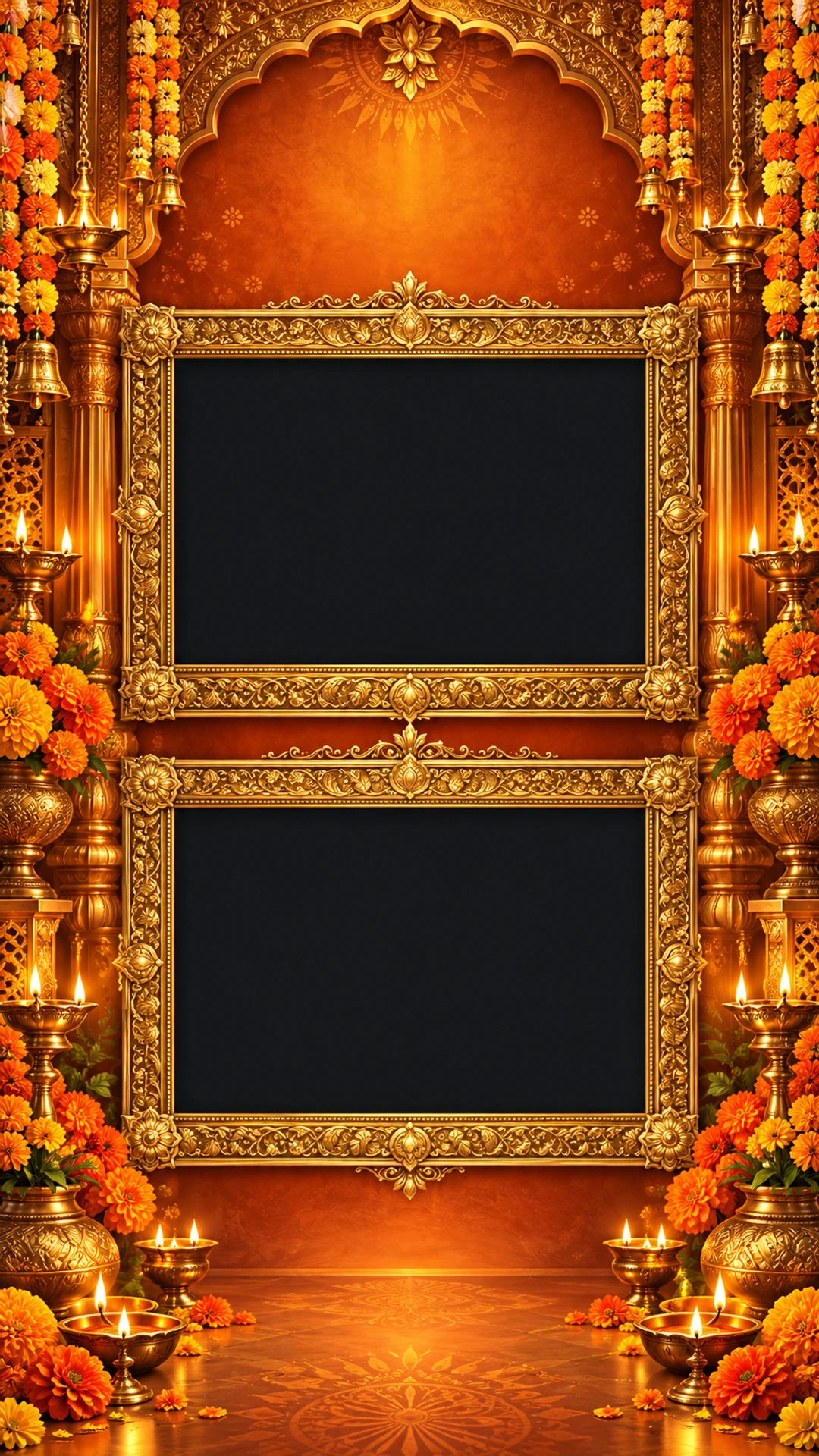
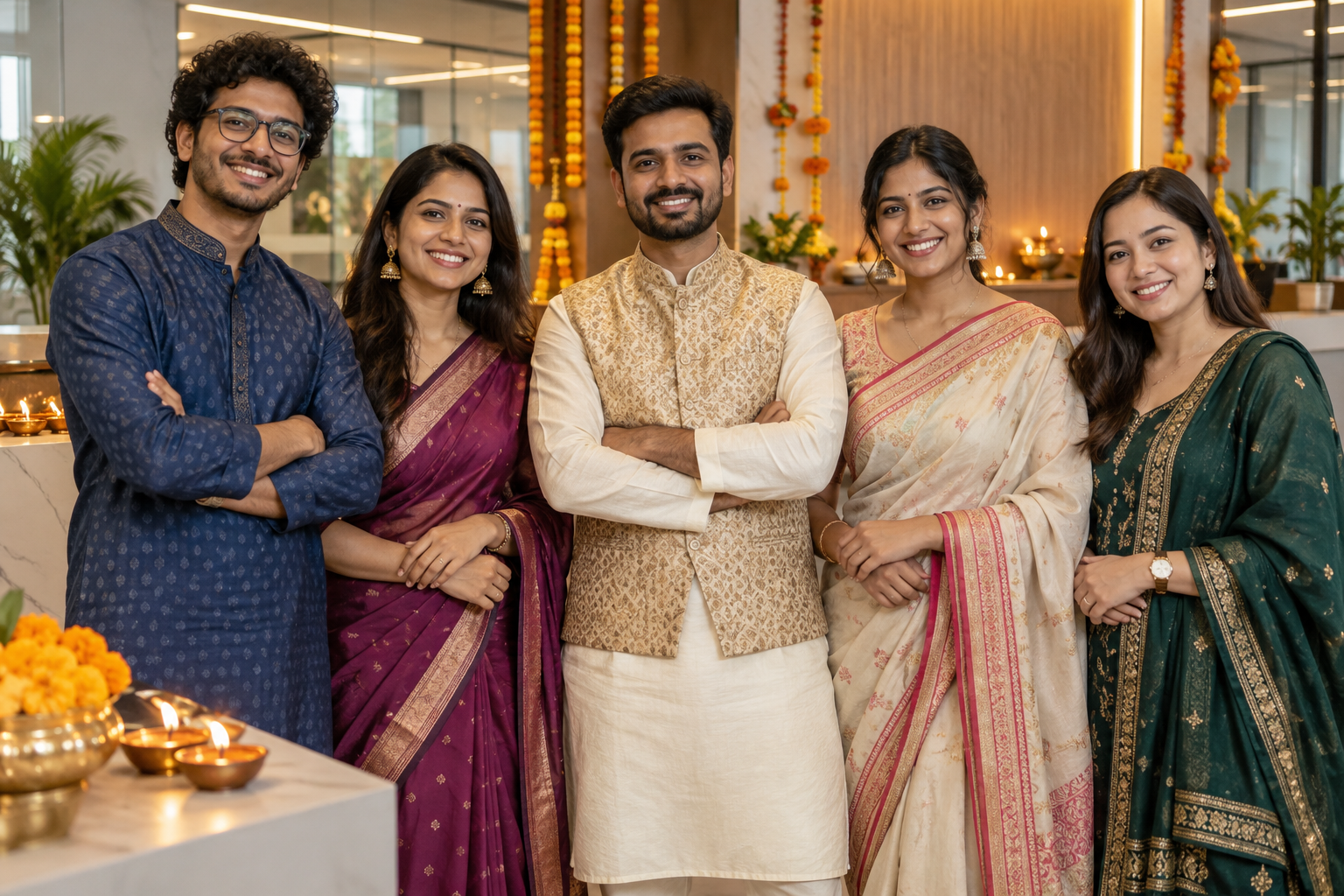 Happy DiwaliWith love, our familyAdd photoAdd photo
Bring 2 favorite memories together in a festive photo collage to share with family and friends.
Personalize in your browser · PNG download (JPEG on Apple mobile)
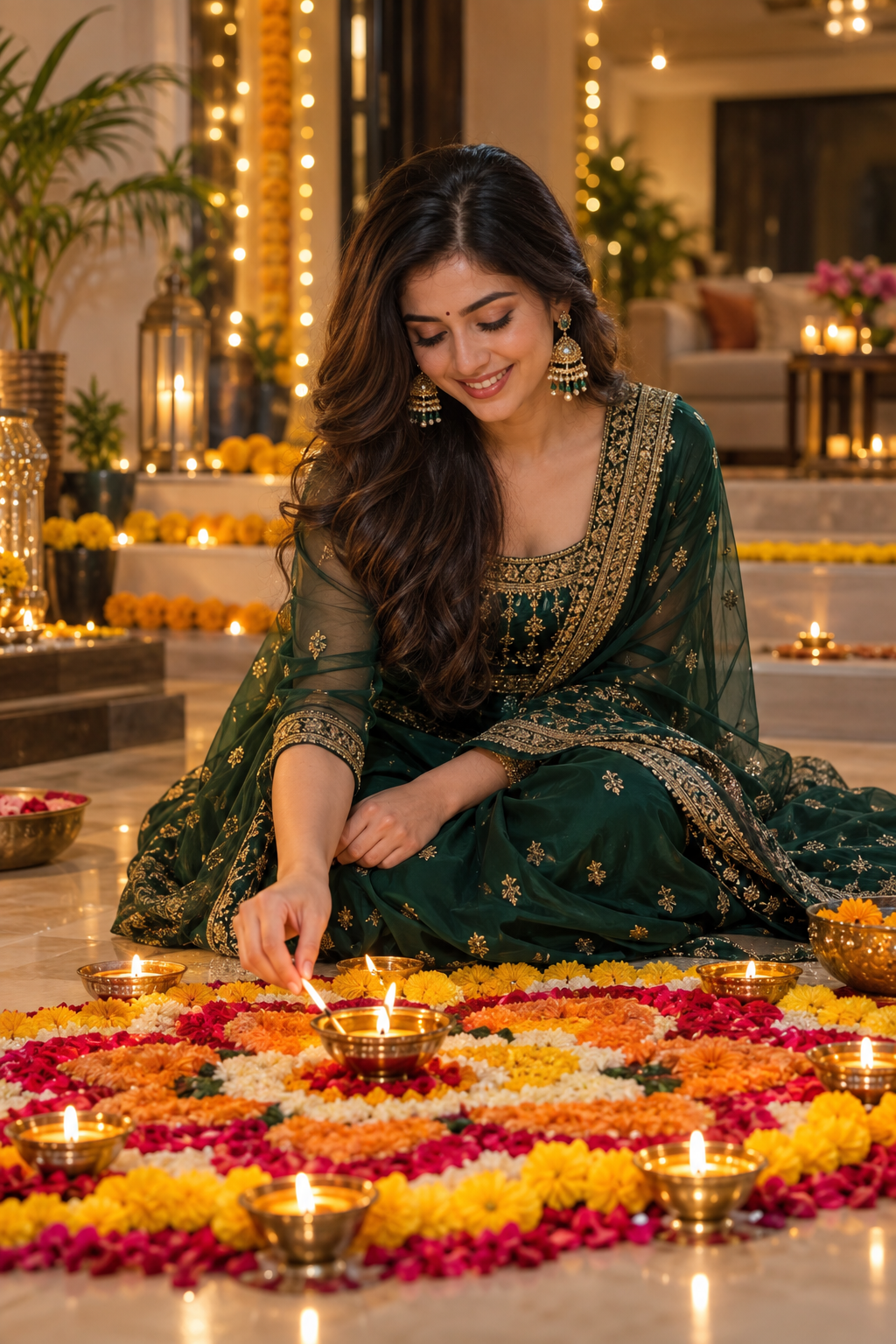 Happy DiwaliWith love, our familyAdd photoAdd photoAdd photoAdd photo
Bring 4 favorite memories together in a festive photo collage to share with family and friends.
Personalize in your browser · PNG download (JPEG on Apple mobile)
 Happy DiwaliWith love, our familyAdd photo
Turn a favorite portrait into a personal festive greeting for the people who matter most.
Personalize in your browser · PNG download (JPEG on Apple mobile)
 Happy DiwaliWith love, our familyAdd photoAdd photoAdd photoAdd photo
Bring 4 favorite memories together in a festive photo collage to share with family and friends.
Personalize in your browser · PNG download (JPEG on Apple mobile)
 Happy DiwaliWith love, our familyAdd photoAdd photo
Bring 2 favorite memories together in a festive photo collage to share with family and friends.
Personalize in your browser · PNG download (JPEG on Apple mobile)
Choose a vertical status design with the photo layout you need.
Replace the sample photo, adjust its crop, then edit your name and short greeting.
Download the PNG, open your social app and choose the saved image for a new status or story. Preview the crop before posting.
Keep faces away from the edges and leave room at the top and bottom for your social app’s interface. Upload the downloaded PNG from your gallery; check its preview before sharing.
These templates download as still PNG images. The festival editor does not currently export animated videos.
The festival editor exports a 1080 × 1920 image: PNG on desktop and most browsers, or JPEG through Apple mobile save options. Review your final design before posting it.
Yes. Choose Hindi in the editor, use a Devanagari font and replace the sample message with your own words.
The editor processes photos in your browser and saves drafts in local storage on this device. On a shared device, remove this site’s saved browser data when you finish.
A little more inspiration
Find the right words, add a personal touch, and make someone’s day.
Prepare a personalized Diwali photo card for a video status. Learn a simple greeting sequence, readable text placement and how to add motion in a separate video editor.
Choose Hindi Diwali wishes for family, friends and elders. Personalize an existing Diwali card with a Devanagari message and your name.
Create a personal Diwali photo status using existing festive frames. Add a family portrait, adjust its crop and download your greeting image.
Personalize vertical Diwali cards for WhatsApp Status. Find short captions, readable layouts and a checklist for sharing your saved image.
Create a vertical Diwali image for an Instagram Story. Personalize existing cards and plan space for captions, stickers and mentions.
Plan an animated Diwali greeting using customizable still cards. Explore motion ideas and export limits: this editor does not create GIF or video files.
Make a personal Diwali greeting card with existing editable designs. Add a recipient message, your name and an optional photo before downloading.
Read Diwali wishes in English and Hindi for family and friends. Copy a message or personalize a greeting template with your own words.
Make a business Diwali poster for customers and colleagues. Edit your company name, greeting and contact details, then download a PNG.