
Royal Blue & Gold
Wedding Invitation Cards
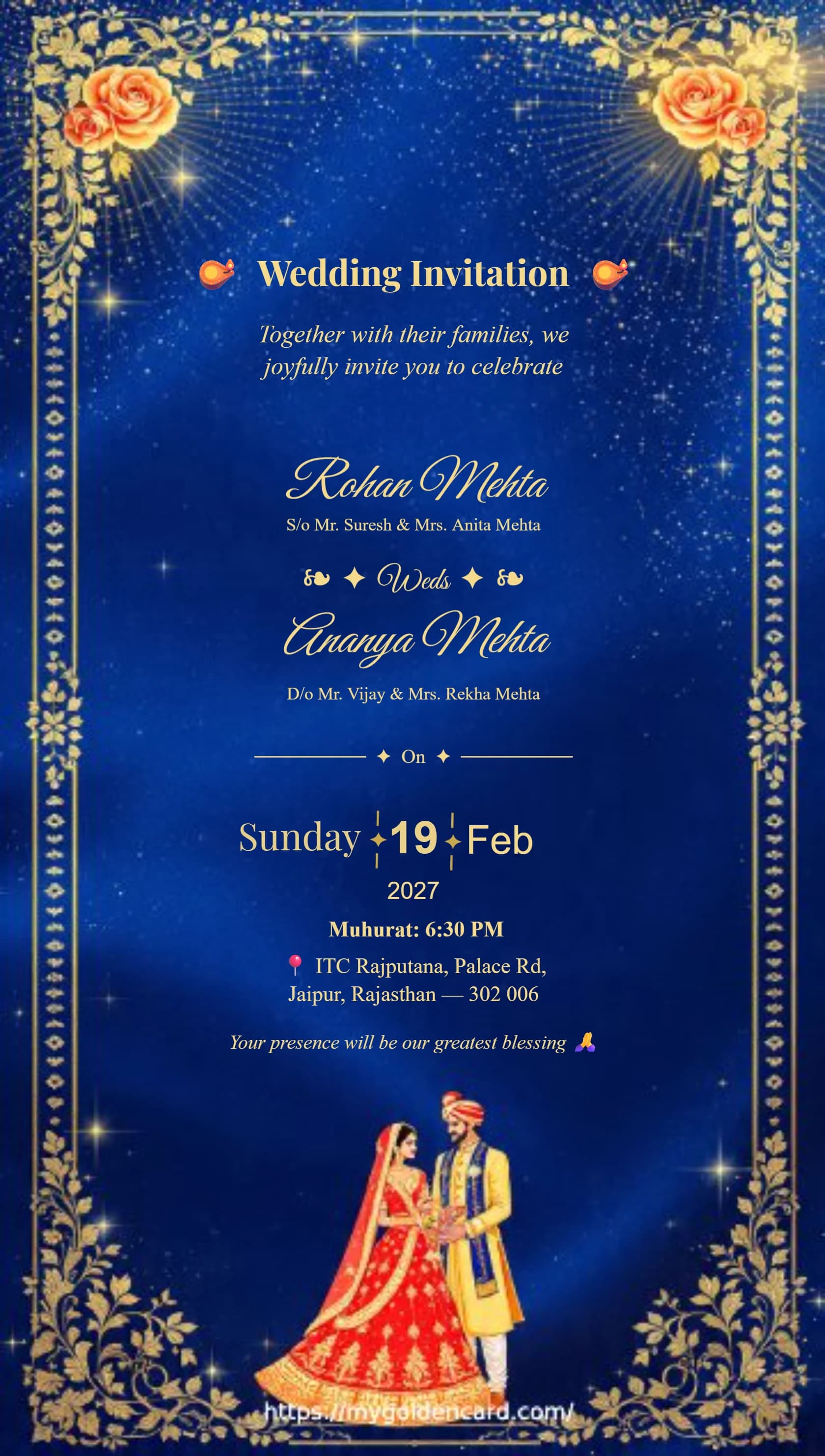
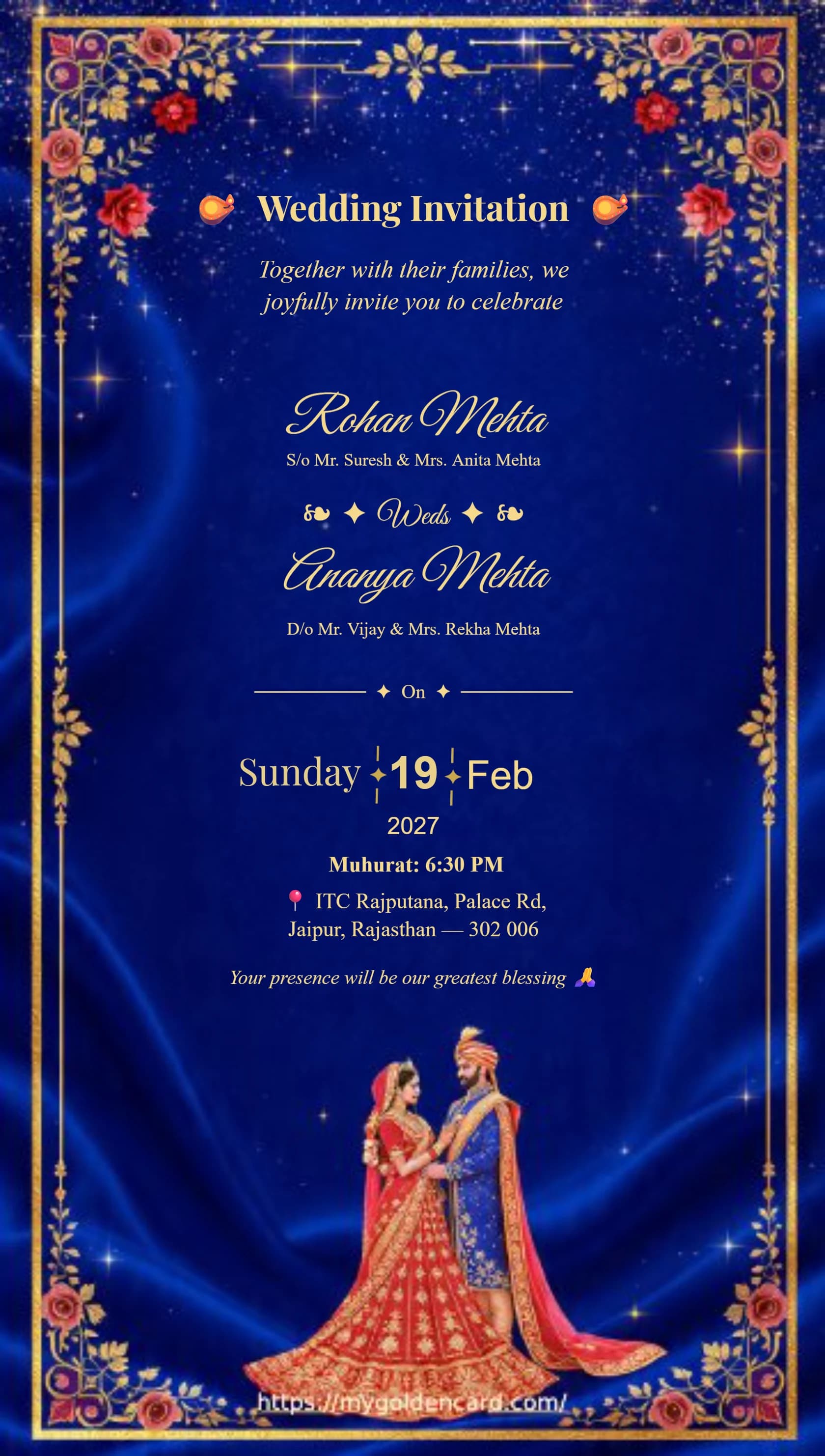
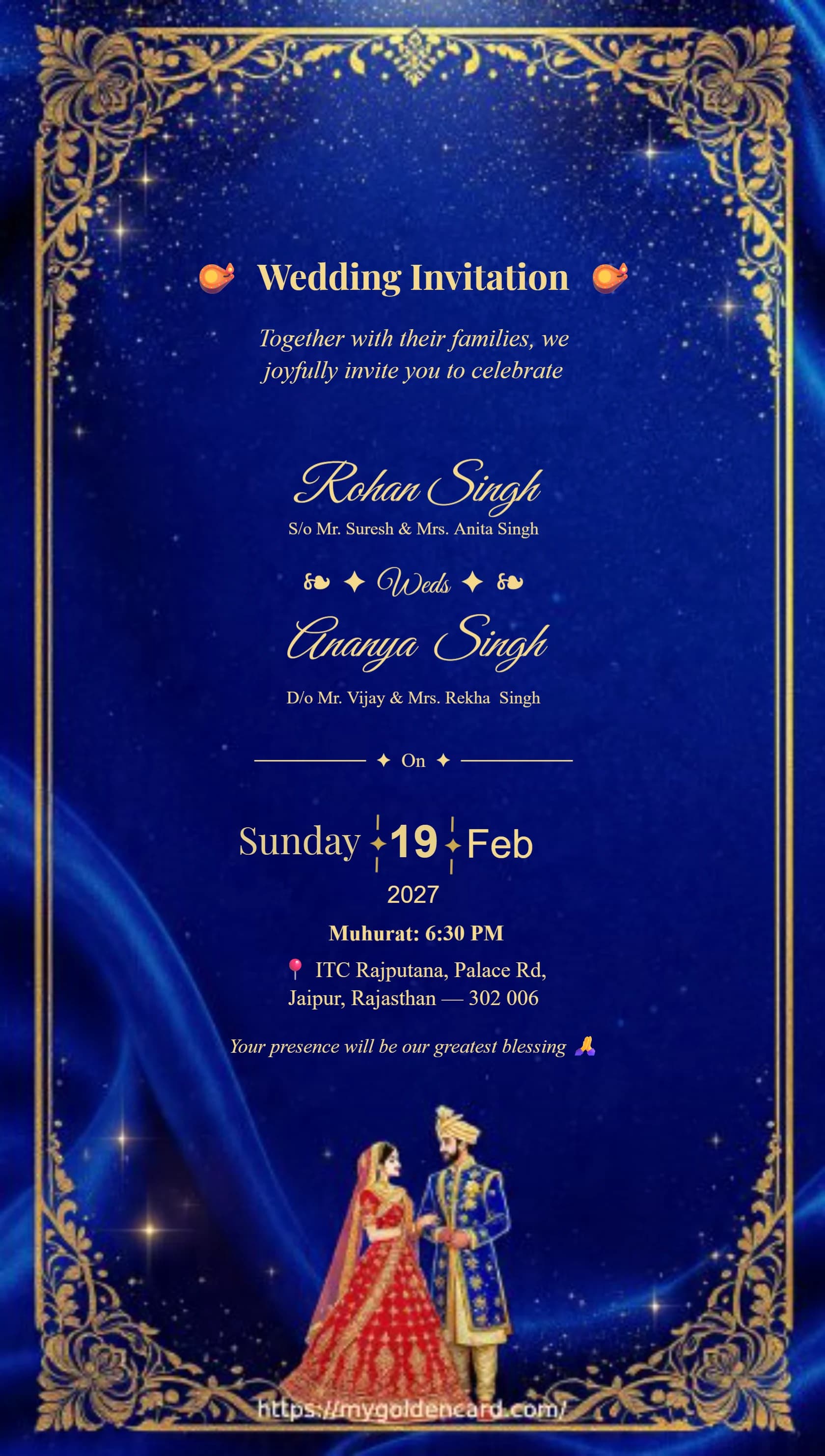
Deep royal blue backgrounds with gold floral frames — a striking, elegant choice for a grand wedding. Customize and download instantly in PNG, JPG or PDF.
All card downloads are free with no watermark. No payment or login is required.
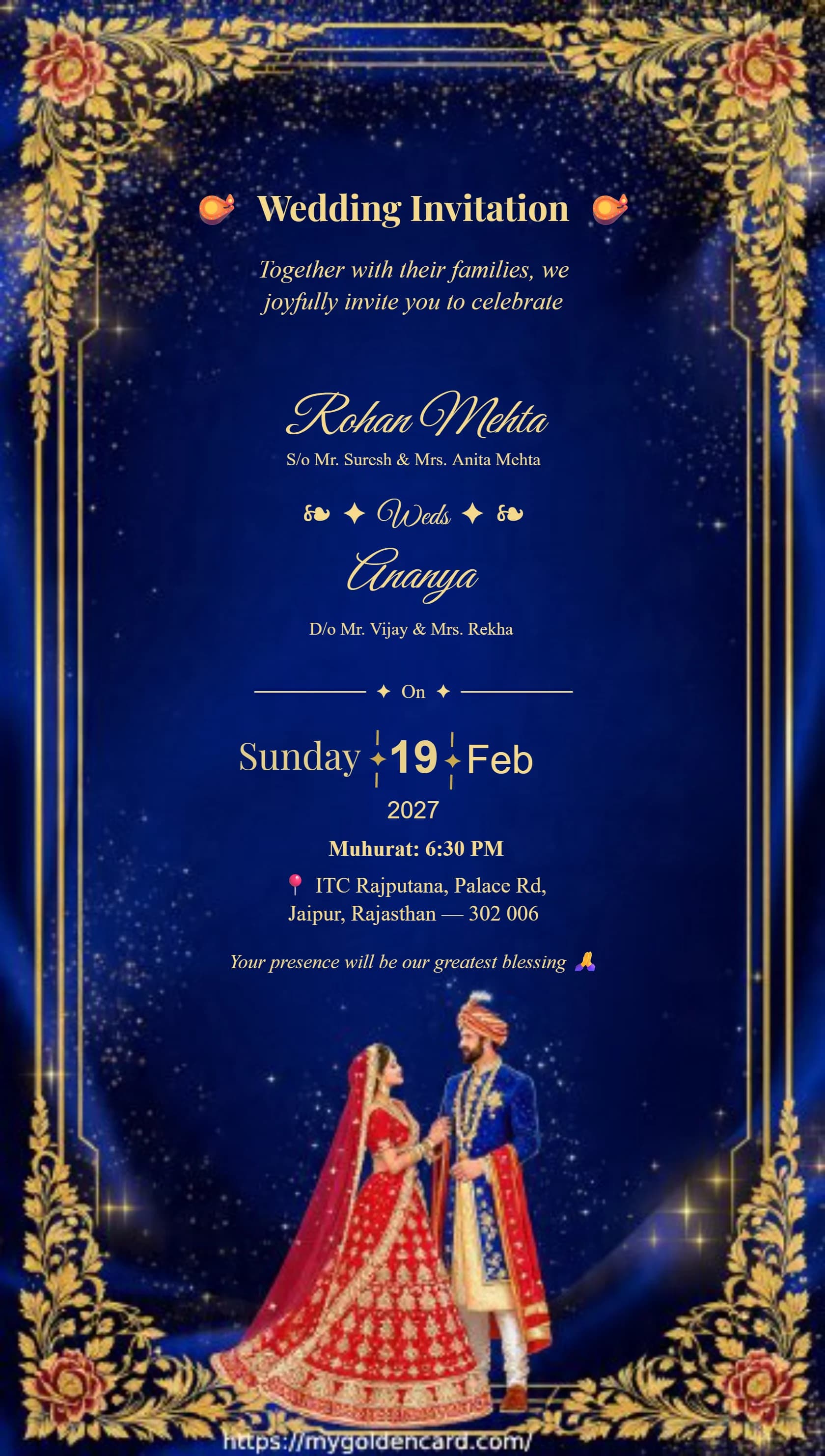
Choose a preview to open the editor
Royal Blue Design Collection
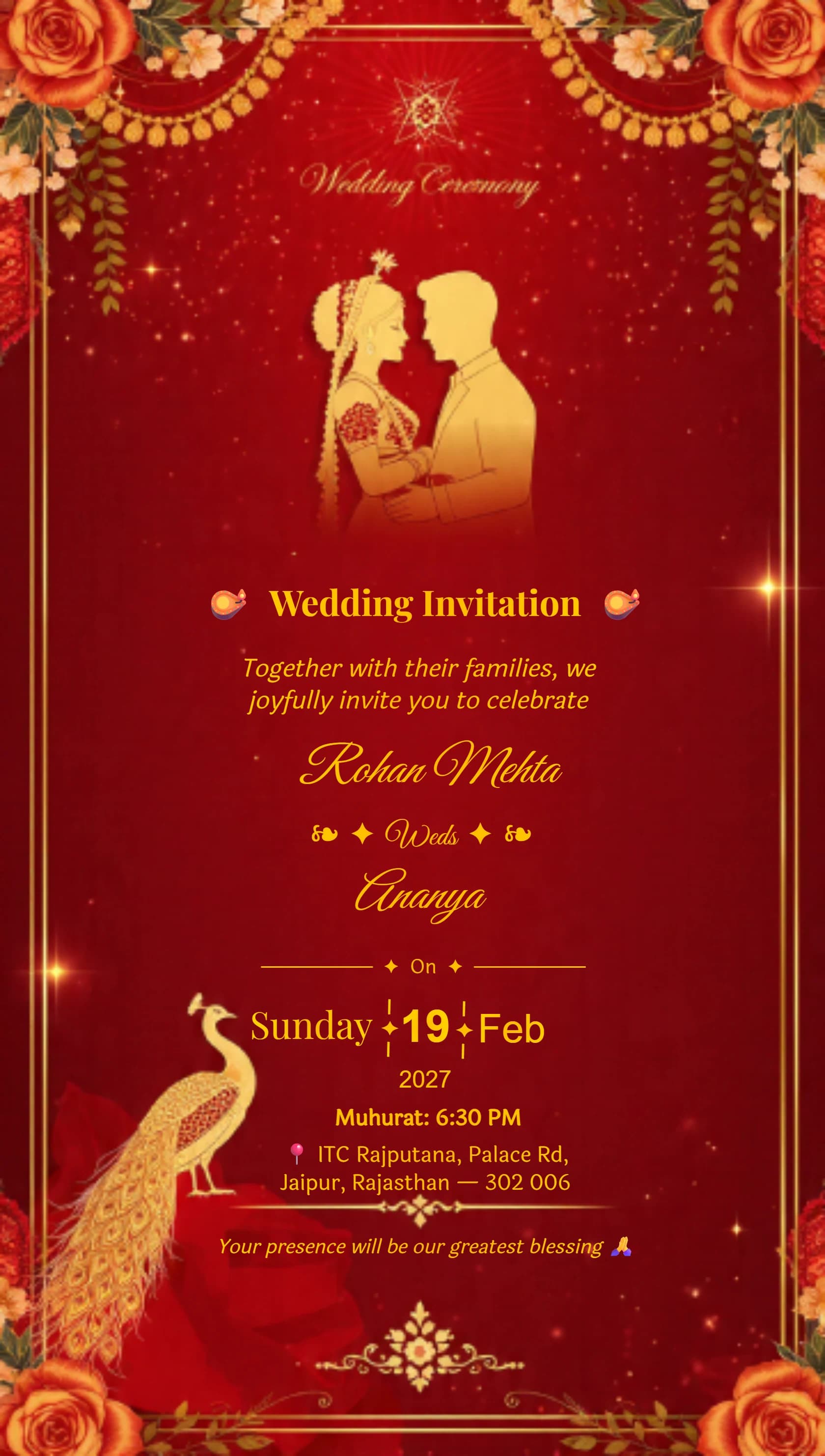
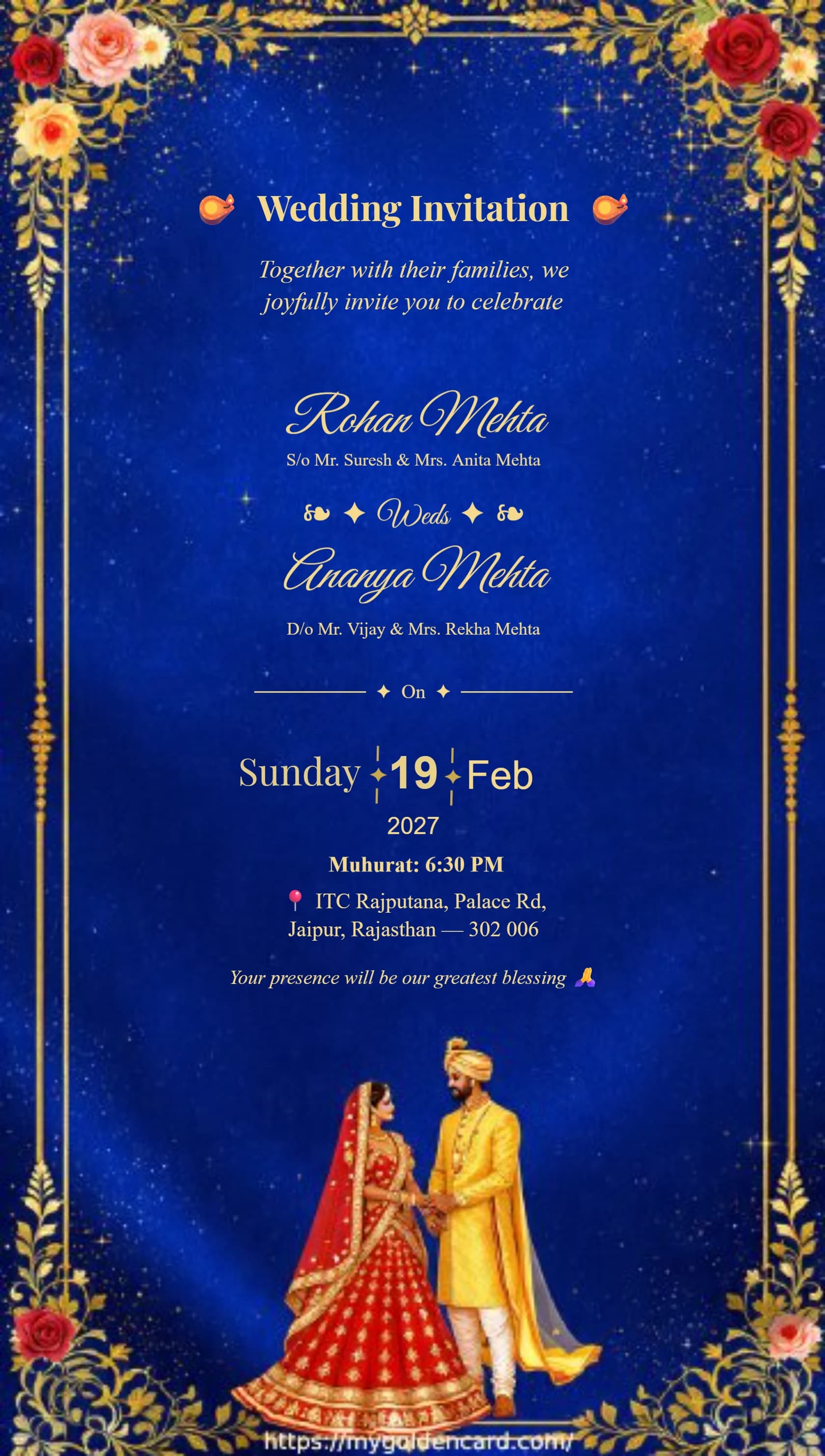
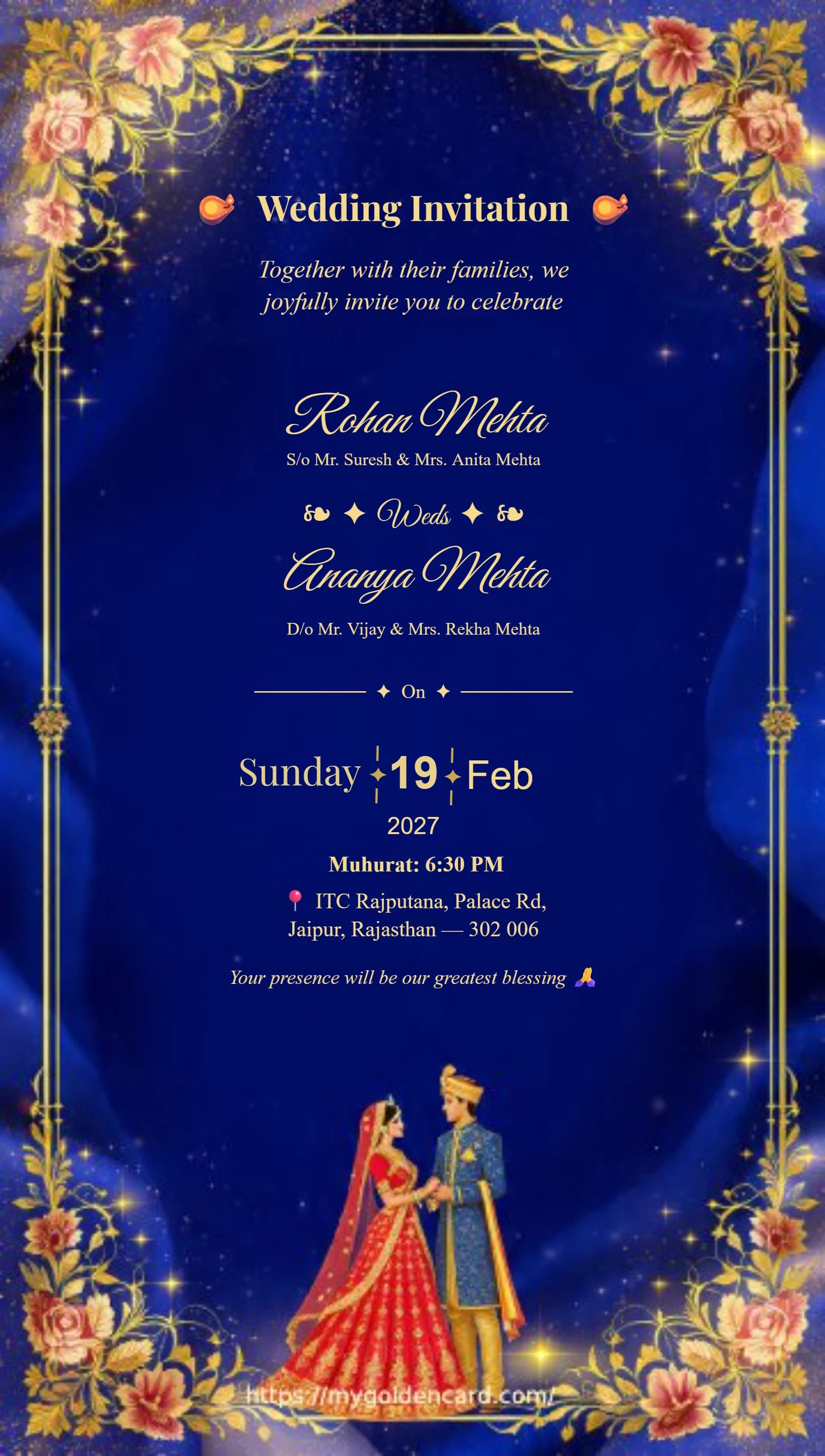
From a design to your wedding invitation
- Choose a style that fits your ceremony: Ganesh artwork for a traditional invitation, floral borders for a garden wedding, or gold details for an evening reception.
- Replace the sample names, date, time and venue. Keep the address readable on a phone and include a separate line for reception details if needed.
- Preview every detail, then choose PNG, JPG or PDF. The download dialog shows the current free and watermark-free options before you decide.
For WhatsApp, start with a JPG or PNG and check the small text at normal viewing size. For printing, use PDF and confirm the paper size, margins and image quality with your printer. Digital artwork does not create metallic foil or embossed printing.
Looking for a different finish? Explore luxury wedding invitations, Ganesh wedding cards, or compress your finished image for easier sharing.
Before you download
Wedding invitation questions
Editing, formats and download options
Can I try a wedding card before paying?
Yes. Browse the designs and edit your invitation before choosing a download option. Browsing and editing do not require payment.
Are downloads free, and is there a watermark?
All card downloads are free with no watermark. No payment or login is required.
Does buying one card unlock every design?
All card downloads are currently free with no watermark.
What should I check before sharing?
Check both names, the ceremony date and time, the full venue address and any RSVP details. Preview the invitation on a phone to make sure the smallest text is readable.
Which format should I choose?
PNG preserves sharp text, JPG is convenient for messaging, and PDF is useful for printing. Check the size and quality requirements with your printer before ordering prints.