
Getting started
How to create a wedding invitation online with My Golden Card
Learn how My Golden Card helps you choose a design, personalize wedding details, download a finished card, and share it with guests.
FROM THE COLLECTION
Try the ideas on a real invitation
Start with a sample that suits your celebration. Open its preview, choose Edit card and replace the sample names, date and venue before downloading.
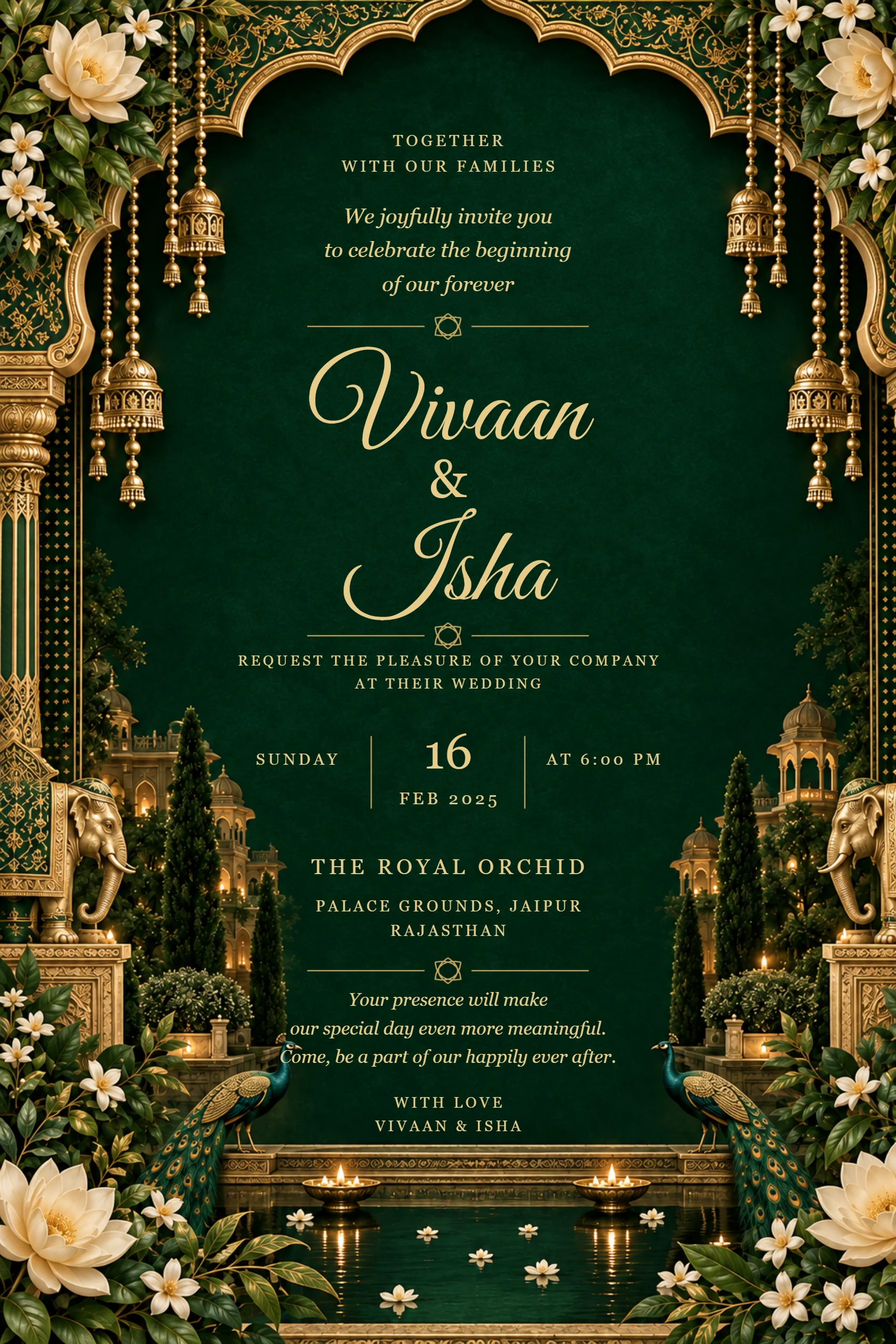
Emerald palace wedding invitation with ivory flowers and peacocks
Preview card #1135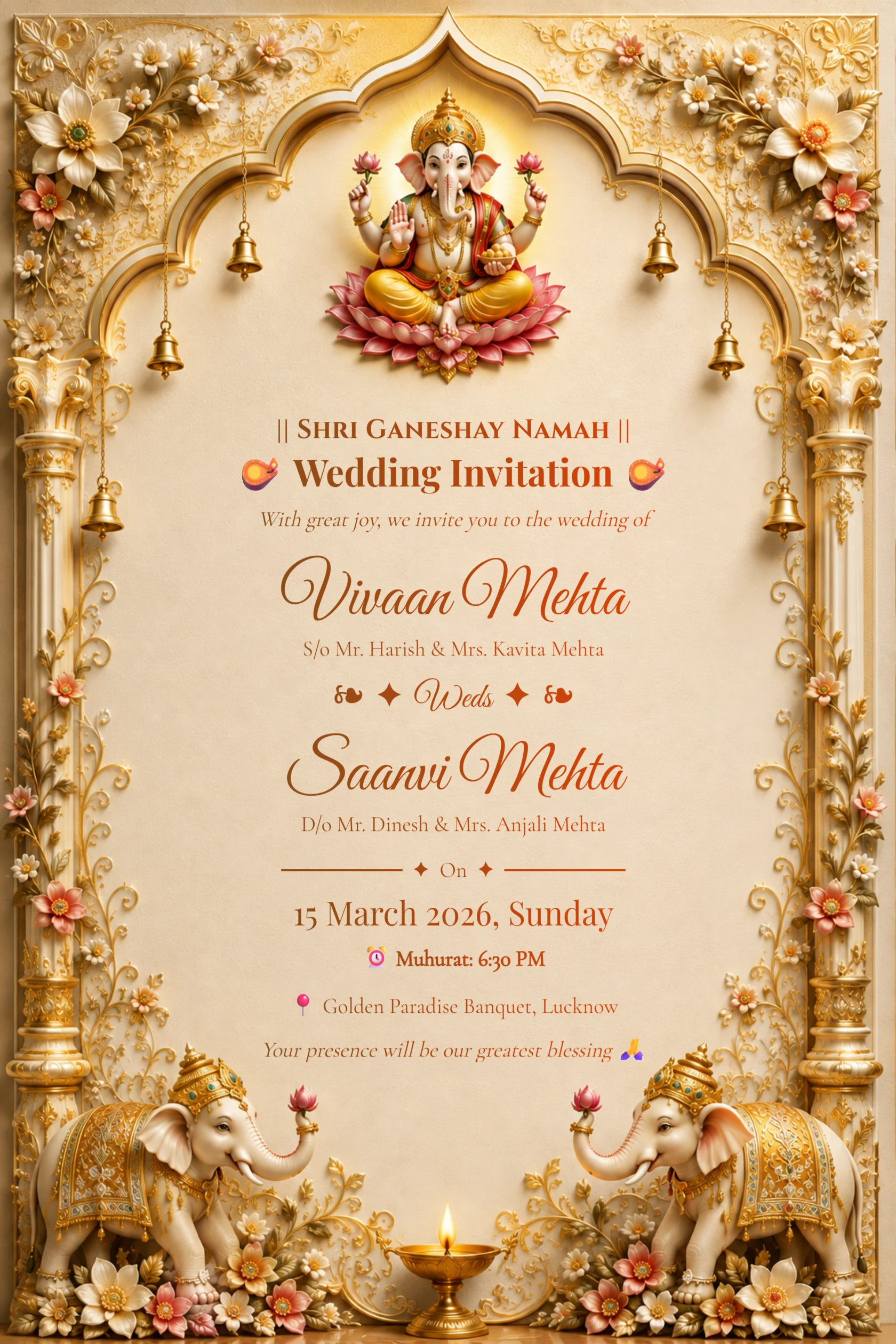
English Ivory Gold Ganesh Wedding Invitation with Elephants
Preview card #1126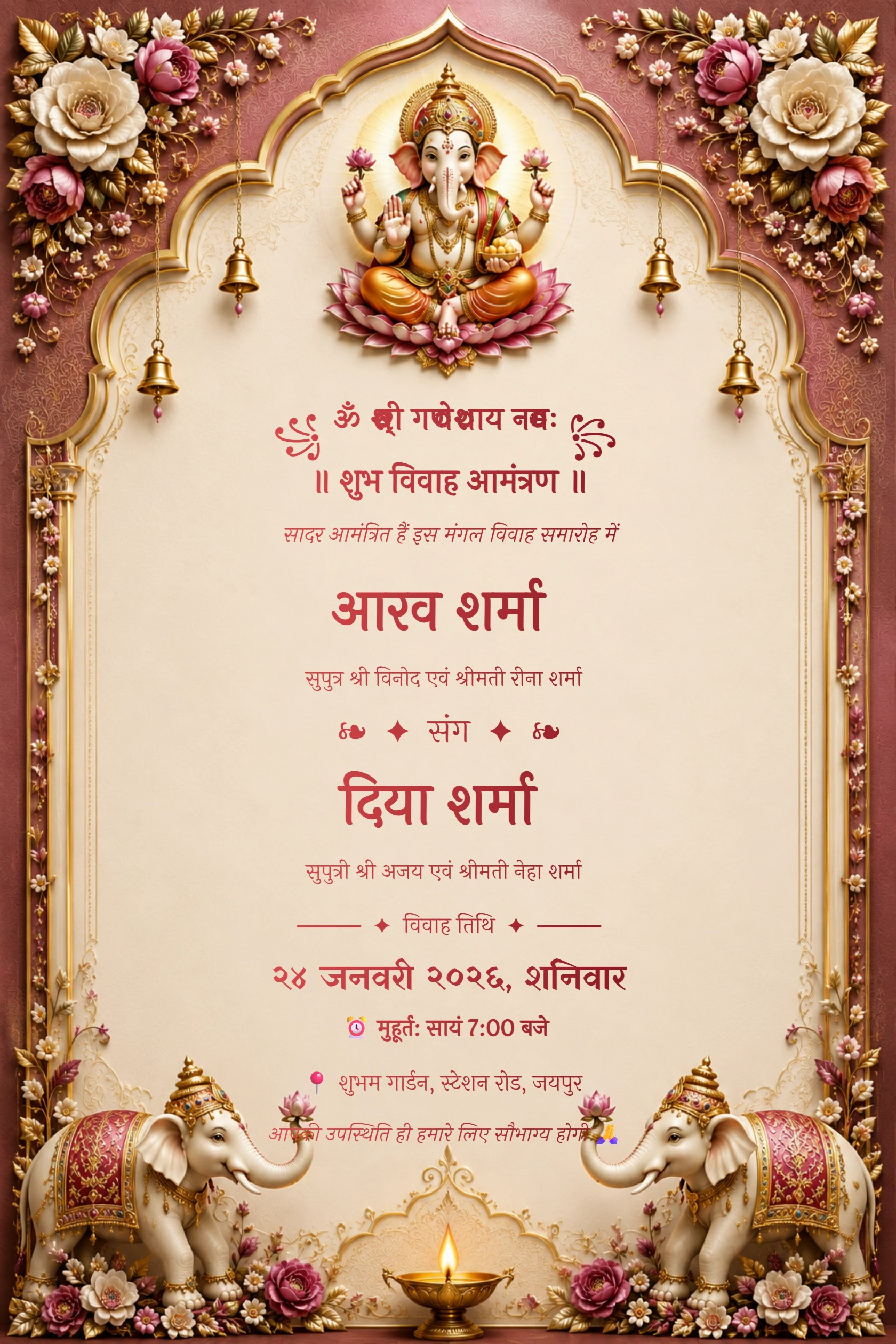
Hindi Maroon Ganesh Floral Arch Wedding Invitation
Preview card #1120Choose a design that suits your ceremony
Start by browsing invitation styles that match the tone of your celebration. A traditional Ganesh design, a maroon and gold layout, a floral frame, or a modern minimal card can all work well when the wording and colours feel right for the event.
Choose the card after you have a draft of your names, date, venue and ceremony details. This makes it easier to select a layout with enough room for the information guests need.
Continue with Choose a wedding template.
- Compare the card at phone size before committing.
- Choose a style that supports the language and amount of text you plan to use.
- Keep the most important details easy to find.
Personalize the details with care
Open the selected card in the editor and replace the sample text with your own event information. Check every name, date, time, venue and RSVP contact before moving on. If you have multiple events, keep the order clear and avoid reducing the text size simply to fit more words.
A personal invitation does not need to be crowded. A short welcome message and accurate details usually make a stronger first impression than a long paragraph.
Continue with Prepare the download for sharing.
Download and share the finished invitation
Review the completed design on a phone, then download the format that fits how you will use it. Image files are convenient for digital sharing, while PDF can be useful when you need a print-ready version. Send a test copy to a family member before sharing with the full guest list.
My Golden Card is designed to help you move from an idea to a shareable invitation in one place, whether your celebration is traditional, modern or somewhere in between.