
Tools guide
How to prepare invitation images and PDFs before sharing
Use simple image and PDF checks to make wedding invitations, festival greetings, and other files easier to send, view, and print.
FROM THE COLLECTION
Try the ideas on a real invitation
These detailed invitations are useful examples of what to inspect after processing: fine borders, small venue text and the contrast behind the names.
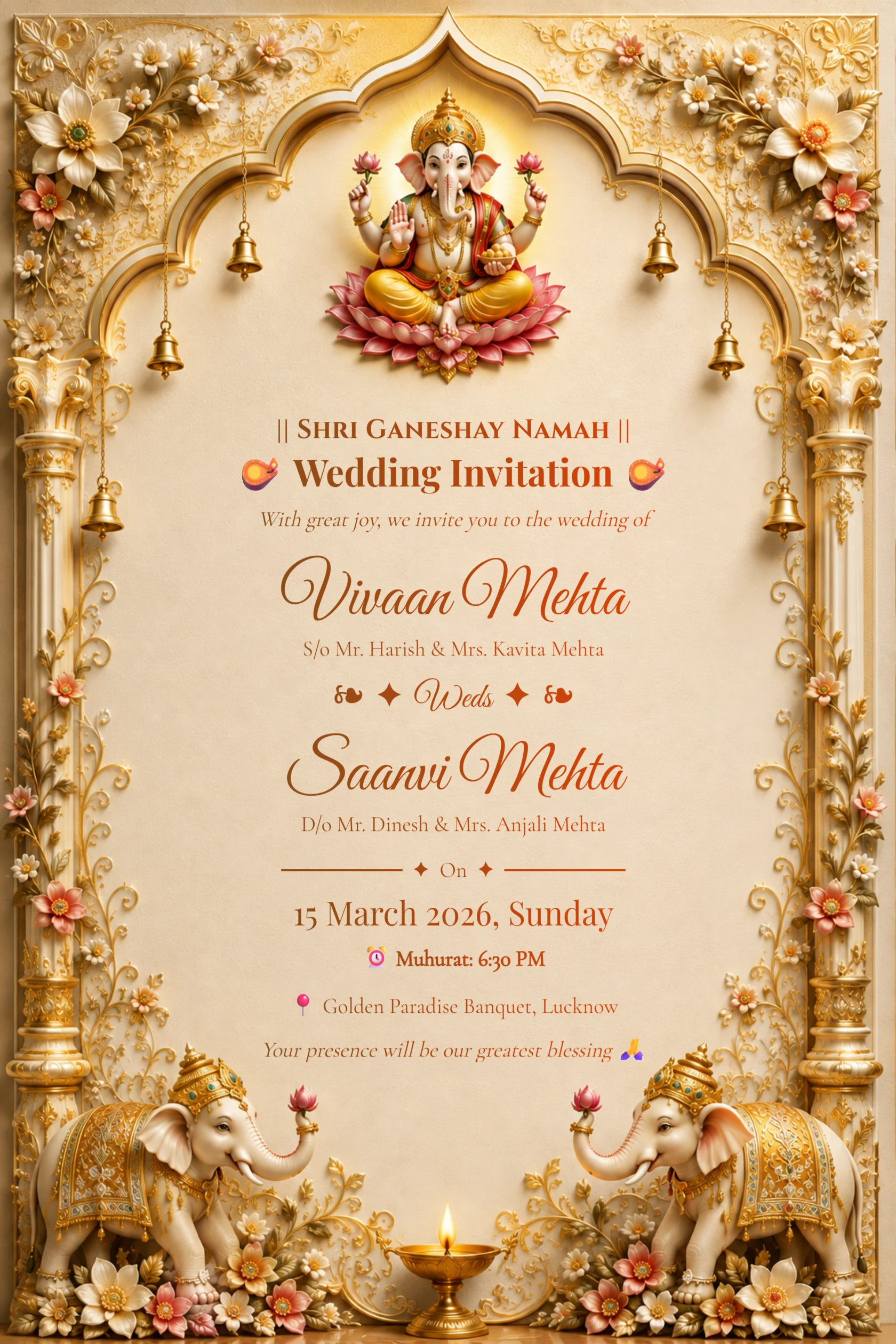
English Ivory Gold Ganesh Wedding Invitation with Elephants
Preview card #1126
Emerald palace wedding invitation with ivory flowers and peacocks
Preview card #1135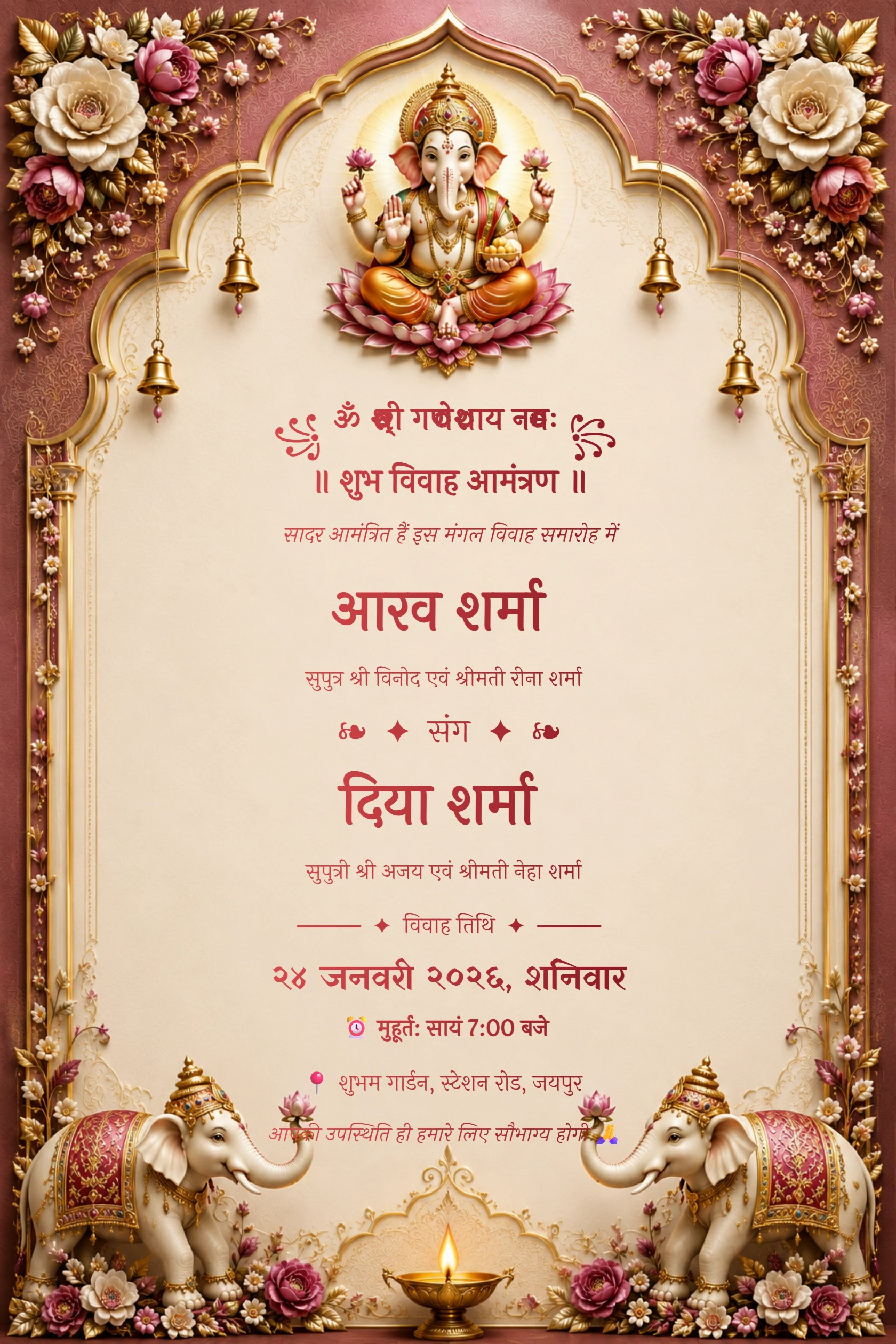
Hindi Maroon Ganesh Floral Arch Wedding Invitation
Preview card #1120Start with the file you intend to send
Open the downloaded invitation instead of relying only on the editor preview. Check that the text is sharp, the artwork has not been cropped, and the file displays correctly on a phone. This small step catches problems before a card reaches every guest.
Choose an image when you need a quick visual share, and choose PDF when you need a document that keeps its layout for printing or formal delivery.
Continue with Compress an invitation image.
Resize and compress with purpose
A large image can take too long to send or may be compressed by a messaging app. Resize it only to the dimensions you need, then check that names, dates and venue details are still readable. Compression can make sharing easier, but excessive compression can soften text and decorative edges.
Keep an untouched original in a safe place. Work on a copy when you resize or compress, so you can return to the best-quality version if needed.
Continue with Convert invitation images to PDF.
- Use a phone preview to check small text.
- Name files clearly so the final version is easy to find.
- Do not merge unrelated documents into the same PDF just for convenience.
Use PDF tools for practical document tasks
PDF tools can help when you need to combine pages, split a document, convert files, or reduce a file size for sending. Before sharing, open the final PDF and review page order, orientation and readability. For a printed invitation, ask the printer which file settings they prefer.
The image and PDF tools on My Golden Card are browser-based helpers for common tasks around invitations, festival greetings and everyday documents.
Continue with Combine the final PDF pages.