Tools guide
Which online tool should you use for invitation files?
Understand when to resize an image, compress a file, merge PDFs or use an editor for invitation and greeting-card tasks.
FROM THE COLLECTION
Try the ideas on a real invitation
Choose the tool for the actual task on your finished card: resize dimensions, reduce file size or combine document pages. Keep an untouched original of whichever design you use.
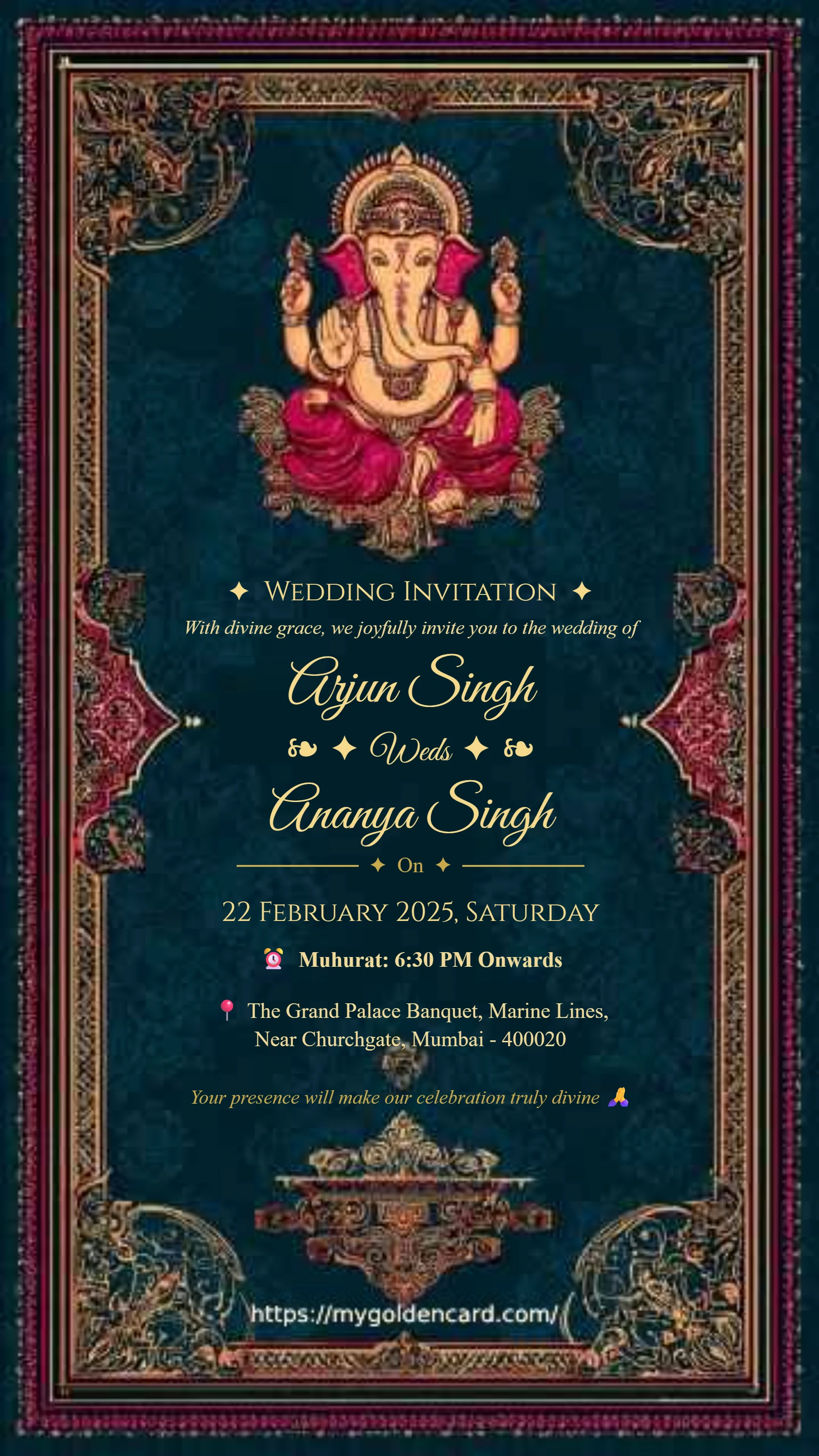
Minimal style Ganesh Hindu wedding invitation card
Preview card #1005
Emerald palace wedding invitation with ivory flowers and peacocks
Preview card #1135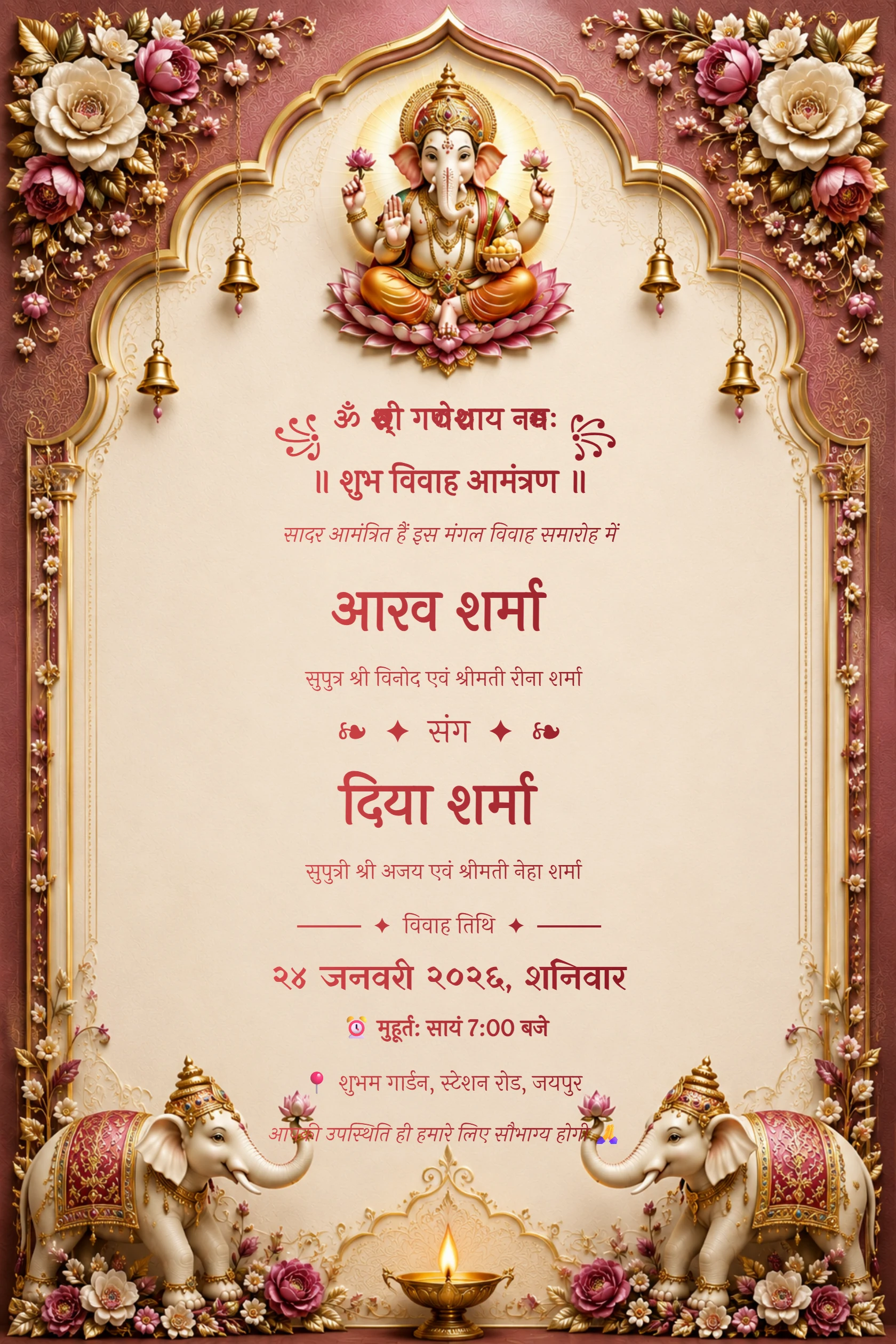
Hindi Maroon Ganesh Floral Arch Wedding Invitation
Preview card #1120Choose the task before the tool
Start by identifying the actual problem. Resize an image when dimensions are wrong, compress it when the file is too large, and use a PDF tool when you are working with document pages.
Using the right tool keeps the original design intact and avoids unnecessary quality loss.
Continue with Change image dimensions.
Work from a copy
Keep the original invitation, greeting or document untouched. Make a separate working copy before resizing, compressing or converting files.
This gives you a reliable fallback if a result is not sharp enough or the format is not accepted by a vendor.
Continue with Reduce image file size.
Verify the output
Open every finished file before sharing it. Check that the size, page order, orientation and readable text meet the purpose you had in mind.
My Golden Card tools are designed for practical browser-based tasks around invitations, festivals and everyday files.
Continue with Combine PDF pages.