
Tools guide
How to resize images for WhatsApp without losing important details
Prepare invitations and greeting cards for WhatsApp by choosing sensible dimensions and checking text after resizing.
FROM THE COLLECTION
Try the ideas on a real invitation
Compare the original and resized invitation at phone size. On designs like these, check the fine gold border and the smallest lines before sending.
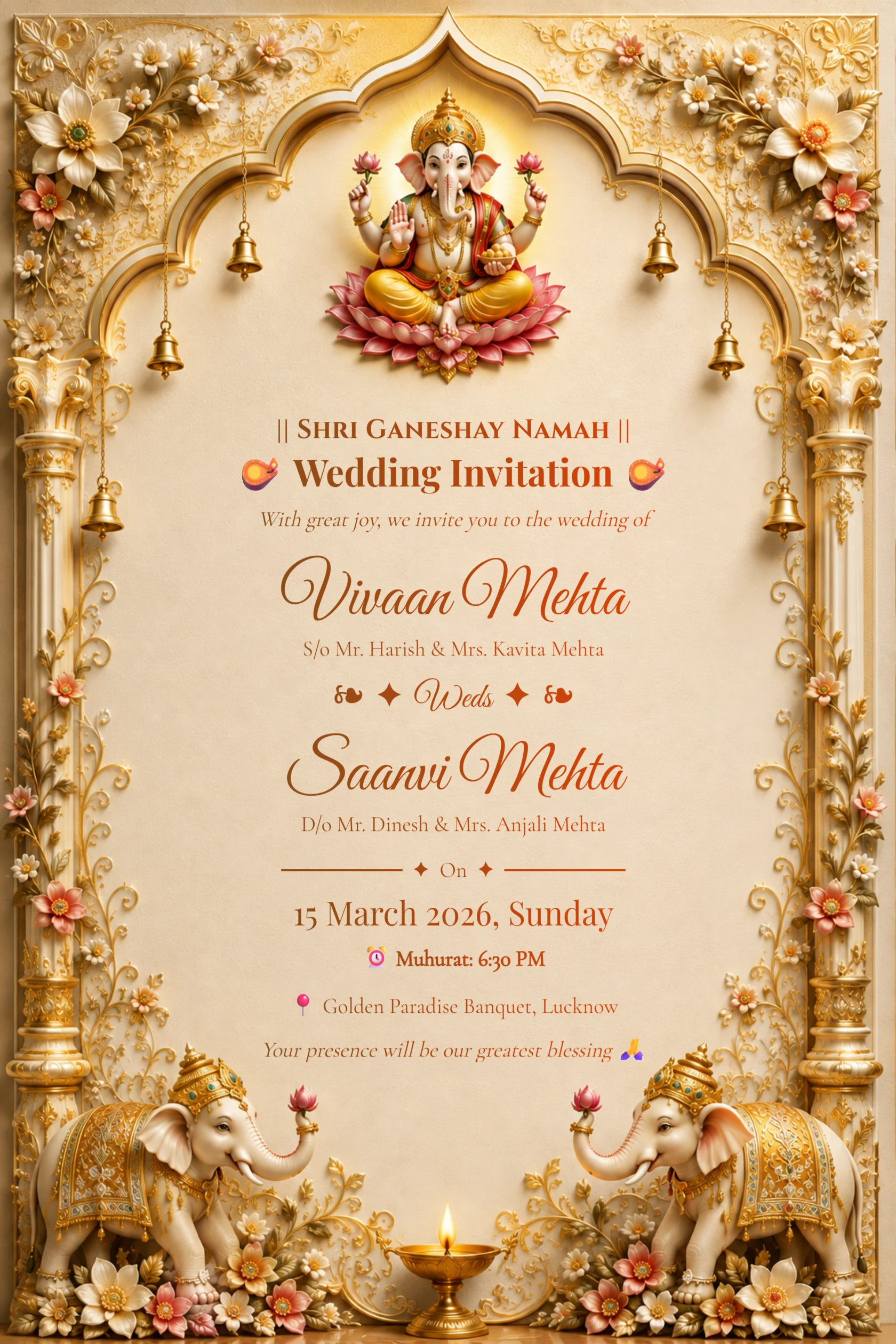
English Ivory Gold Ganesh Wedding Invitation with Elephants
Preview card #1126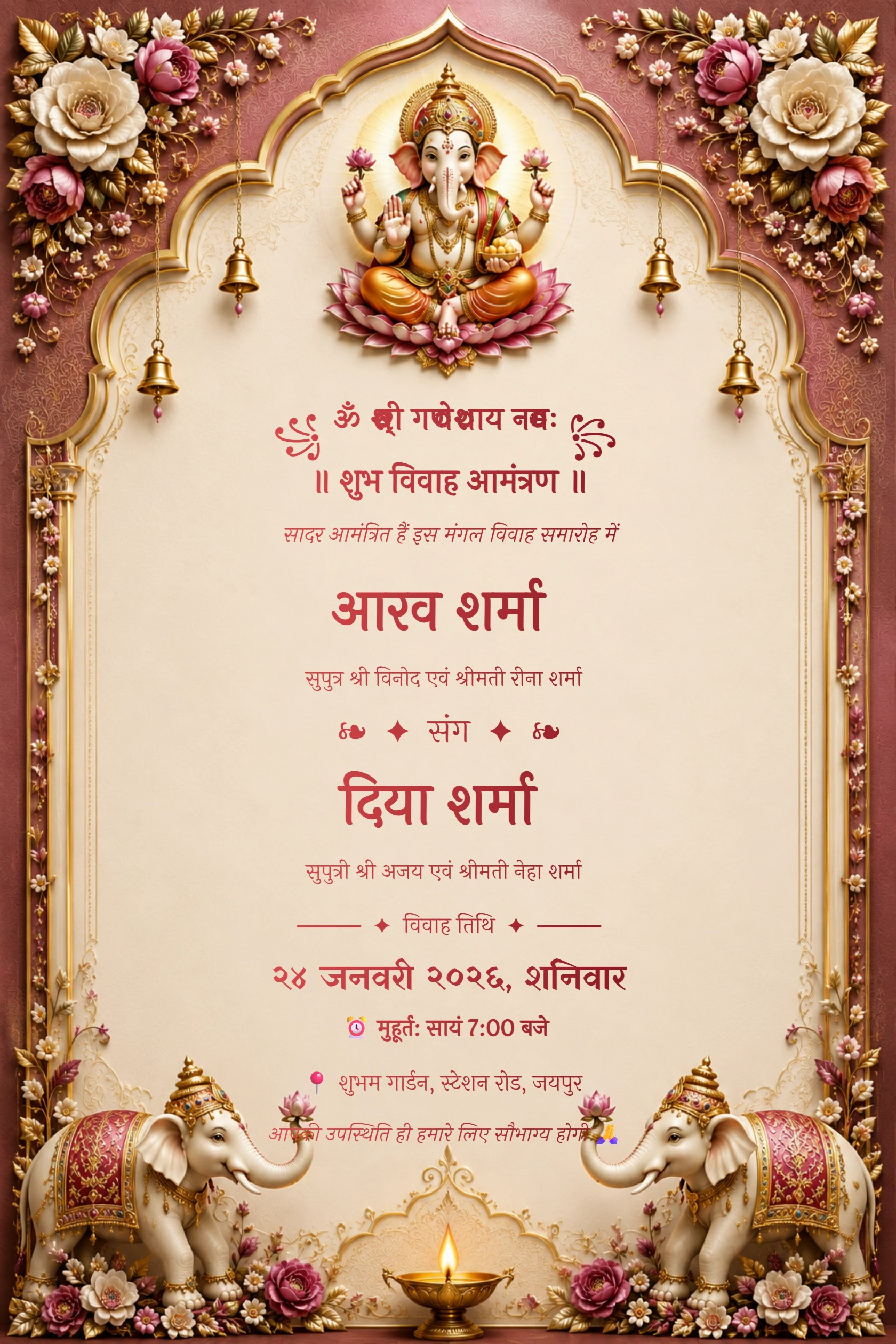
Hindi Maroon Ganesh Floral Arch Wedding Invitation
Preview card #1120
Emerald palace wedding invitation with ivory flowers and peacocks
Preview card #1135Resize only when it solves a problem
Large files can be slow to send, but resizing too aggressively makes text and fine borders soft. Start with the original download and make a smaller copy only when needed.
Keep the original file so you can return to it for printing or higher-quality sharing.
Continue with Resize your invitation.
Protect the readable details
Names, dates, times and venue information should remain legible at normal phone size. After resizing, open the image without zooming and check each of these lines.
If details become hard to read, use a larger version or send the original as a document where your messaging app allows it.
Continue with Decide whether compression is needed.
Use a clear file name
Name the final file with the event and date so family members can identify the current version. Avoid sending several near-identical files without explaining which one is final.
A quick test send can reveal how a messaging app changes the image before your full share.