
Tools guide
When to combine PDF pages for wedding documents
Learn when combining PDF pages is useful for wedding schedules, vendor notes and printable invitation material.
FROM THE COLLECTION
Try the ideas on a real invitation
An invitation, event schedule and information page can share one PDF when they are for the same audience. These card examples illustrate a coordinated visual starting point; confirm the final page order yourself.
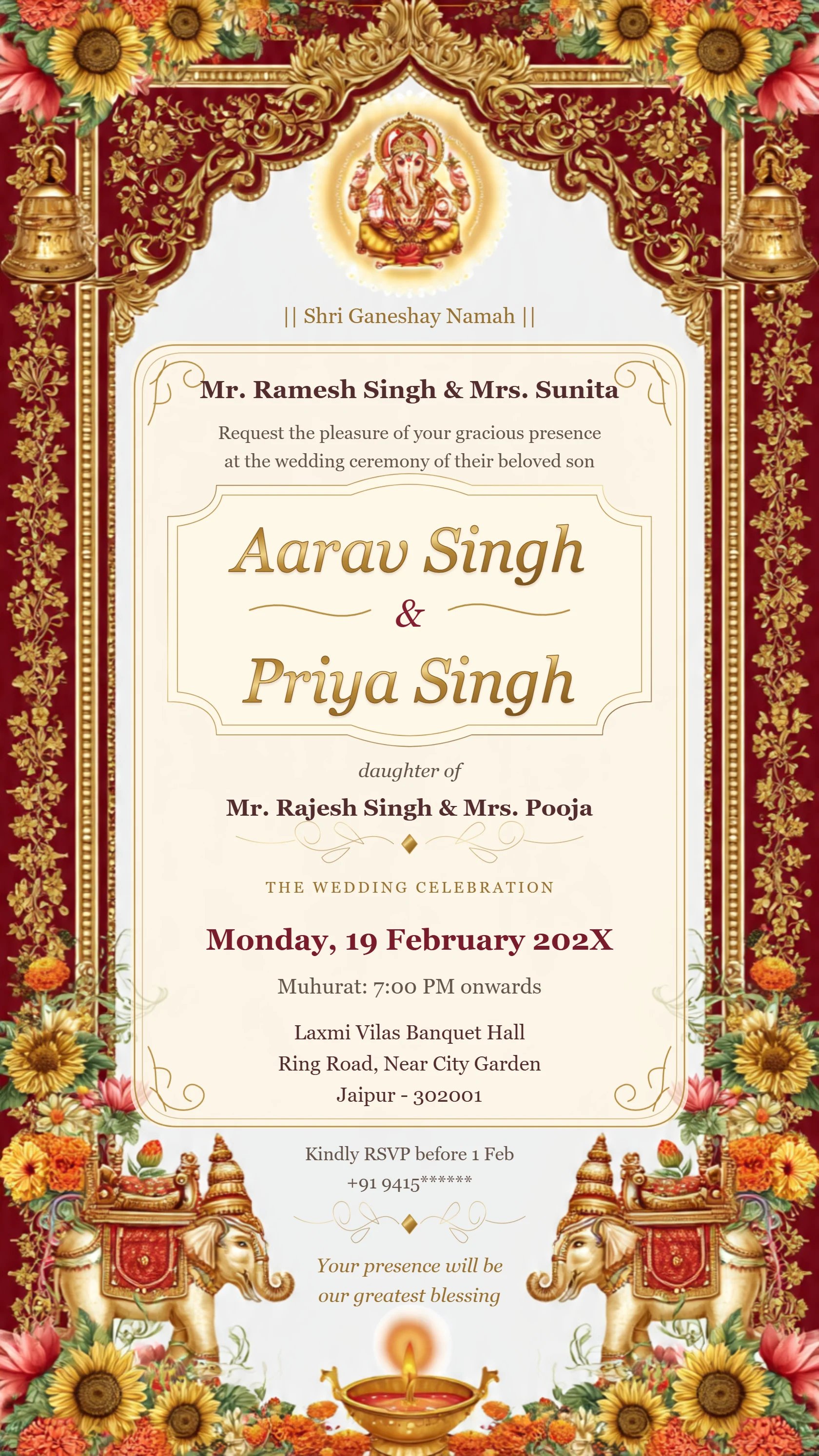
Luxury Ganesh wedding invitation with ivory and gold filigree
Preview card #1071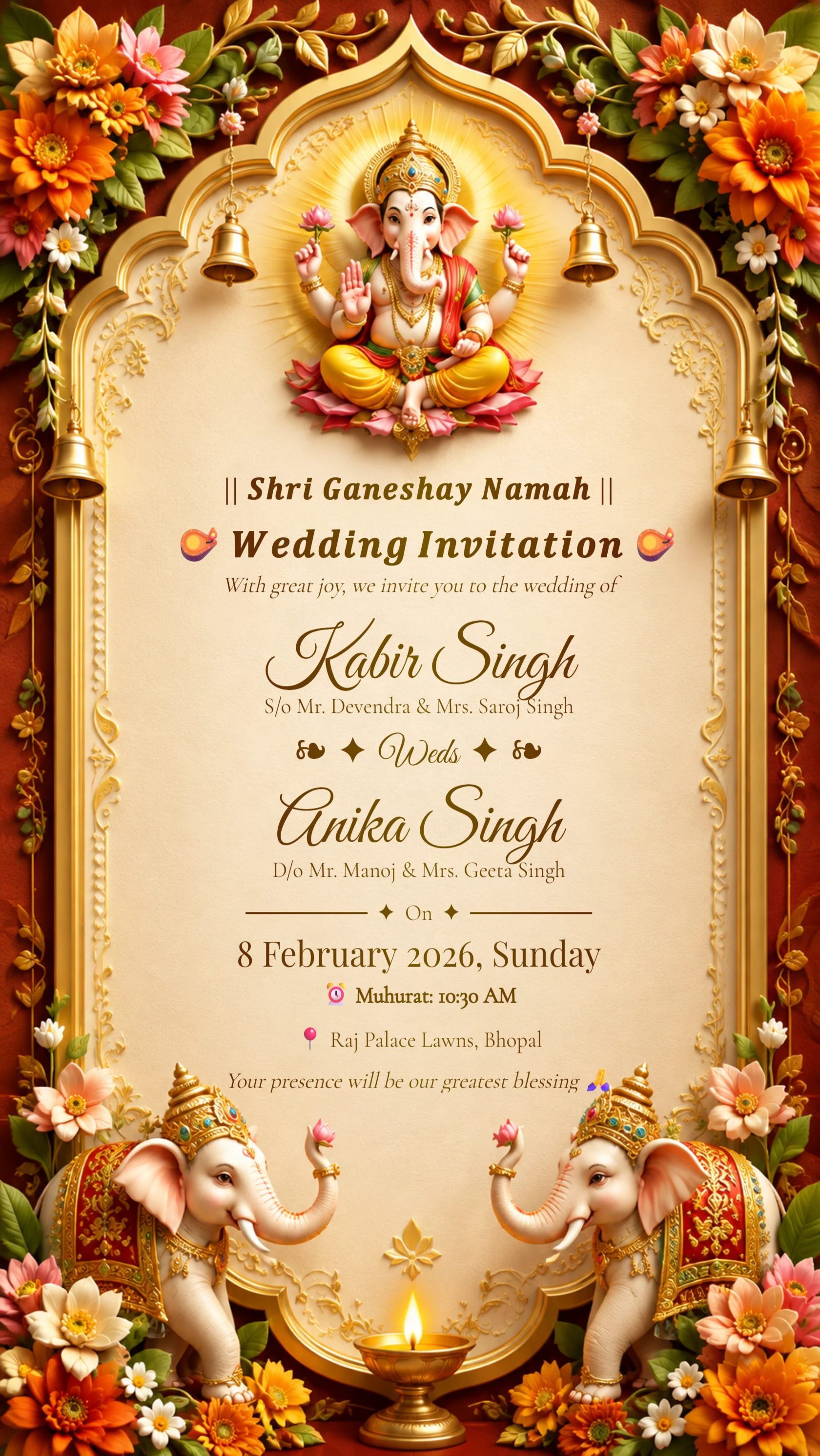
Royal Hindu Wedding Invitation
Preview card #1125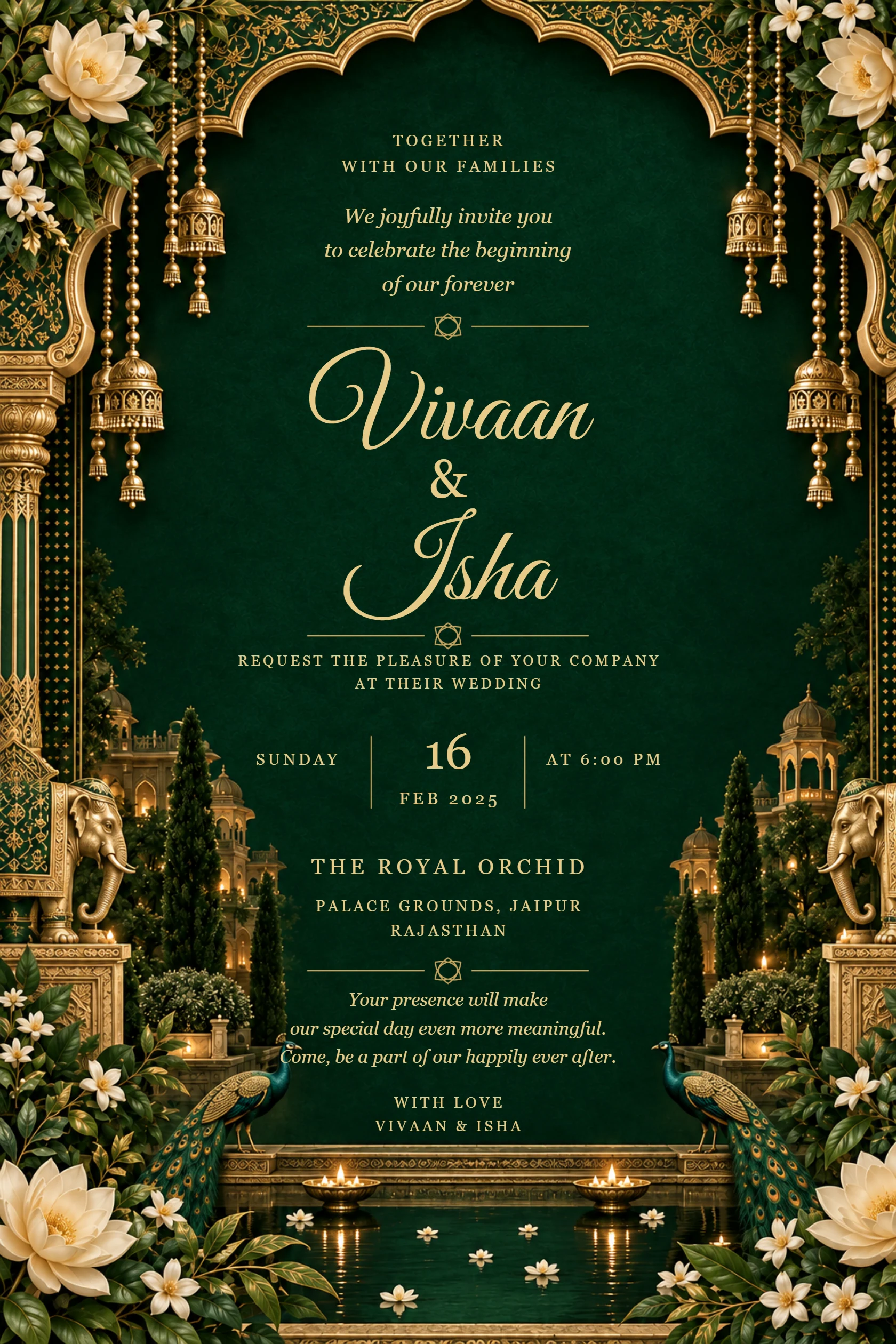
Emerald palace wedding invitation with ivory flowers and peacocks
Preview card #1135Use one PDF for one clear purpose
Combining pages is useful when they belong together, such as a multi-page schedule or a print set. It is less useful when guests need only one invitation image.
Think about who will open the file and what they need to find first.
Continue with Merge invitation PDFs.
Check order and orientation
Before sharing or printing, review every page in the finished PDF. Confirm that pages are in the intended order and that portrait and landscape pages display correctly.
Use descriptive filenames so vendors and family members do not confuse an old draft with the final document.
Continue with Convert card images to PDF.
Keep a print-friendly master
Maintain an original high-quality version before compressing or combining files. Your printer may need a different file than the one you send over WhatsApp.
Open the final document on both a phone and a larger screen when the layout includes detailed text.