
Tools guide
How to compress images before sharing invitations and greetings
Reduce image file size carefully while protecting the names, dates and visual details that matter in an invitation or festival greeting.
FROM THE COLLECTION
Try the ideas on a real invitation
Fine gold lines and small wording can soften when compressed. Use the original download as your reference and inspect these details before sending the smaller file.
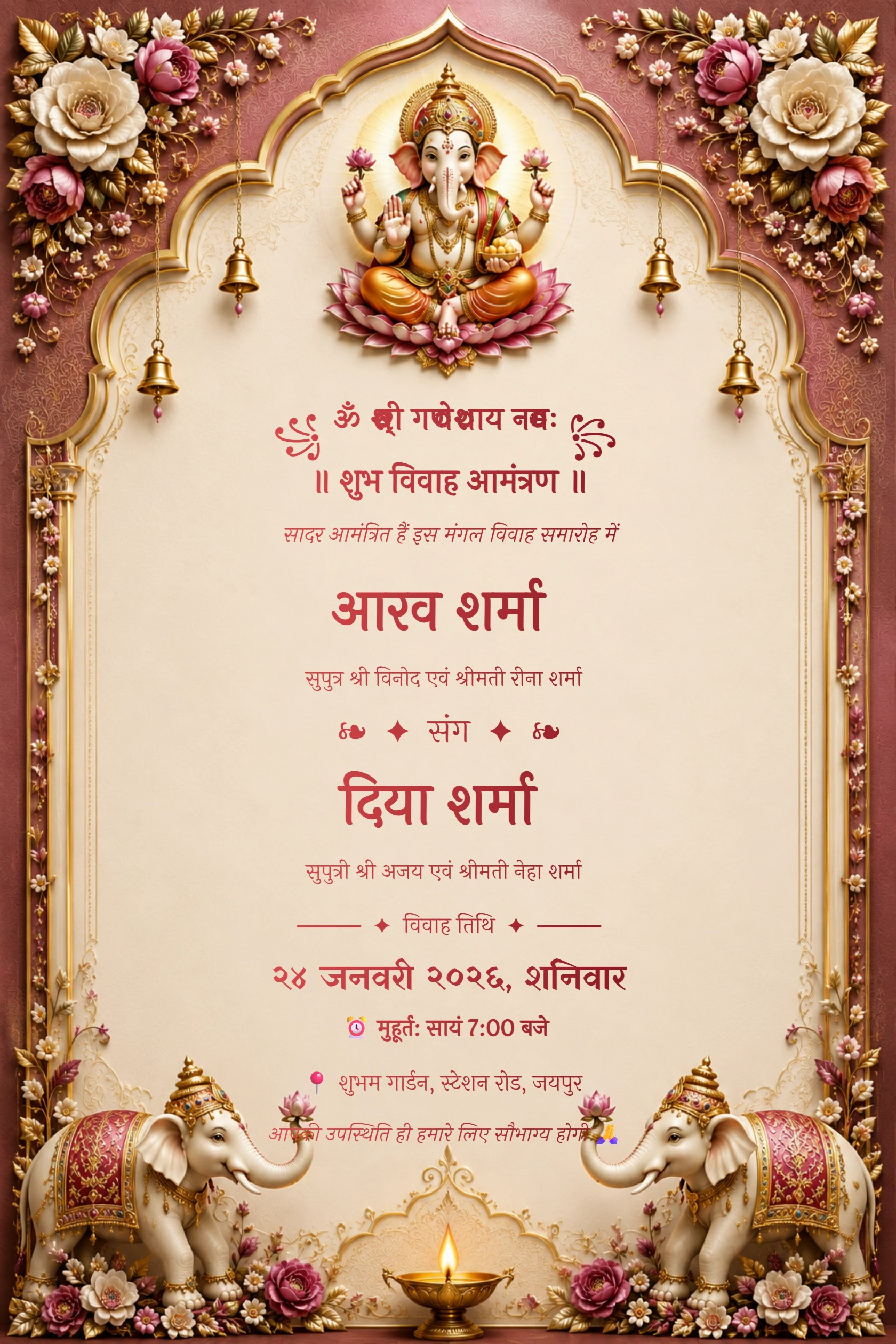
Hindi Maroon Ganesh Floral Arch Wedding Invitation
Preview card #1120
Emerald palace wedding invitation with ivory flowers and peacocks
Preview card #1135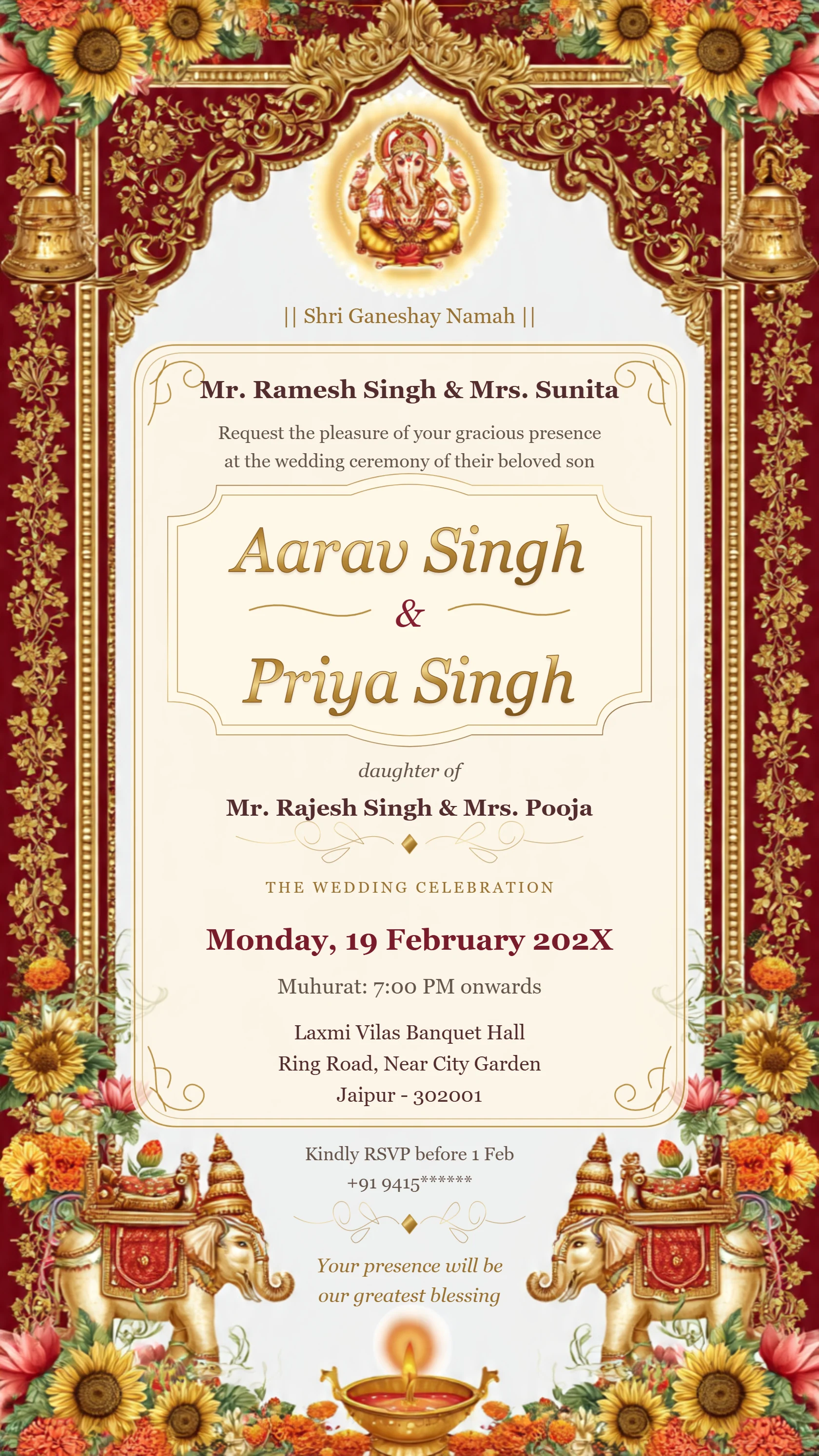
Luxury Ganesh wedding invitation with ivory and gold filigree
Preview card #1071Know when compression helps
Compression is helpful when a file is difficult to send or upload. It is not automatically useful for every invitation, particularly when small text or decorative details need to stay sharp.
Always work from a copy so the highest-quality original remains available.
Continue with Compress your card image.
Compare before and after
Open the compressed image beside the original on a phone. Check names, dates, venue lines and gold borders at normal viewing size.
If the card looks soft, use a lighter compression setting or share the original file as a document when possible.
Continue with Resize an oversized image first.
Use the right final file
Keep a smaller version for quick messaging and a high-quality version for print or archiving. Give both files clear names to avoid sending the wrong one.
A test message to one person is an easy final quality check.