

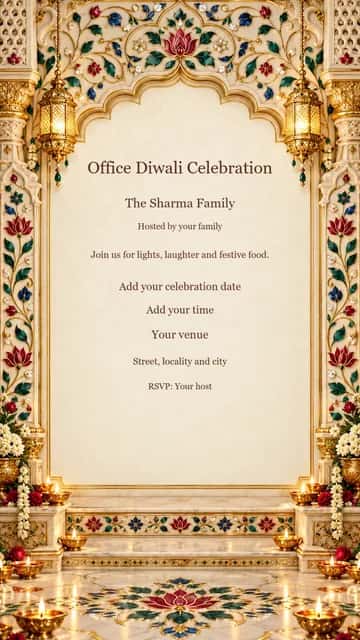
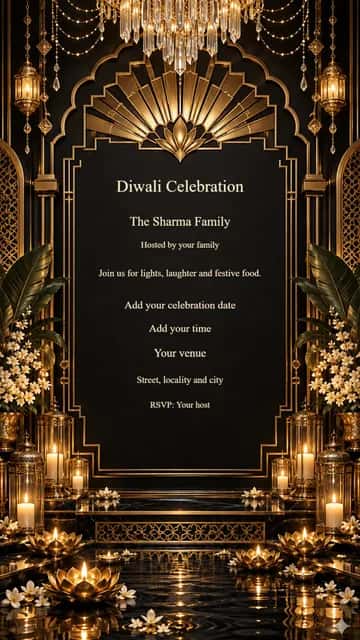
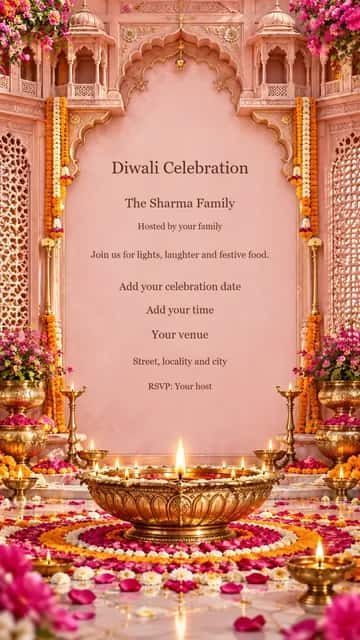
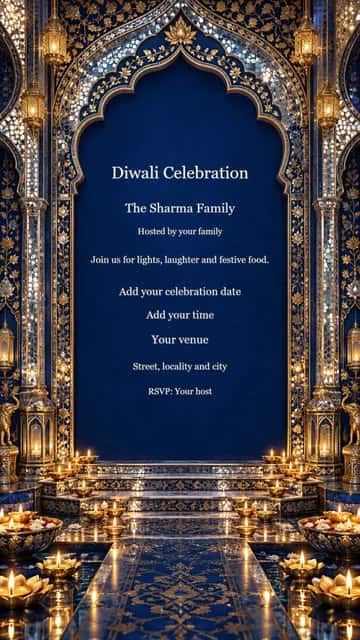

Family Diwali Invitation
Mention whether everyone is invited for puja, dinner or the whole evening. Add a familiar landmark so visiting relatives can find your home.
FREE DIWALI INVITATIONS
Create personalized Diwali invitations for family gatherings, parties, office celebrations and festive dinners. Customize the details, download your design and share it with your guests.
Free editing & watermarked download. Full-resolution, watermark-free option available in the editor.
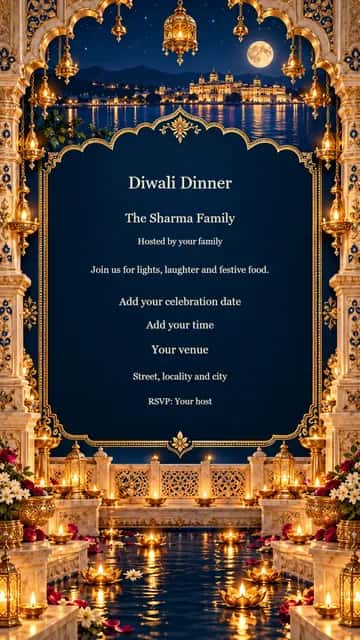
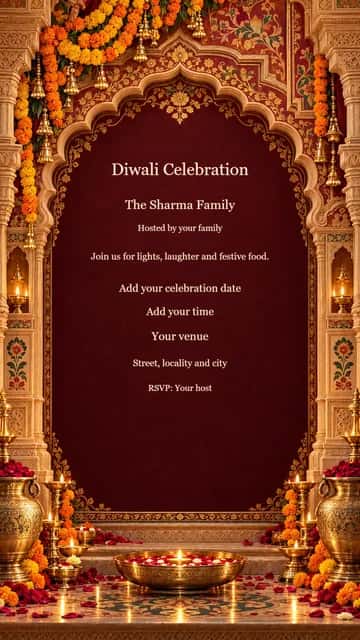
Choose a design · Make it yours
All designs open in the festival editor. Names, messages and event details are editable; photos are optional.
12 editable designs
From a design to something personal
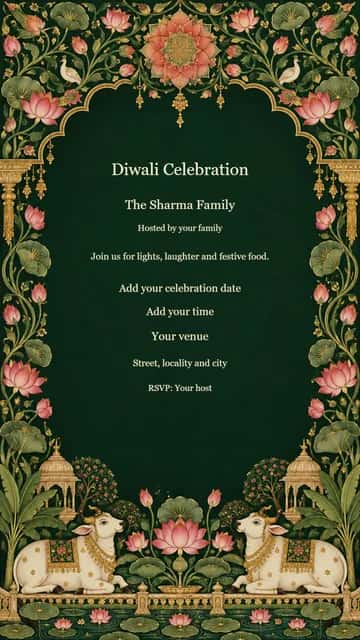
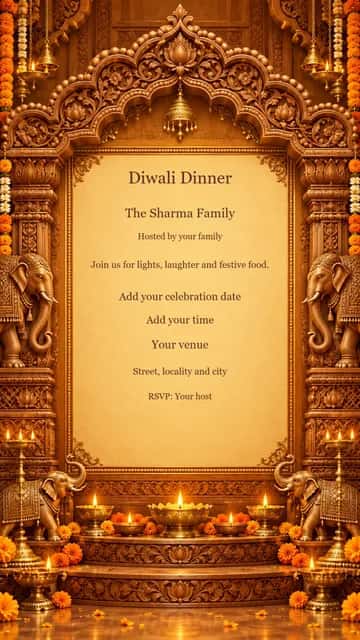
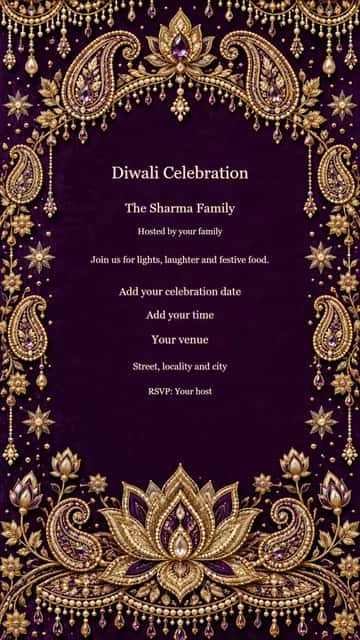
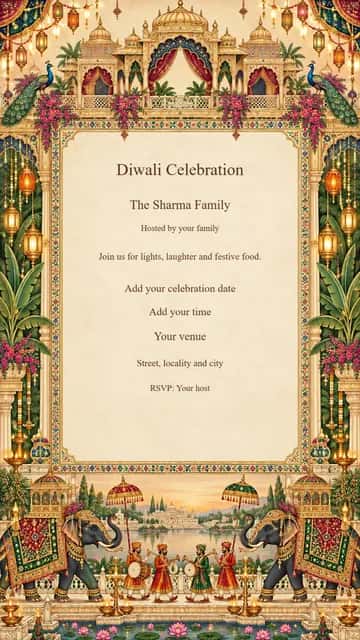
Choose an invitation template that fits your gathering.
Add your host name, date, time, venue and RSVP details. An optional photo or logo makes it personal.
Review every detail, download and attach the invitation to your message.
Mention whether everyone is invited for puja, dinner or the whole evening. Add a familiar landmark so visiting relatives can find your home.
Include the office or team name and say if family members are welcome. Add the floor, meeting point and a contact for questions.
Give a clear arrival time and let guests know when dinner will be served. Ask about dietary needs in your accompanying message.
Explain the mood of your evening in a short line: music, festive food or a relaxed get-together. Keep any dress suggestion friendly and optional.
Name the clubhouse, courtyard or common area rather than only the society. Include the start time and the organiser’s RSVP contact.
Tell friends when the games begin and whether dinner is included. Keep the invitation welcoming to guests who simply want to meet and chat.
Separate fields keep the date, venue and RSVP readable. Add your own message and optional photo without starting from a blank page.
See changes in the live editor. Photos stay in your browser, and local drafts let you return to your work on the same device. Clear saved site data after using a shared device.
Use the free 720-pixel-wide watermarked download, or choose the existing premium option for the full 1080 × 1920 image. Browsing and editing do not require login.
Download your finished invitation and attach it to a WhatsApp chat. Add a short personal note and check that the date, venue and RSVP are readable on your phone.
After export, supported phones can open a file share sheet. Select WhatsApp there to attach the image. “Share creator on WhatsApp” and “Copy creator link” share this tool, never your private photo or event details. Instagram posting is completed in Instagram.
Choose a design and select Customize. Replace the sample event details, inspect the preview and download your card.
Yes. Every invitation has an optional photo or logo slot. Upload a JPG, PNG or WebP and adjust its crop in the editor.
Yes. Date, time, venue, address, host, RSVP and phone are separate editable fields. Use your confirmed event details.
Download the card and attach it in WhatsApp. Supported phones also offer a file share sheet after export; a WhatsApp link shares the creator page, not your private invitation.
Yes. Free downloads are 720 pixels wide and include a website watermark. The existing premium option offers the full 1080 × 1920 image without a watermark.
Choose the Office filter and edit the host line to your company or team name. Add the meeting point and an RSVP contact.
Yes. Use Party or Dinner designs and replace the heading with your own event title. You can also remove optional lines.
Choose what you want to create
Choose a design and give your celebration a personal invitation.
Create Diwali Invitation