














One special portrait
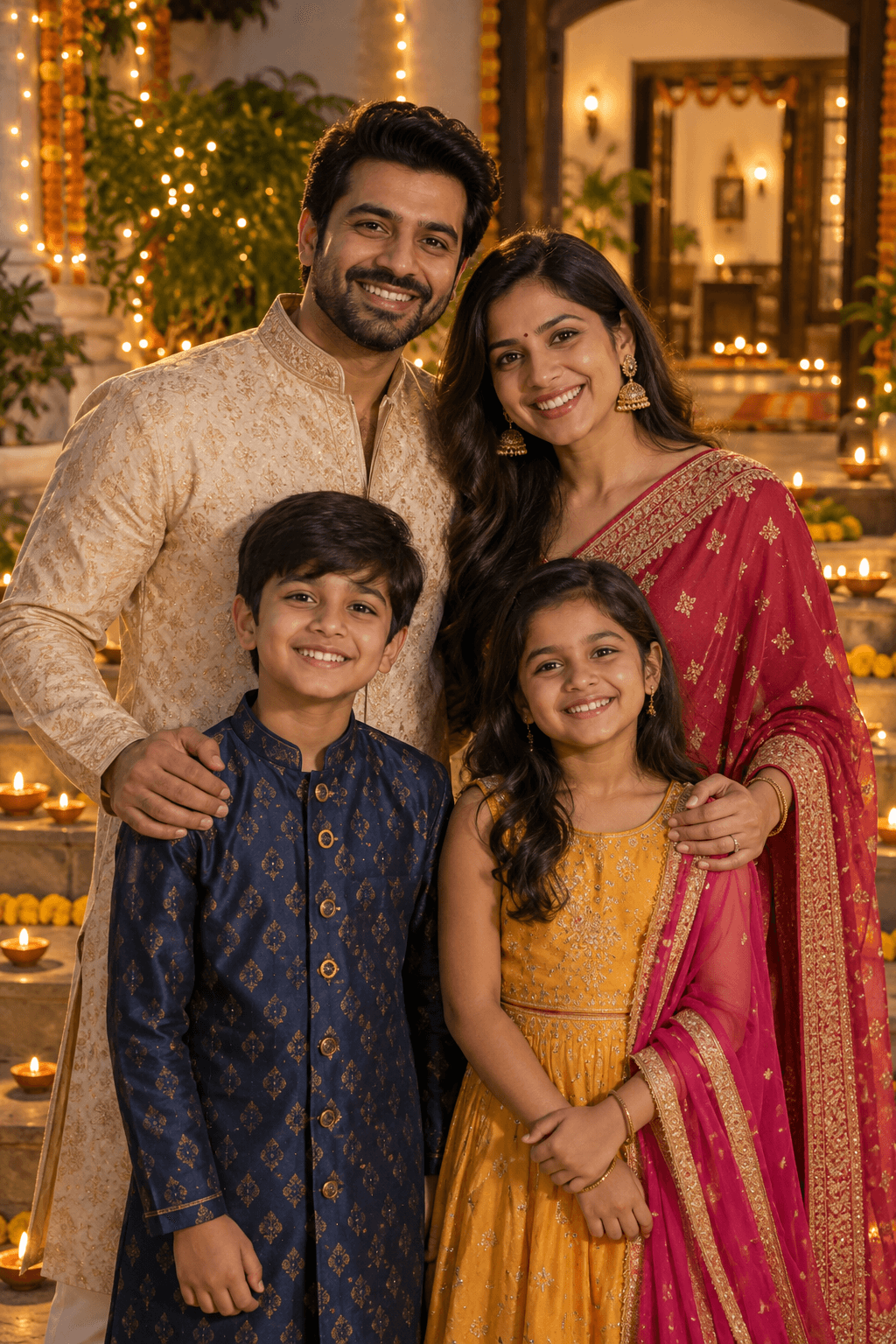
A single frame gives a couple or family portrait room to breathe. Choose a photo with space around every face so the frame does not crop anyone out.
FREE DIWALI PHOTO COLLAGE
Upload your favorite photos, choose a festive Diwali layout and create a personalized collage you can download and share with family and friends.
Free editing & watermarked download. Full-resolution, watermark-free option available in the editor.

Choose a design · Make it yours
Choose the photo count first, then pick your favourite frame. Every sample photo is replaceable.
15 editable designs
From a design to something personal
Select a layout for one to five photos.
Upload each photo, select it to crop or zoom, and use Move to adjust its position. Replace any photo as often as you need.
Add a family name or short Happy Diwali message, preview the whole card, then download and share.
A single frame gives a couple or family portrait room to breathe. Choose a photo with space around every face so the frame does not crop anyone out.
Pair a family portrait with a candid moment, or put two generations side by side. Similar lighting helps the pictures sit comfortably together.
Combine getting ready, lighting diyas and the family meal. Use the larger frame for a group photo and smaller frames for details.
Bring several moments into one keepsake. Choose visibly different scenes and replace every sample image before downloading.
Try a well-lit group portrait before sunset, hands arranging diyas, or everyone gathered around rangoli. Ask people before sharing their photographs publicly.
Make a shared card with photos from relatives celebrating in different cities. Add the family name and one warm line rather than a long paragraph.
The decorative frame stays aligned while you replace each photo and adjust its crop. You can change the family name without rebuilding the design.
See changes in the live editor. Photos stay in your browser, and local drafts let you return to your work on the same device. Clear saved site data after using a shared device.
Use the free 720-pixel-wide watermarked download, or choose the existing premium option for the full 1080 × 1920 image. Browsing and editing do not require login.
The vertical 9:16 download is ready for a Story or portrait-friendly WhatsApp share. Save it to your gallery, then select it in your social app. For a 4:5 or square feed post, adjust the image in our Image Editor and inspect the crop.
After export, supported phones can open a file share sheet. Select WhatsApp there to attach the image. “Share creator on WhatsApp” and “Copy creator link” share this tool, never your private photo or event details. Instagram posting is completed in Instagram.
Prepare a square or feed image →Choose a frame, upload your photos into its slots, adjust their crops and add an optional message. Preview the card and use Download.
Layouts contain one, two, three, four or five photo slots. Use the photo-count filters to find the right one before opening the editor.
Yes. The Family filter includes group portraits and multi-photo designs. Adjust each crop so everyone remains visible.
Yes. The free 720-pixel-wide image includes a watermark; the premium option exports full resolution without it. PNG is used on most browsers and JPEG for Apple mobile save options.
The portrait 9:16 layouts suit Stories. Save the image and upload it in Instagram. For a square or 4:5 feed post, use the Image Editor and check the crop; direct Instagram posting is not provided.
Yes. Save the image and attach it to a chat or Status. Where supported, the editor can open your phone’s file share sheet after you prepare a download.
Yes. Select the photo to change zoom, rotate or reposition it, or upload a replacement. Photos are processed locally; drafts may remain in this browser.
Choose what you want to create
Choose a frame and bring your favourite moments together.
Create Your Collage