
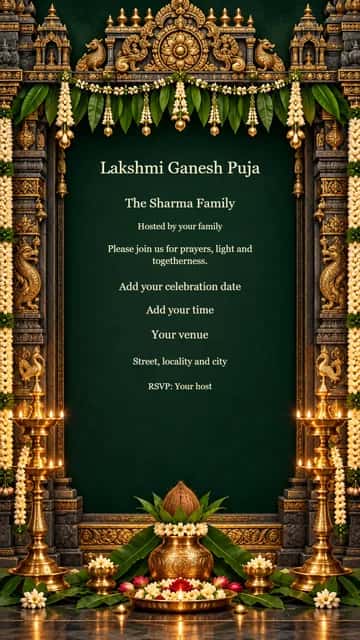
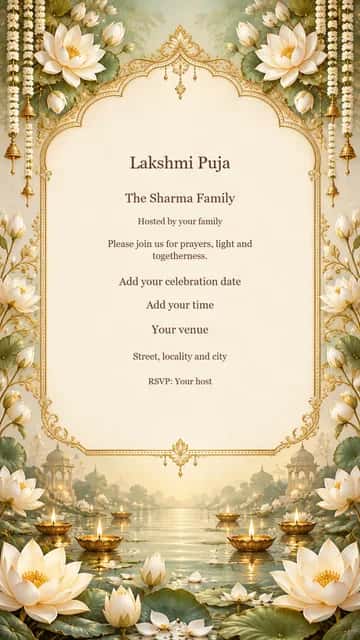
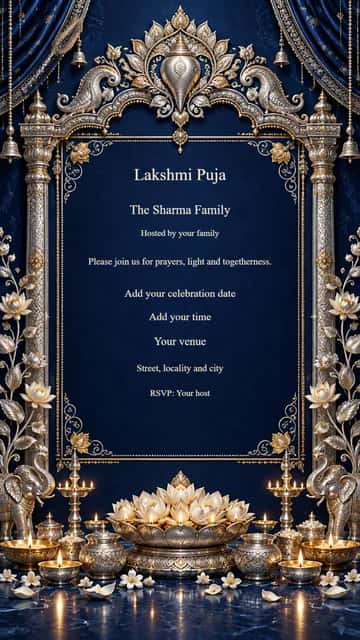
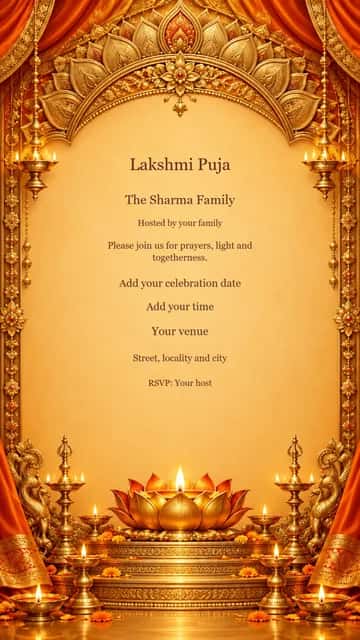
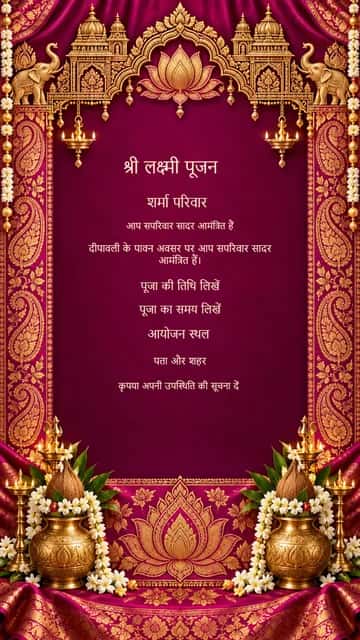
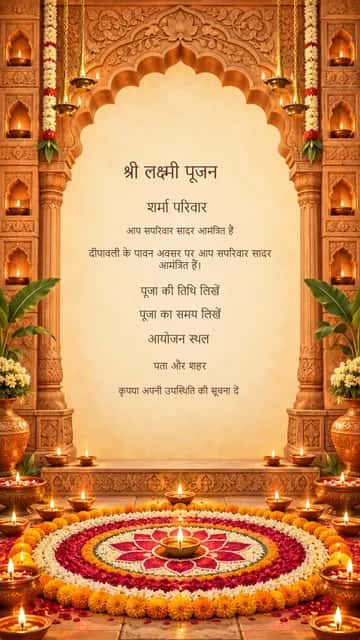
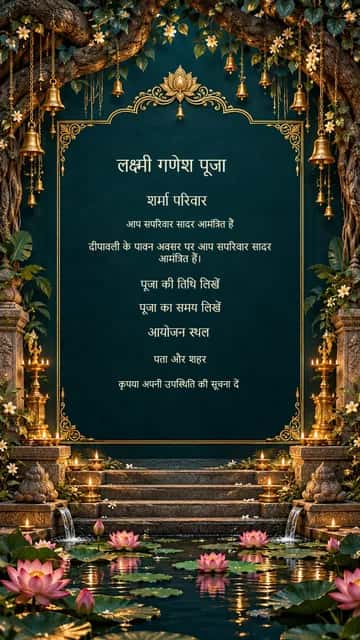
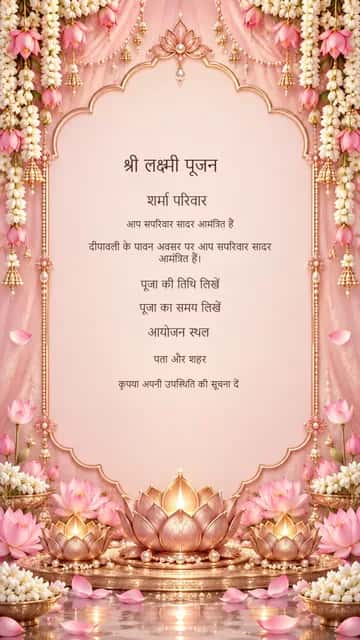
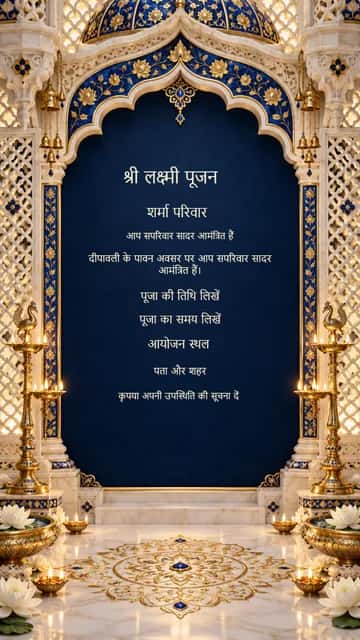
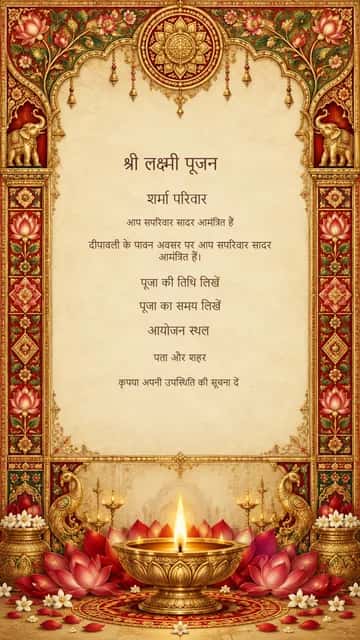
Family and host names
Tell guests who is inviting them, especially when several families are organising the puja. Keep the family name separate from the contact person.
A PERSONAL INVITATION TO YOUR PUJA
Invite family and friends to your Diwali Lakshmi Puja with a personalized invitation. Add your puja details, choose a traditional design and share it with your loved ones.
Free editing & watermarked download. Full-resolution, watermark-free option available in the editor.
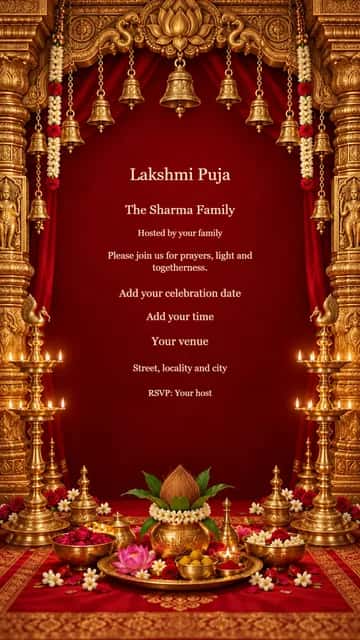
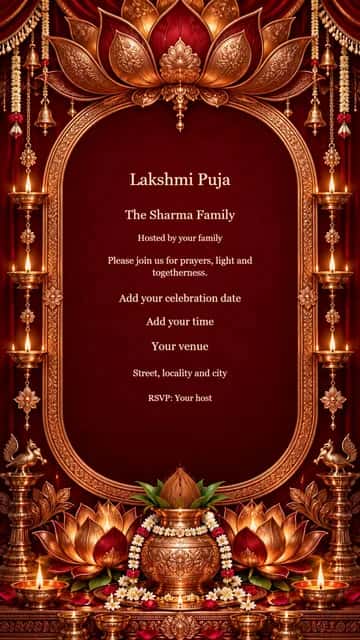
Choose a design · Make it yours
All designs open in the festival editor. Names, messages and event details are editable; photos are optional.
12 editable designs
From a design to something personal
Choose a devotional design in English or Hindi.
Add your family and host names, puja type, confirmed date, muhurat, venue and RSVP details.
Check names and Hindi spellings in the preview, download and send the card to your guests.
Tell guests who is inviting them, especially when several families are organising the puja. Keep the family name separate from the contact person.
Use Lakshmi Puja, Lakshmi Ganesh Puja, Diwali Puja or Chopda Pujan to describe your actual gathering. Laxmi Puja and Lakshmi Pujan are familiar alternatives you can type into the heading.
Enter the date and time confirmed for your location and family tradition. This tool formats your invitation; it does not calculate an auspicious time.
Include the address and any helpful landmark. If guests should arrive before the puja begins, mention the arrival time in your custom message.
Add a contact for attendance and directions. Let guests know if prasad or a meal follows so they can plan their visit.
Choose a language filter to see sample designs, then use the editor’s English / हिंदी controls. Both languages use the same page; review names and matras before saving.
Separate fields keep the date, venue and RSVP readable. Add your own message and optional photo without starting from a blank page.
See changes in the live editor. Photos stay in your browser, and local drafts let you return to your work on the same device. Clear saved site data after using a shared device.
Use the free 720-pixel-wide watermarked download, or choose the existing premium option for the full 1080 × 1920 image. Browsing and editing do not require login.
Download your finished invitation and attach it to a WhatsApp chat. Add a short personal note and check that the date, venue and RSVP are readable on your phone.
After export, supported phones can open a file share sheet. Select WhatsApp there to attach the image. “Share creator on WhatsApp” and “Copy creator link” share this tool, never your private photo or event details. Instagram posting is completed in Instagram.
Select a design, choose English or Hindi and replace the sample text with your puja details. Preview and download the card.
Include the family and host names, puja type, date, time or muhurat, full address and an RSVP contact. Mention a meal or prasad if relevant.
Yes. Six designs start in Hindi, and the editor supports English / हिंदी switching. Personal names and event details should be reviewed after changing language.
Yes. Enter your confirmed time in the Puja muhurat / Time field. The editor does not determine the date or muhurat for you.
Download the image and attach it to your family group or individual message. On compatible phones you can choose WhatsApp from the file share sheet.
Yes. Both are separate text fields, along with the host, address, RSVP and optional phone. Free downloads include a watermark; premium downloads remove it.
Choose what you want to create
Choose a design and give your celebration a personal invitation.
Create Lakshmi Puja Invitation