
Tools guide
When to split a PDF into separate invitation pages
Use PDF splitting when guests, vendors or family members need only a specific page from a larger wedding or festival document.
FROM THE COLLECTION
Try the ideas on a real invitation
When each event needs its own file, export only the pages relevant to that guest. Make sure every separated invitation still contains its event name, date and venue.

Emerald palace wedding invitation with ivory flowers and peacocks
Preview card #1135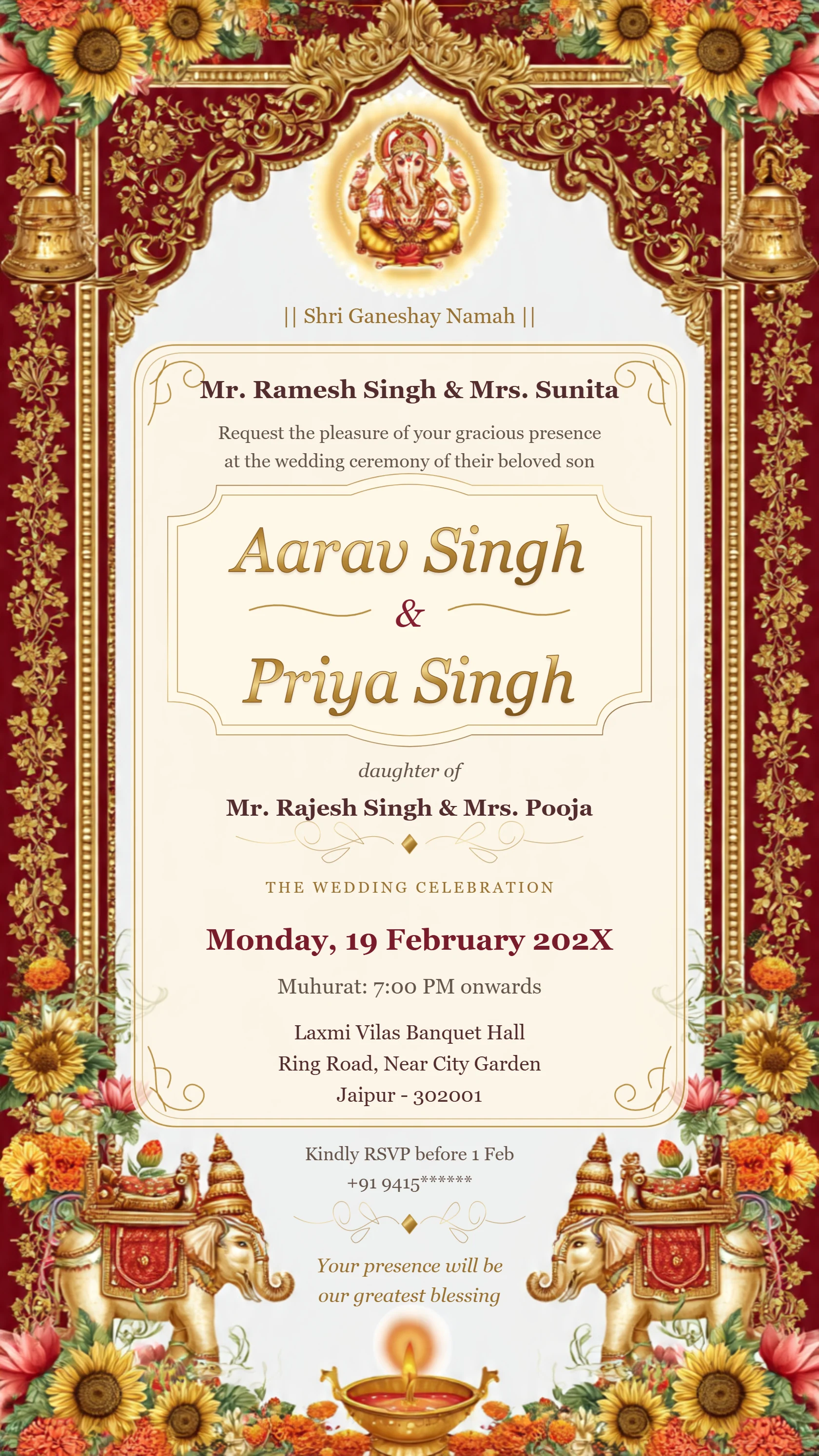
Luxury Ganesh wedding invitation with ivory and gold filigree
Preview card #1071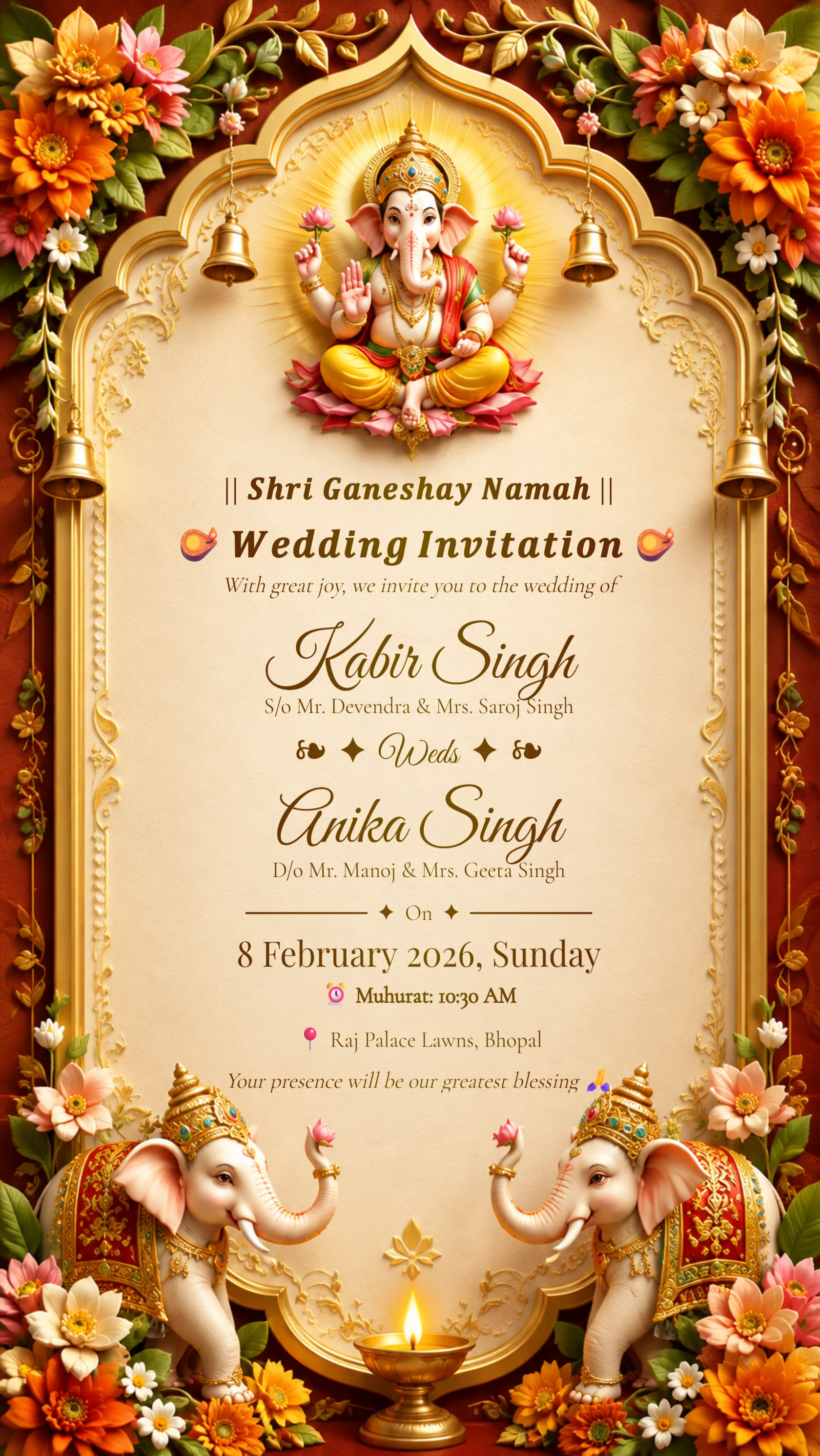
Royal Hindu Wedding Invitation
Preview card #1125Split for a clear reason
A multi-page PDF can be convenient for planning, but guests may need only the page that applies to their event. Splitting helps you send a simpler, more relevant file.
Do not split a document simply because it is long; make sure the separated page still has enough context on its own.
Continue with Split your invitation PDF.
Name each page clearly
After splitting, name files by event or purpose, such as ceremony, reception or venue directions. Clear names prevent the wrong page from being shared.
Open every exported page to confirm that no important information was left behind.
Continue with Learn when to keep pages together.
Protect the master document
Keep the original multi-page PDF in a safe location. It remains the best reference if you later need to create a different set of pages.
A short review before sending saves follow-up messages and guest confusion.