
Tools guide
How to turn JPG invitations into a PDF
Convert invitation images to a PDF when you need a tidy document for printing, archiving or sending several pages together.
FROM THE COLLECTION
Try the ideas on a real invitation
Gather your final card images in the intended order before converting them. Preserve each portrait layout and check the PDF margins rather than stretching artwork to fill the page.
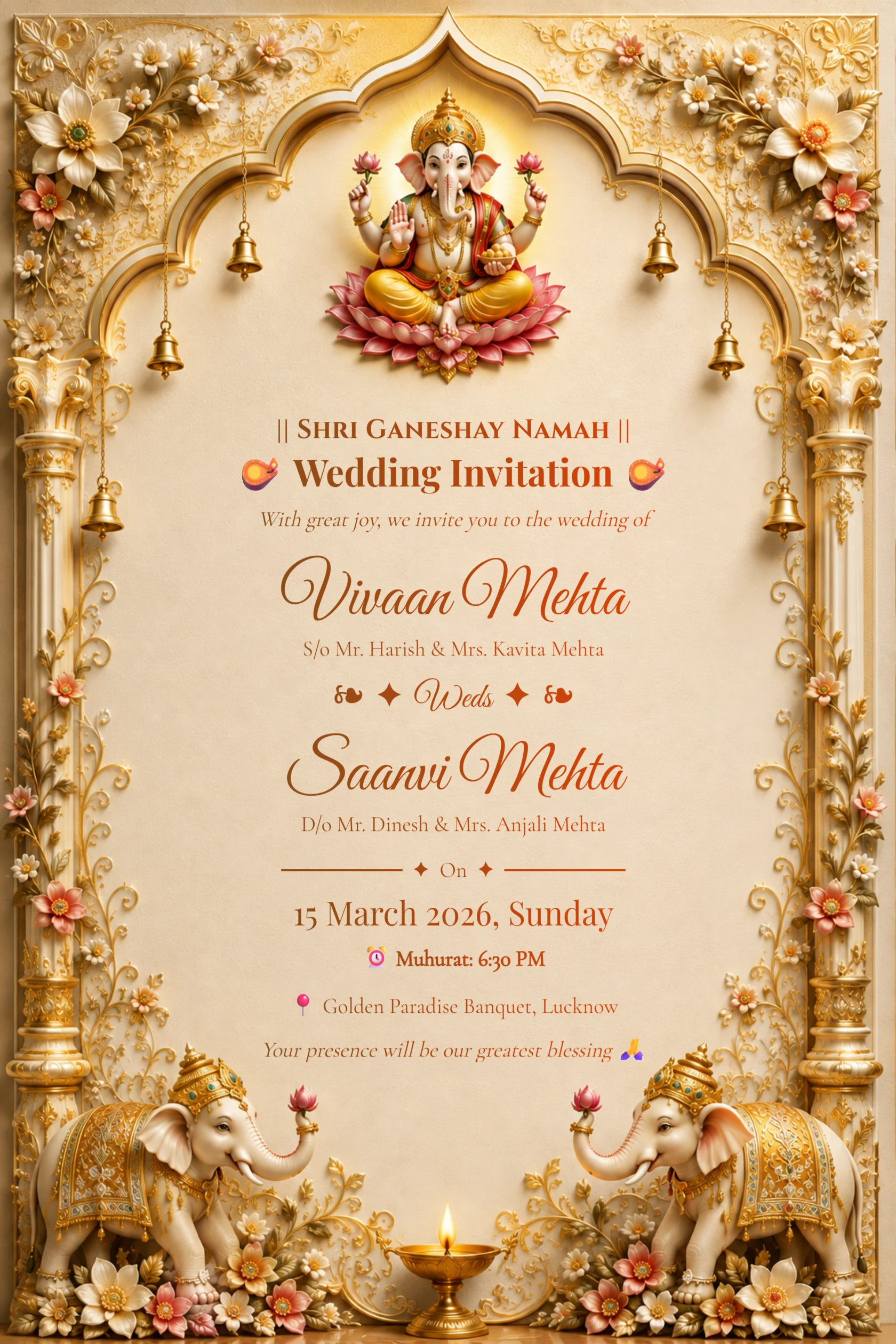
English Ivory Gold Ganesh Wedding Invitation with Elephants
Preview card #1126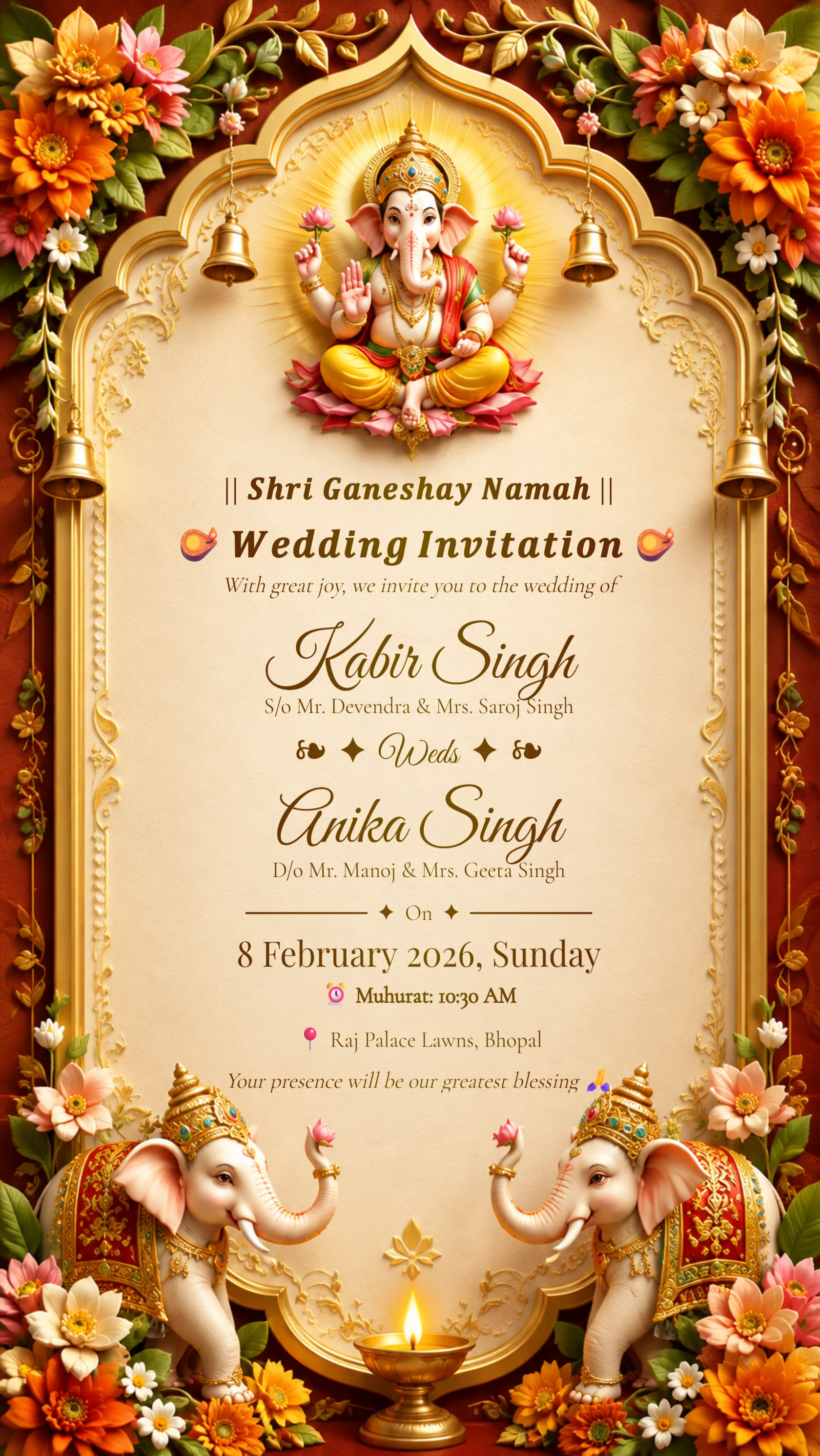
Royal Hindu Wedding Invitation
Preview card #1125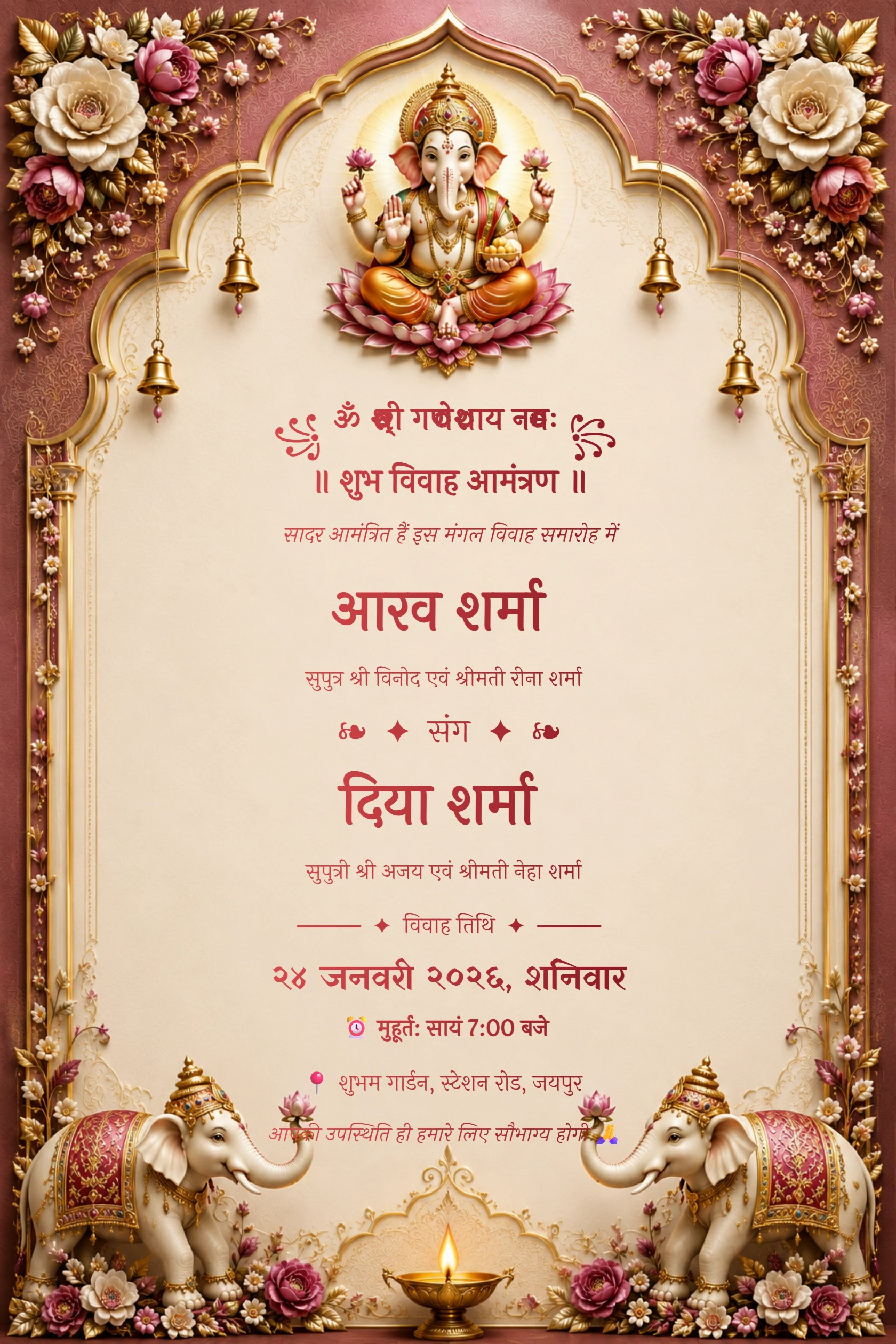
Hindi Maroon Ganesh Floral Arch Wedding Invitation
Preview card #1120Choose images in the intended order
Gather the final invitation images before making a PDF. This may include a front card, event schedule or a separate information page.
Rename files in sequence if order matters, so the final document is easy to review.
Continue with Turn JPG cards into a PDF.
Check dimensions and orientation
Make sure portrait invitations are not forced into a landscape page and that all pages have the orientation you expect. Review the PDF on screen before sending it to a printer.
A consistent page size makes a multi-page invitation set easier to handle.
Continue with Add other PDF documents.
Keep the source images too
A PDF is useful for documents and printing, but keep the original JPG files for messaging and later edits. They may be easier for guests to preview quickly.
Use descriptive names for both the PDF and image versions.